Glow Orb
August 21, 2025Over the last couple of years, I experimented a lot with DIY light installations after having been inspired by DarkMatter Berlin, which I actually visited last year.
While thinking about ways to dimly light a room, the idea of shining light through a clear crystal ball came to mind.
I originally intended for the sphere to be lit, but after building a small prototype using a glass marble,
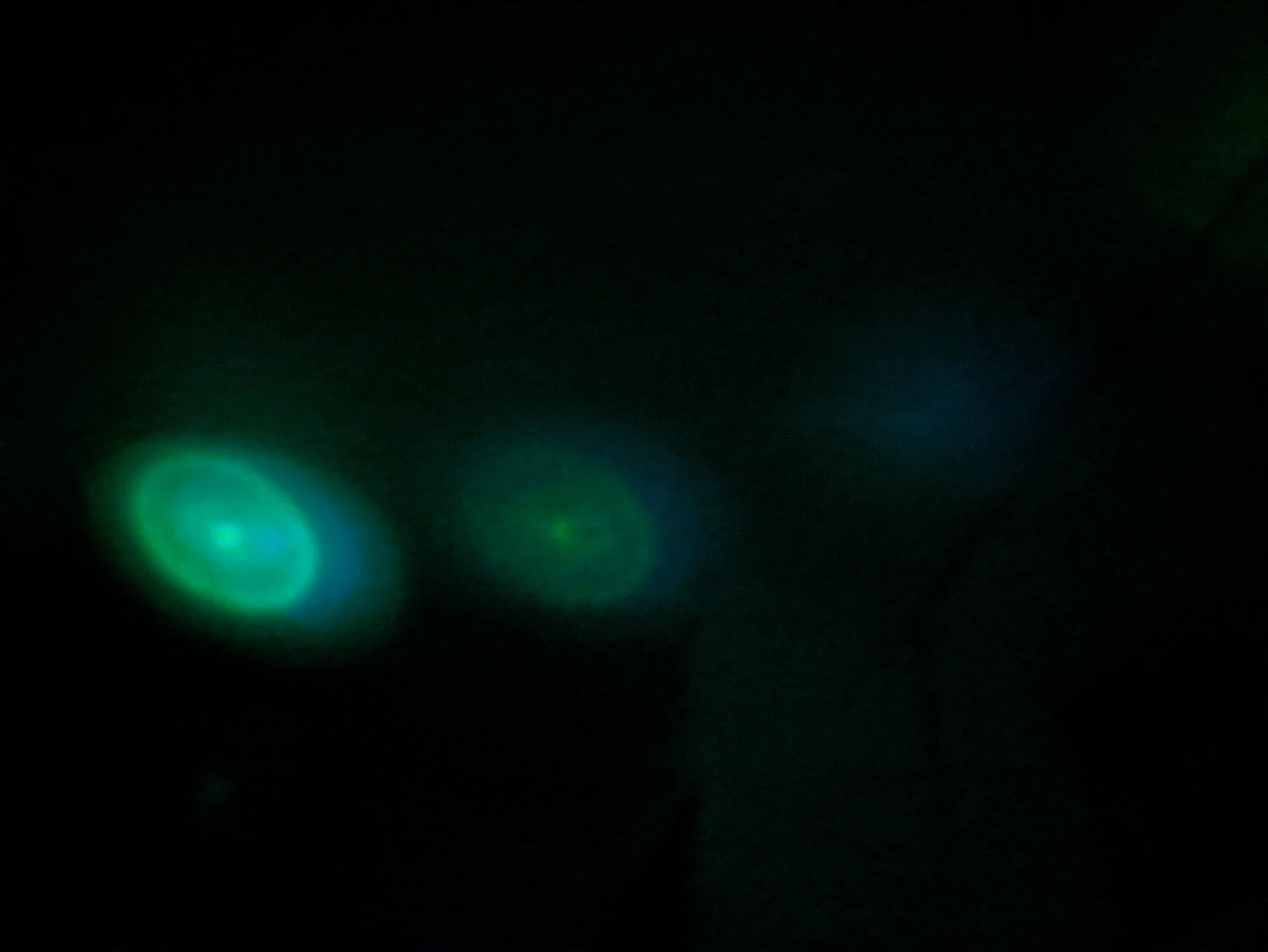
I noticed that the refracted lights would show up on the ceiling like stars.
To be honest, I didn’t really like them showing up at first,
but after finishing the 3D model, I was so happy with how they looked.
Sitting under these lights is just so relaxing,
which is why I decided to publish the model for you to enjoy.
Materials
- 3D printer & Filament
- WS2812B LED strip (the high-density version)
- ESP32-S3 Zero (without pin headers)
- Solder utensils
- 60 mm clear crystal ball (usually sold as “for photography”)
- Wire
- double-sided foam adhesive tape (~2 mm thick)
- foam sheet (~2 mm thick)
Base
I designed the base using OpenSCAD because I love being able to type down what I envisioned in my head as code.
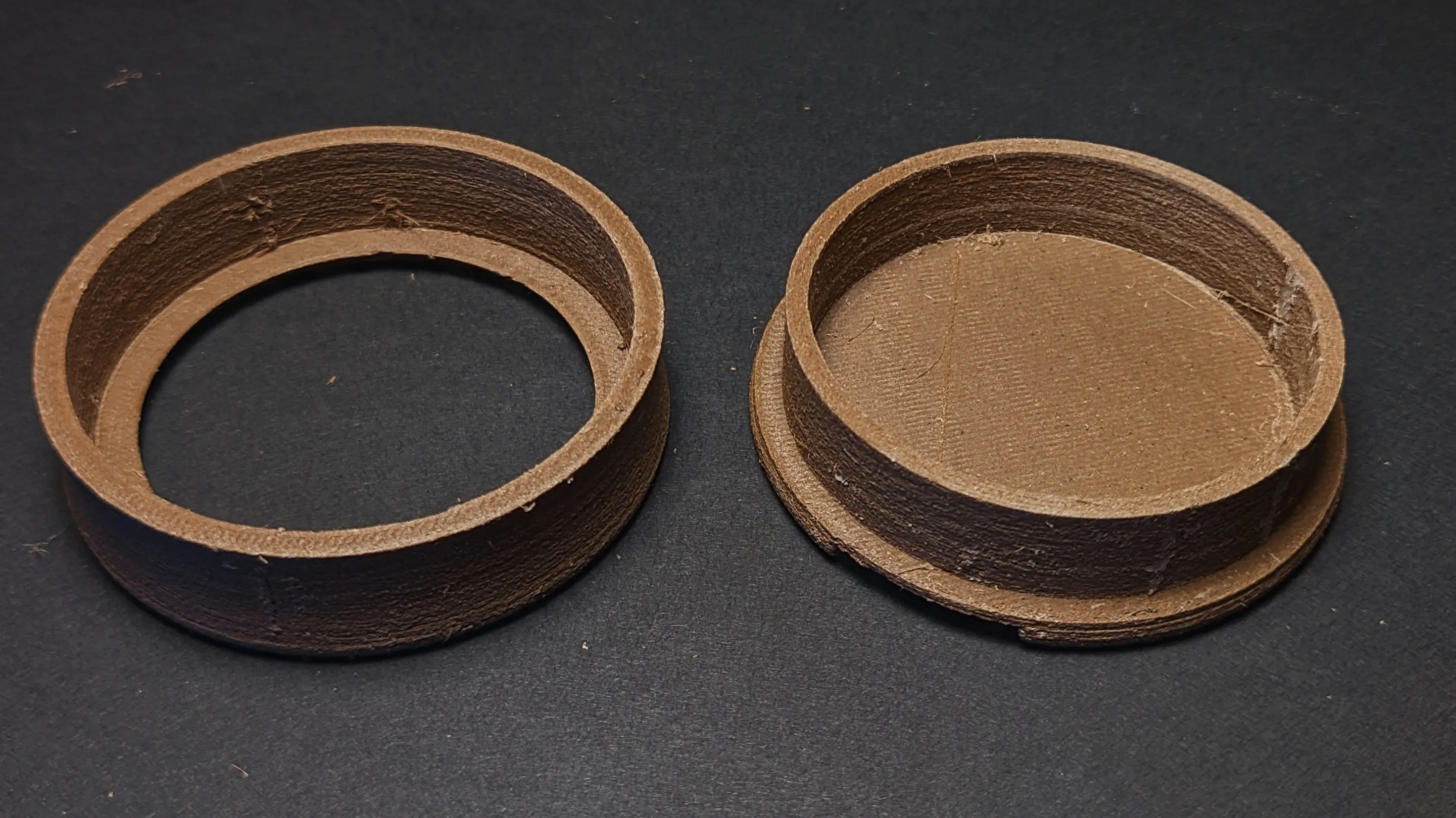
The base is made up of two pieces, which can be printed seperately.
The bottom piece has a recess to mount the ESP32 microcontroller and extends a thin cylinder shell upwards for the light strip to run inside, with a small hole connecting the bottom and top cavity.
The top piece is designed to friction fit onto the bottom and has a cutout on the top, which matches the sphere curvature.
I printed the base using my FiberWood Brown PLA because I love the matte finish along the layer lines.
I also enabled supports on the build plate to support the recessed section, where the ESP will be mounted.
Wiring
After removing all the support material, you are ready to assemble the base.
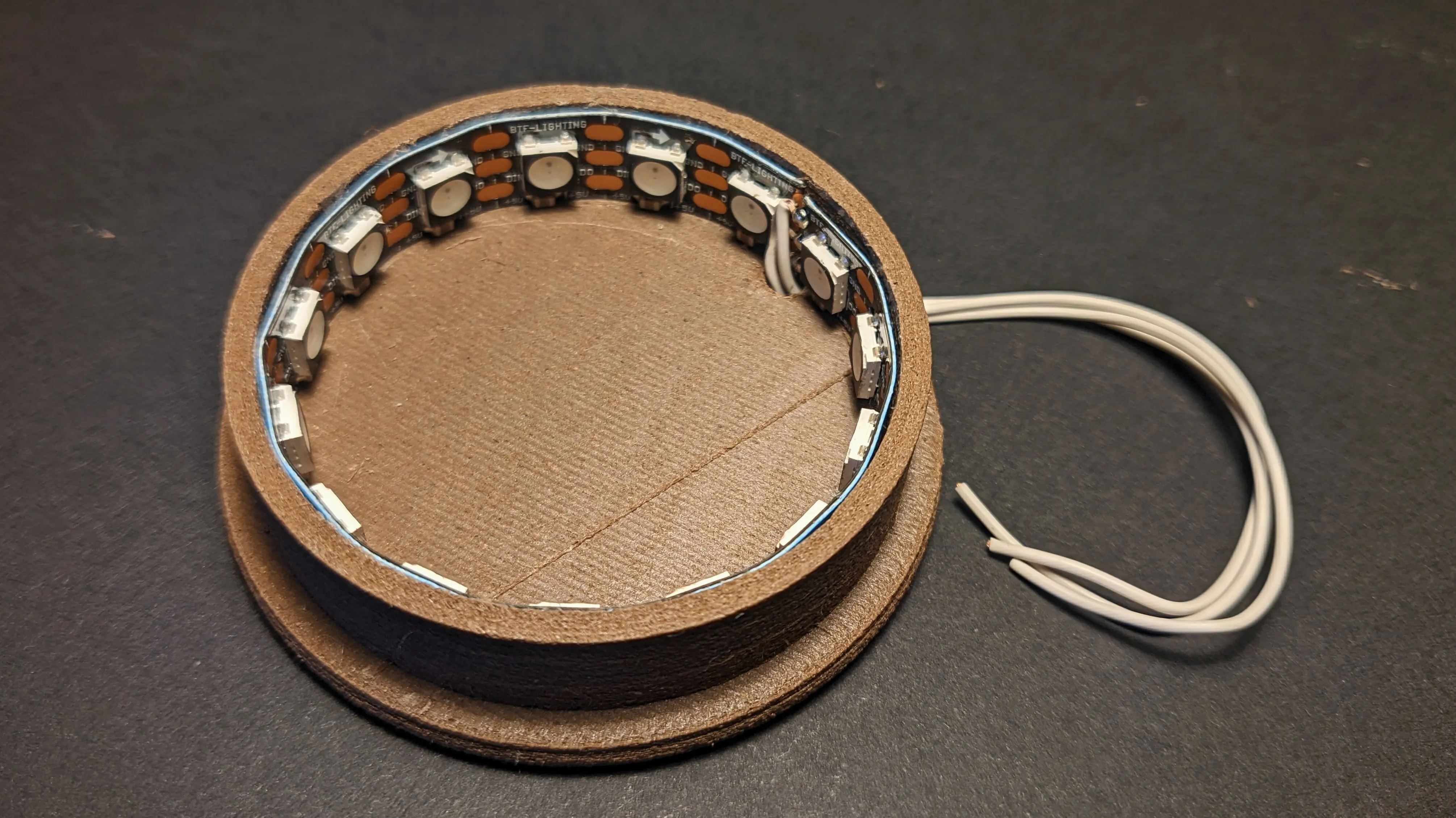
Start with lining the inside of the bottom part with the LED strip, and cut it to length.
In my case, the base can fit exactly 15 LEDs.
Afterwards, solder a thin wire to each of the three contact pads, run them through the wire hole, and fix the light strip in place (I just pressure-fitted mine because it fits quite snugly).
With the wires running through the bottom, you can flip it over, press the ESP into place, and solder the wires to the appropriate pins. (You might want to use hotglue, especially to glue down the ESP; mine just pressure fitted quite nicely)
5V->5VGND->GNDDT-> Pin7(you can use a different pin if you want)
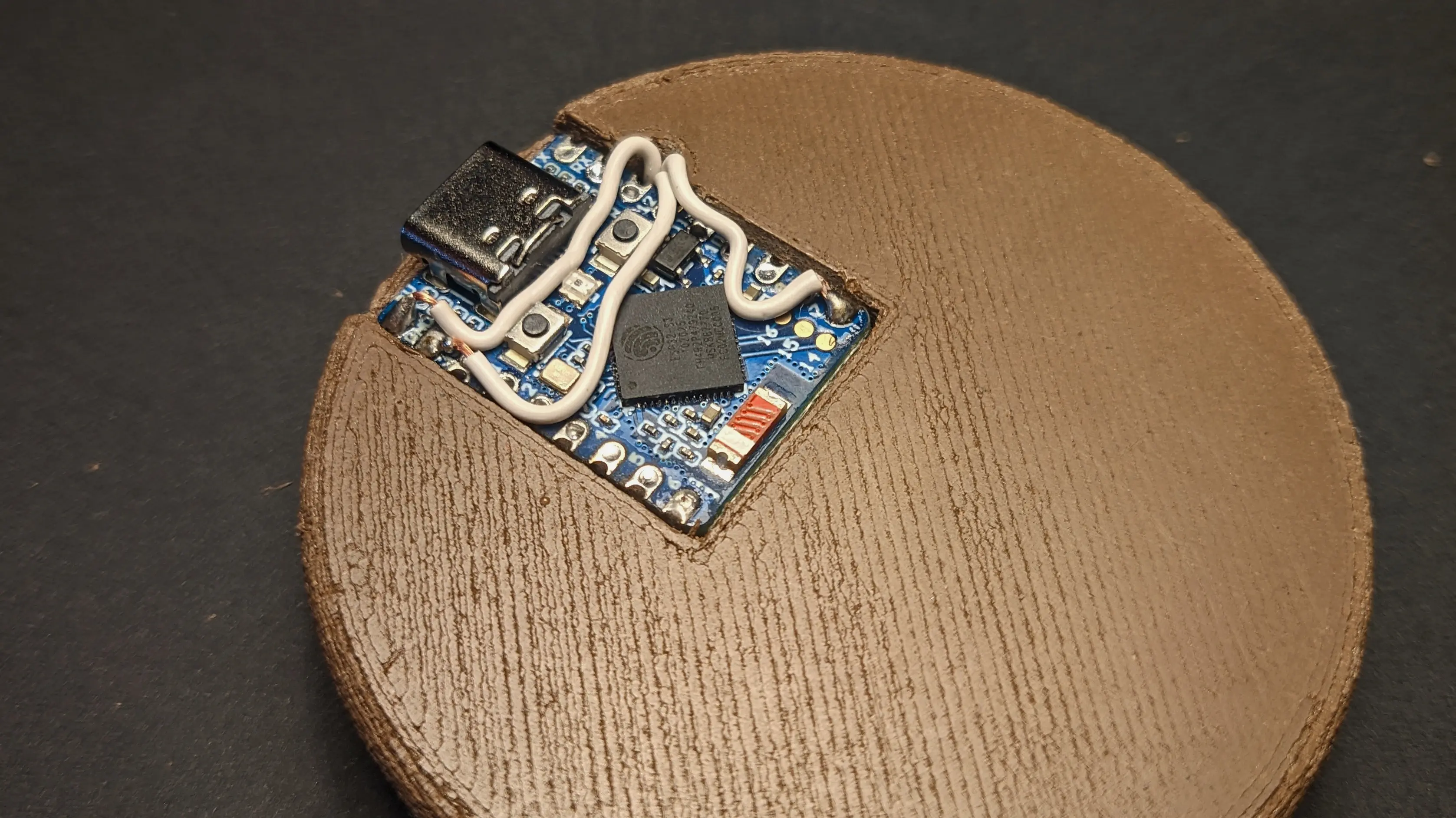
You might notice that the USB-C port of the ESP32-S3 Zero is slightly sticking out the bottom.
Before we address this, let’s set up the software so we can confirm that we wired everything up correctly.
Software
Ever since discovering it years ago, I’ve been using WLED in all my LED projects.
Whilst the UI might be complicated in some areas, it has way more features than I could ever build into a project myself
and is supported by a large community.
After installing WLED by following the instructions on their website,
you can plug in the power and connect your phone to the WLED AP network with the password wled1234.
(You might want to check their website for updated information.).
If the AP doesn’t appear for you, you might want to try an older version of WLED:
for whatever reason I can only get 0.14 to work on my S3 Zeros, even though 0.15 is the latest version.
Open the controls inside the captive portal login and head into the config.
Inside the config you can find WiFi Setup using which you can later use to connect the device to your home network.
Most importantly, you will want to head into LED Preferences, and change the GPIO pin in the LED Outputs section,
to the pin you soldered the DT cable to. In my case, this is 7.
You’ll also want to change the Length to the number of LEDs. In my case, this is 15.
Hit Save and wait for the page to reload.
If you see your strip light up, you’ve done everything correctly.
If not, you most likely misconfigured the GPIO pin or made a mistake with the wiring.
Check the pin number using the board pinout and verify you have correctly connected the 5V, GND, and Data line.
You might even want to try a different GPIO pin for the data line.
Final assembly
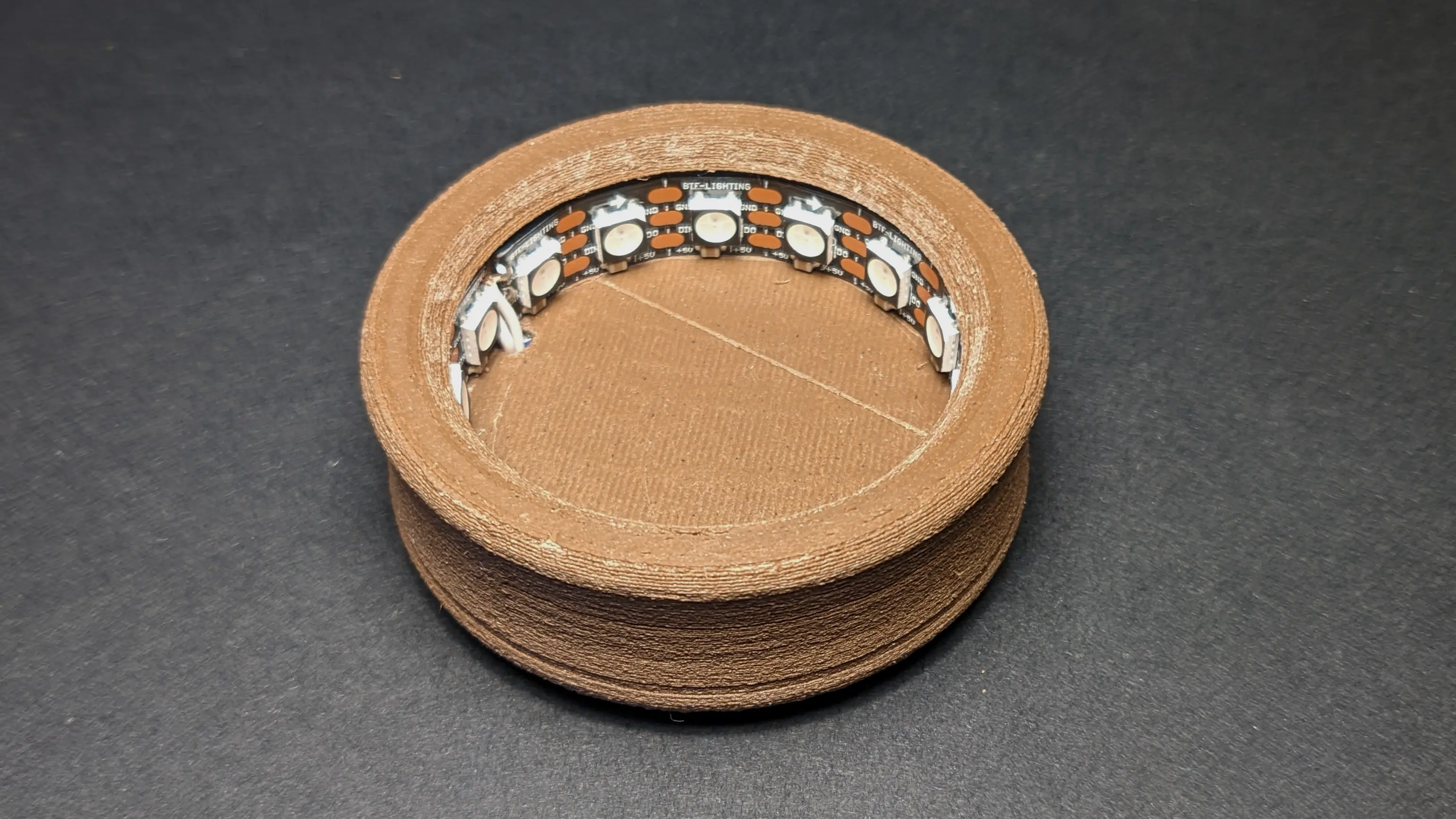
With everything working properly, we can close up the case by pushing down the top,
locking it in place.
If you have a visible seam, I’d recommend placing that part above the USB-C port so it won’t be visible from the front.
To create enough clearance for the USB-C port,
cut two 3 cm foam adhesive strips and stick one over the ESP32 and one on the other side,
leaving about 5 mm distance to the edge of the base.
This should also preven the ESP from falling out.
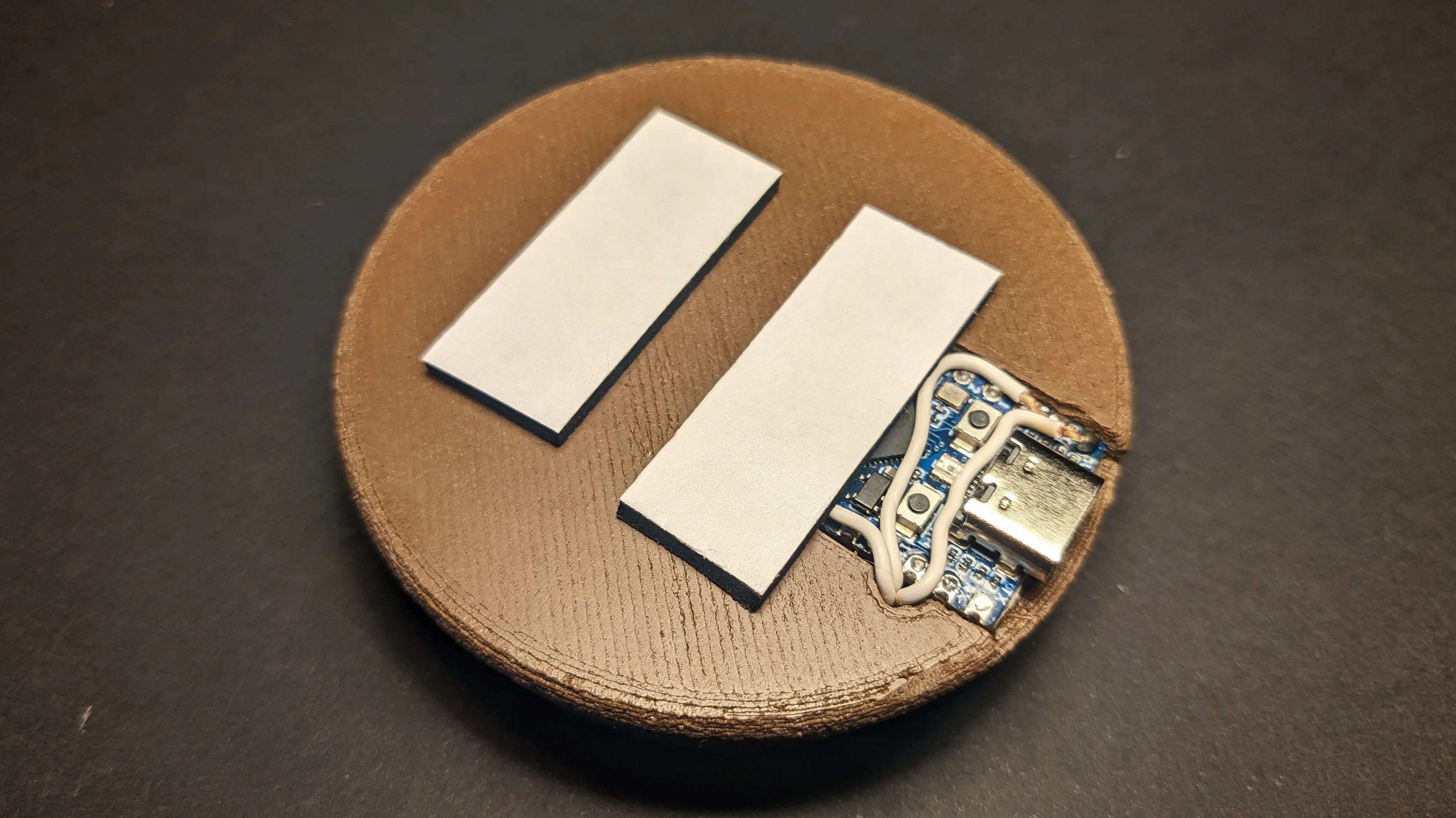
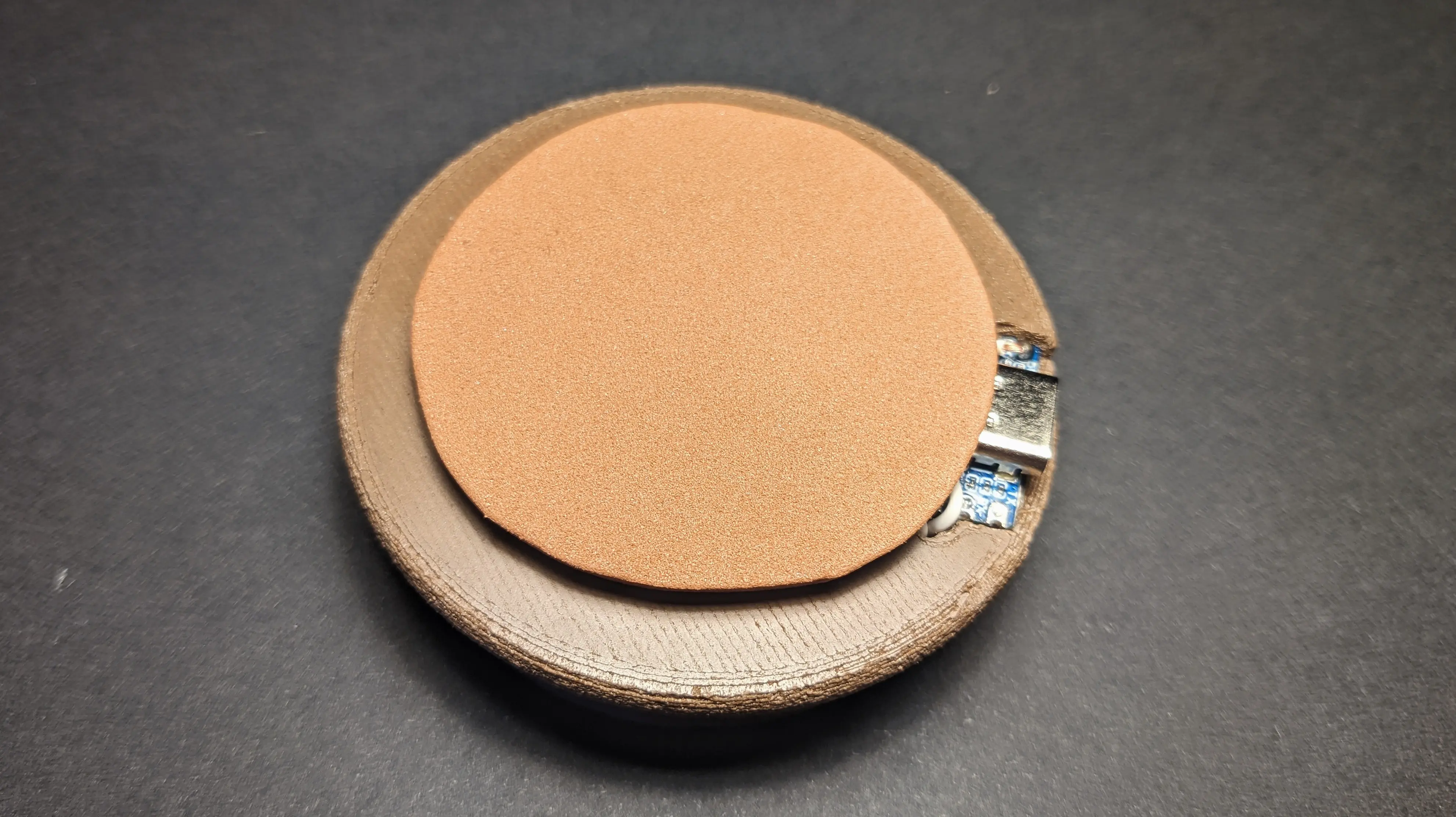
To complete the bottom, cut out a 4.5 cm circle from the foam sheet and stick it to the foam adhesive.
(I ran out of black foam sheets, so I used dark brown instead.)
Showcase
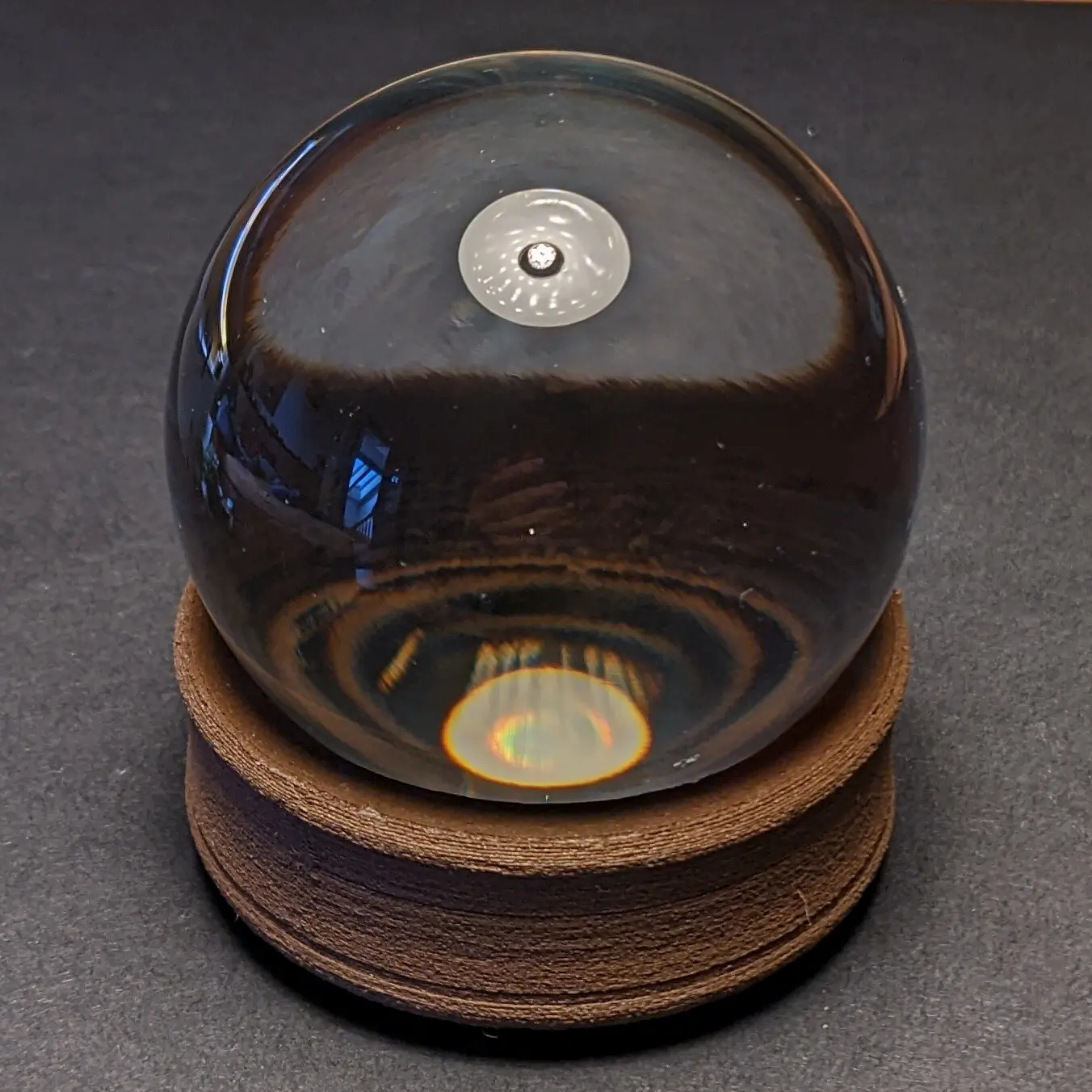
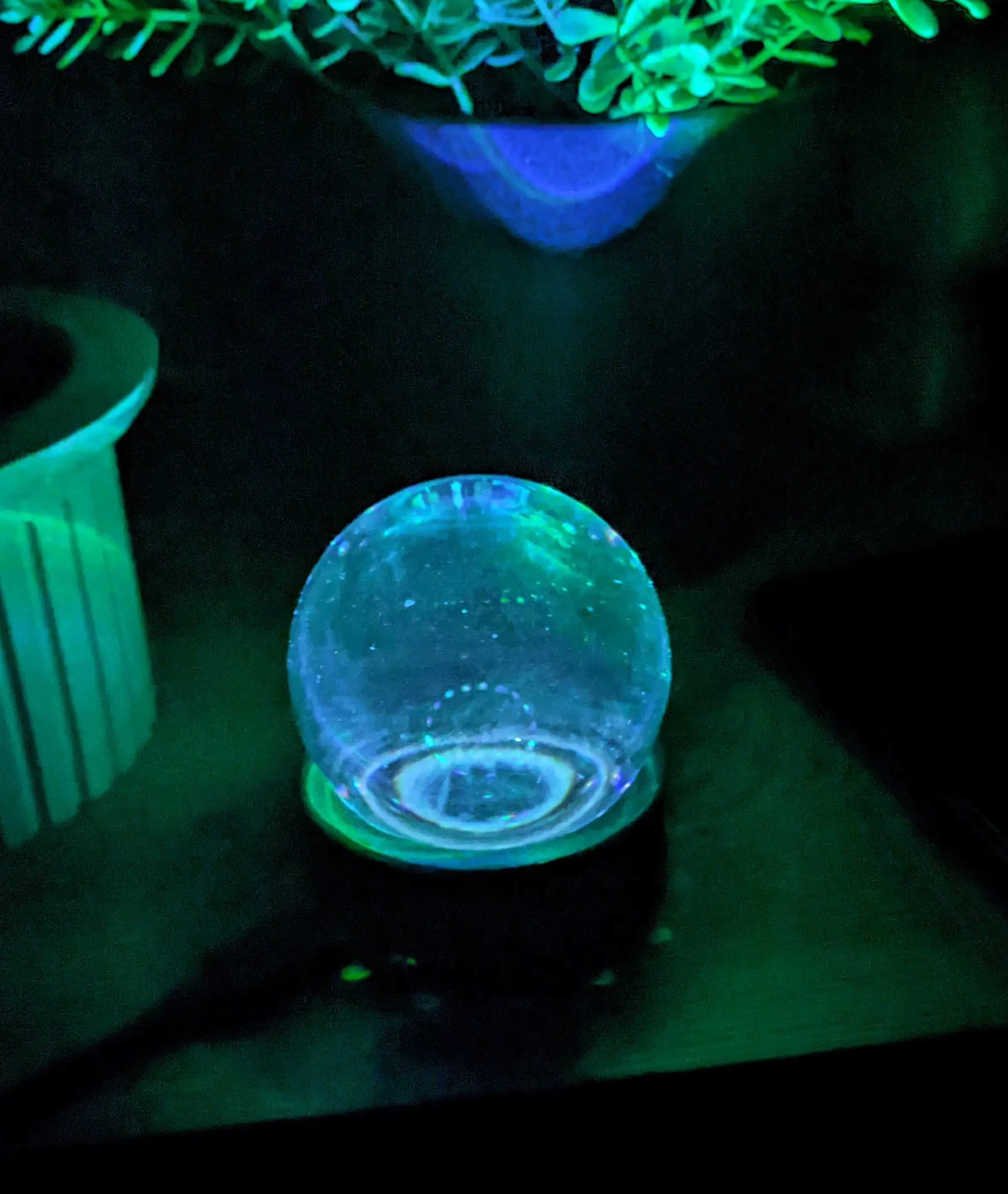
Now that the base is completed, all you have to do is place the crystal ball on top,
plug in the power, and enjoy your lamp.
I’d recommend you play around with all the different WLED effects and see what you like best.
In my case, I set the Aurora effect to be the default effect.
But I think that the light looks just as amazing in single-color mode.
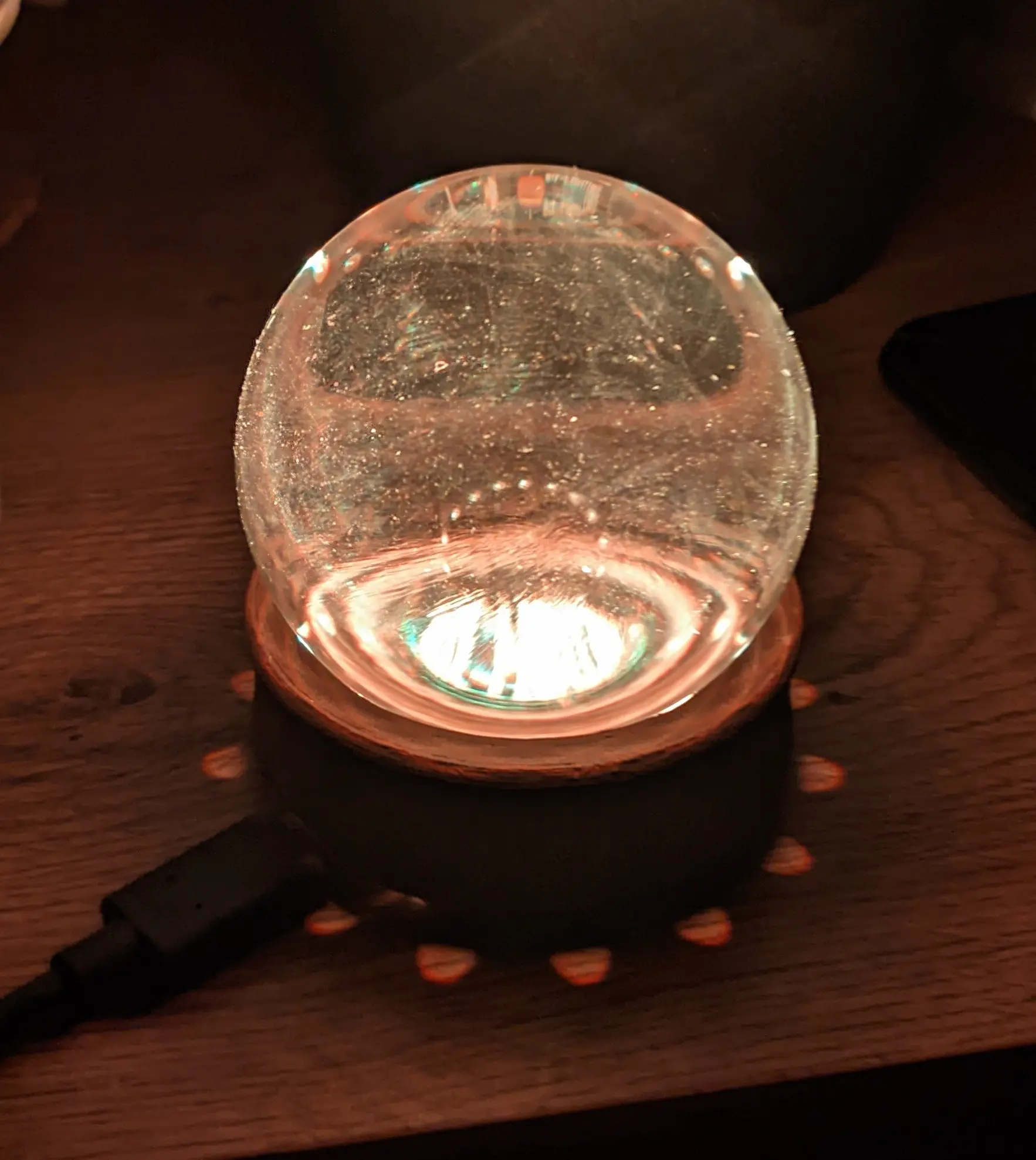
I won’t include videos in this post directly, but I might post some on my social media.
Because the crystal ball refracts the light, you also get to enjoy a lovely pattern on your ceiling.
Links
The model and source files are licensed under CC-BY-SA 4.0