I finally caved in and bought it
September 25, 2025Multiple years ago I bought the ROLI Seaboard Block,
mostly for fooling around with (you can literally make music with this thing by just pressing things - when connected to a synth).
But MIDI signals also turned out to be a lot of fun to play around with,
which is why I made seakey, a client program to use a Seaboard Block for typing.
And yeah it is cumbersome.
The pressure sensitivity of the Seaboard Block always fascinated me, and when I saw the ROLI Lightpad Block, I just knew I had to have one. But with the high price tag attached, I didn’t really want to spend the money (again).
Trying to make my own: Floe
I’m honestly not sure when exactly I started working on Floe. I made the first commit on 22. May 2022, but given that I bought the first batch of materials on 8. May 2022, I probably started making plans a month or two earlier.
I publicly posted about Floe on 25. May 2022.
Back then I was full of energy, having just completed the second prototype, which had four times as many sensor pads.
(You can still find the source code on Codeberg.)
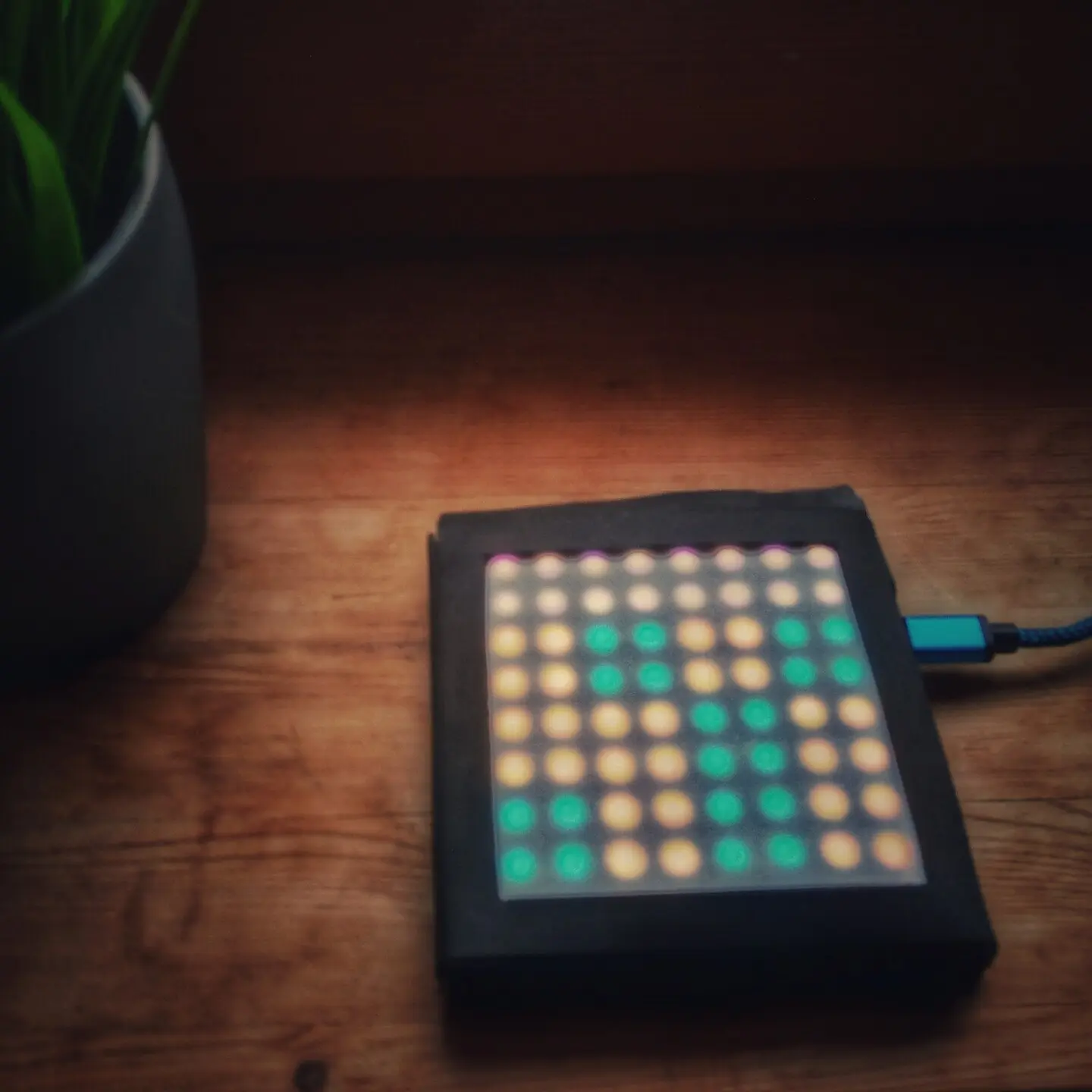
Roughly one year later, in June 2023, I started working on version 2 by rewriting the firmware using the Pico SDK.
I quickly stopped working on it again, though, as I couldn’t figure out how to decrease the sensor size.
Yet another year later, in June 2024, I published the drafts for version 3, with a smaller sensor design based on small magnets.
Unfortunately I didn’t notice my massive wiring layout oversight until I built a prototype and noticed that I completely messed up,
as I couldn’t differentiate between up, down, left, or right for a given sensor spot.
So I abandoned the project, yet again.
And well, there hasn’t been a new hardware revision this year.
Instead I finally got lucky (I guess?).
A rare find
Every time I failed at building the Floe instrument I envisioned,
I took to eBay to see if anyone was selling Lightpad BLOCKs for cheap.
More often than not, they would still go for more than 150 €, and I don’t remember ever seeing one sold inside the EU.
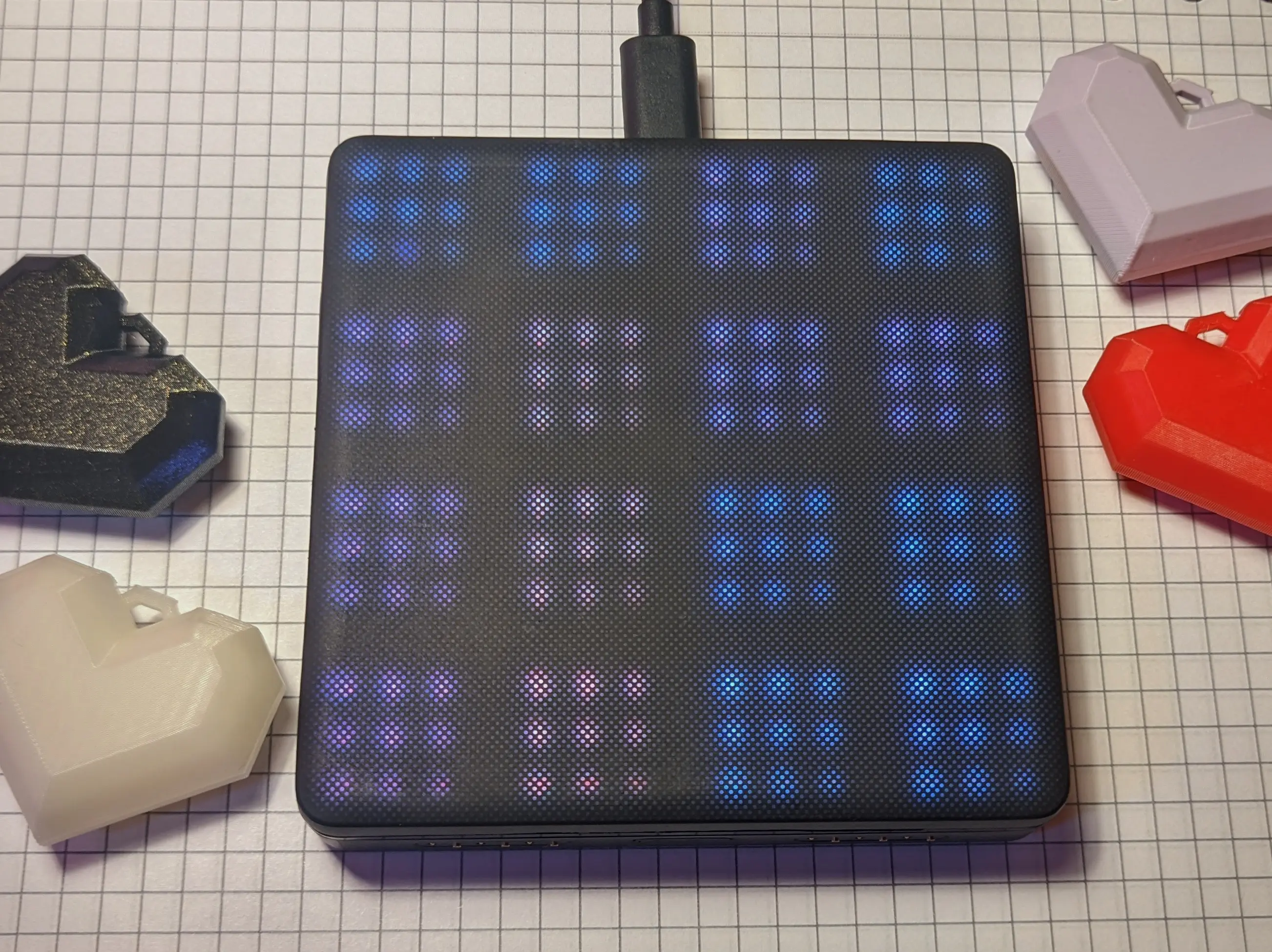
Until a couple of months ago, when I found someone selling a Lightpad BLOCK for ~ 80 €, which they apparently couldn’t use because they didn’t have the software licenses.
From working with the Seaboard, I knew that the official software was in no way necessary, as the device sends MIDI signals by default, which can be used by a synth like Surge XT,
I was also hopeful that I would be able to reverse engineer the light control, which I figured couldn’t be that hard.
And well, I was in for a surprise, because ROLI has released the BLOCKS-SDK and a separate C++ API on Github.
Heck, I was amazed to learn that they made their own language, called LittleFoot, which allows you to write programs to run on the Block itself.
They even have examples.
Based on their BlockFinder example, I was able to quickly hack together a Flasher script,
which allowed me to write LittleFoot programs to the block without the need for their desktop software.
All it does is listen for topology changes, and when a new device is detected, it flashes the program stored in program.c.
Oh did I mention that LittleFoot is just a really stripped-down C-inspired language?
// [...]

struct FileProgram : public Block::Program {
  FileProgram(Block &block) : Program(block) {}

private:
  juce::String getLittleFootProgram() override {
    std::ifstream f("program.c");
    if (!f.is_open()) {
      juce::Logger::writeToLog("\nUnable to open file\n");
      return {};
    }
    std::string fileContent;
    std::string line;

    while (std::getline(f, line)) {
      fileContent += line + "\n";
    }
    f.close();

    return fileContent;
  }
};

void BlockFinder::topologyChanged() {

  // [...]

  auto currentTopology = pts.getCurrentTopology();

  // [...]

  for (auto &block : currentTopology.blocks) {
    // [...]
    juce::Logger::writeToLog(
        block->setProgram(std::make_unique<FileProgram>(*block))
            .getErrorMessage());
  }
}
With the MIDI connection to my computer working and the ability to flash custom scripts onto the device, I was ready for more.
LittleFoot
As I mentioned above, the LittleFoot language has a C-inspired syntax with a very stripped back feature set.
The exact details are explained in their README.
After going through some of their examples and flashing them onto the block, I was ready to start writing my own: a simple two-player Pong game.
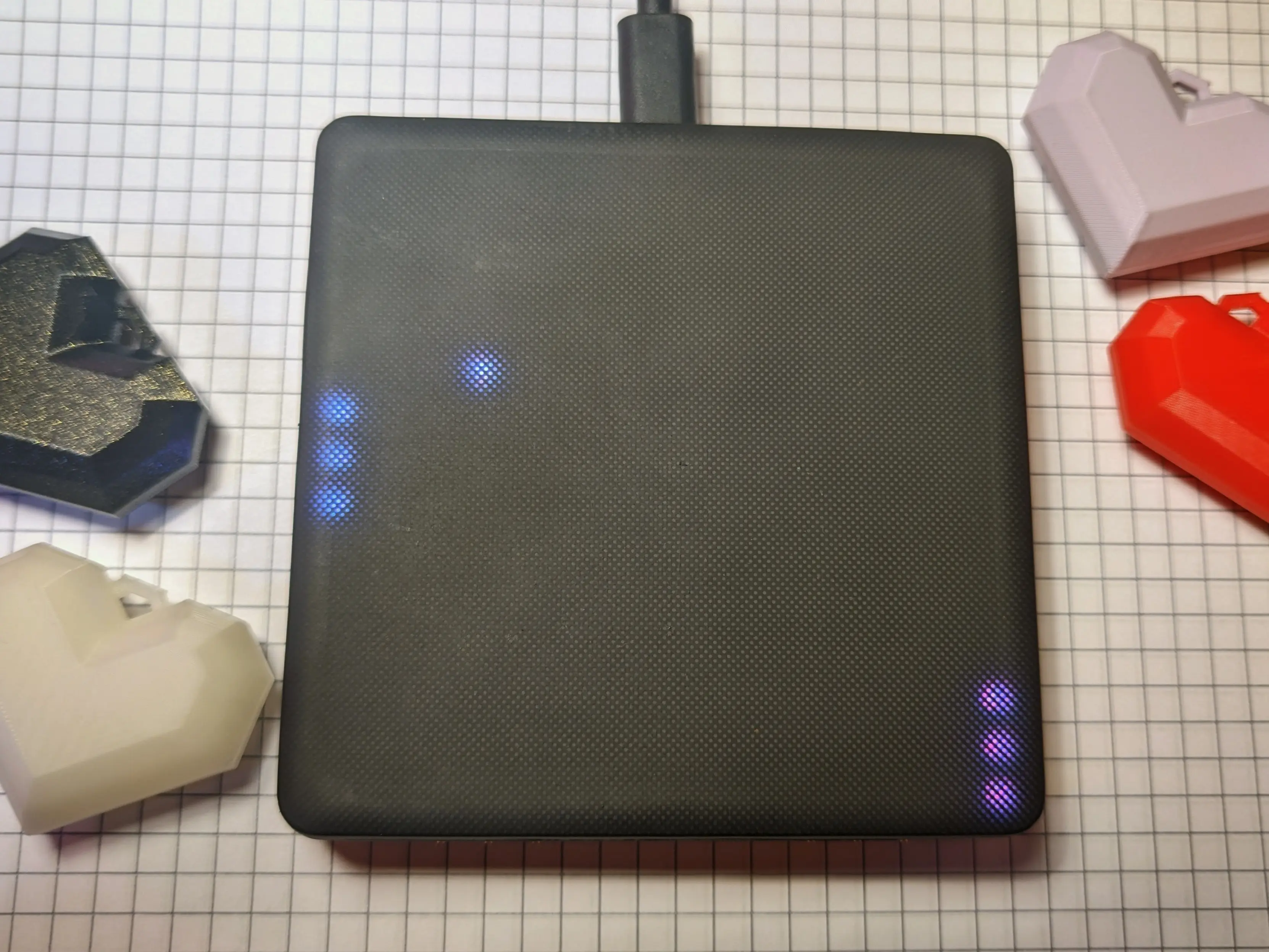
There is not a lot to the code itself, but I thought we’d look at some LittleFoot sections either way.
From what I have gathered, LittleFoot does not support initializing global variables, which is why I’m setting them in an initialise function,
which runs on startup:
int left_paddle_y;
// [...]
int PADDLE_HEIGHT;
// [...]

void initialise()
{
    PADDLE_HEIGHT = 3;
    // [...]
    left_paddle_y = (BOARD_SIZE - PADDLE_HEIGHT)/2;
    // [...]
This also allows us to easily restore the startup state when pressing the button on the side
by calling the initialise function again:
void handleButtonDown (int index)
{
    initialise();
}
The repaint function is called repeatedly by the Lightpad Block itself and handles all gameloop-related code.
Including moving the ball and the paddles.
Most importantly, it also draws items to the screen, using LittleFoot helper functions:
void repaint() {
    // [...]
    clearDisplay();

    if (winner == 0) {
        // game still running
        fillRect(left_color, 0, left_paddle_y, 1, PADDLE_HEIGHT);
        // [...]
    } else {
        // [...]
        fillRect(color, 0, 0, BOARD_SIZE, BOARD_SIZE);
    }
}
The repaint function changes the paddle position by adding the *_paddle_vel variable to them.
This variable is controlled by user input to allow pressing on either side of the block to move the paddles.
Because the touch positions are returned in block units, we can simply check in which of the four squares the user pressed
by checking if the x or y values are larger or smaller than one.
This allows us to move the corresponding paddle into the correct direction depending on touch input.
// change paddle velocity
void touchStart (int index, float x, float y, float z, float vz)
{
	// determine up/down movement
	int vel = 0;
	if (y > 1) {
		vel = 1;
	} else if (y < 1) {
		vel = -1;
	}

	if (x < 1) {
		left_paddle_vel = vel;
	} else if (x > 1) {
		right_paddle_vel = vel;
	}
}

// reset paddle velocity
void touchEnd (int index, float x, float y, float z, float vz)
{
	if (x < 1) {
		left_paddle_vel = 0;
	} else if (x > 1) {
		right_paddle_vel = 0;
	}
}
If you are curious, you can find the Pong source code in my snippets repo.
Future
Playing around with the Lightpad block is a lot of fun,
but it is also very different when compared to the Seaboard block.
For example, the surface finish: where the Seaboard Block is nice and squishy, the Lightpad Block is almost hard.
There are also no octave-shift buttons, which can be annoying 1.
I also learned that the Seaboard Block allegedly also supports LittleFoot - although I haven’t tested it.
Part of me really wanted to play Bad Apple on my Lightpad Block - but the Littlefoot programs have a tiny file size limit, which makes it impossible to store a lot of data on it. And I honestly felt like streaming it via MIDI input would be cheating.
In a weird way, the Lightpad block has also motivated me to think about Floe again.
I no longer feel as pressured to build it, as I already have the block I want,
but in a way I feel like the playing surface of my original Floe prototype was almost as good as the Lightpad Block.
So I might even be able to improve upon that, especially with a custom silicone top layer.
Last year, I also became aware of the LinnStrument (which is amazing btw) and their how the sensor works post.
I found it fascinating to read through it and the other posts about the LinnStrument, as it shows that it is possible to build what I want.
And maybe someday, I will be able to complete this project.
For now, I’m happy with where I’m at and have moved on to other projects,
but Floe has been an incredible step on my journey, giving me room to learn and experiment with projects that involve custom hardware and software.
I guess it sort of acted as a stepping stone for Precious Blocks.
I’m aware of a custom LittleFoot script that adds octave shift buttons, but that reduces the available playing surface and isn’t compatible with all scripts. ↩︎