Introducing: Precious Blocks
September 12, 2025*Excited enby noises*
It’s finally ready for you to see, and I’m so excited to show it to you.
Precious Blocks has been a passion project of mine for the last couple of months,
and while nowhere near finished, it is finally in a presentable state.
Come with me, I’ll show it to you…
Inspiration
This all started about two years ago, when I stumbled upon Ortomi,
a company that is producing these cute, adorable desk toys.
Back then they even sold these cute crochet hats for them - so adorable.
After seeing them, I immediately knew I had to have one for myself,
but me being me, I wanted to make them myself.
Also I wasn’t willing to pay the ~70€, for a toy that might just end up sitting around in a corner.
I spent quite some time planning the project but could never find a way to reproduce the finger sensing the Ortomi has. As happens quite often, over time I spent less time thinking about the project and eventually moved on to other stuff.
Gaining tracktion
It wasn’t until a couple of months ago that the project came back to mind,
but instead of head pats, I decided to add arms to the block,
and damn has it ever worked out in my favour.
Not only are the arms functional, but they are so freaking adorable and cute.
Yes! Can you tell? I’m obsessed with this project.
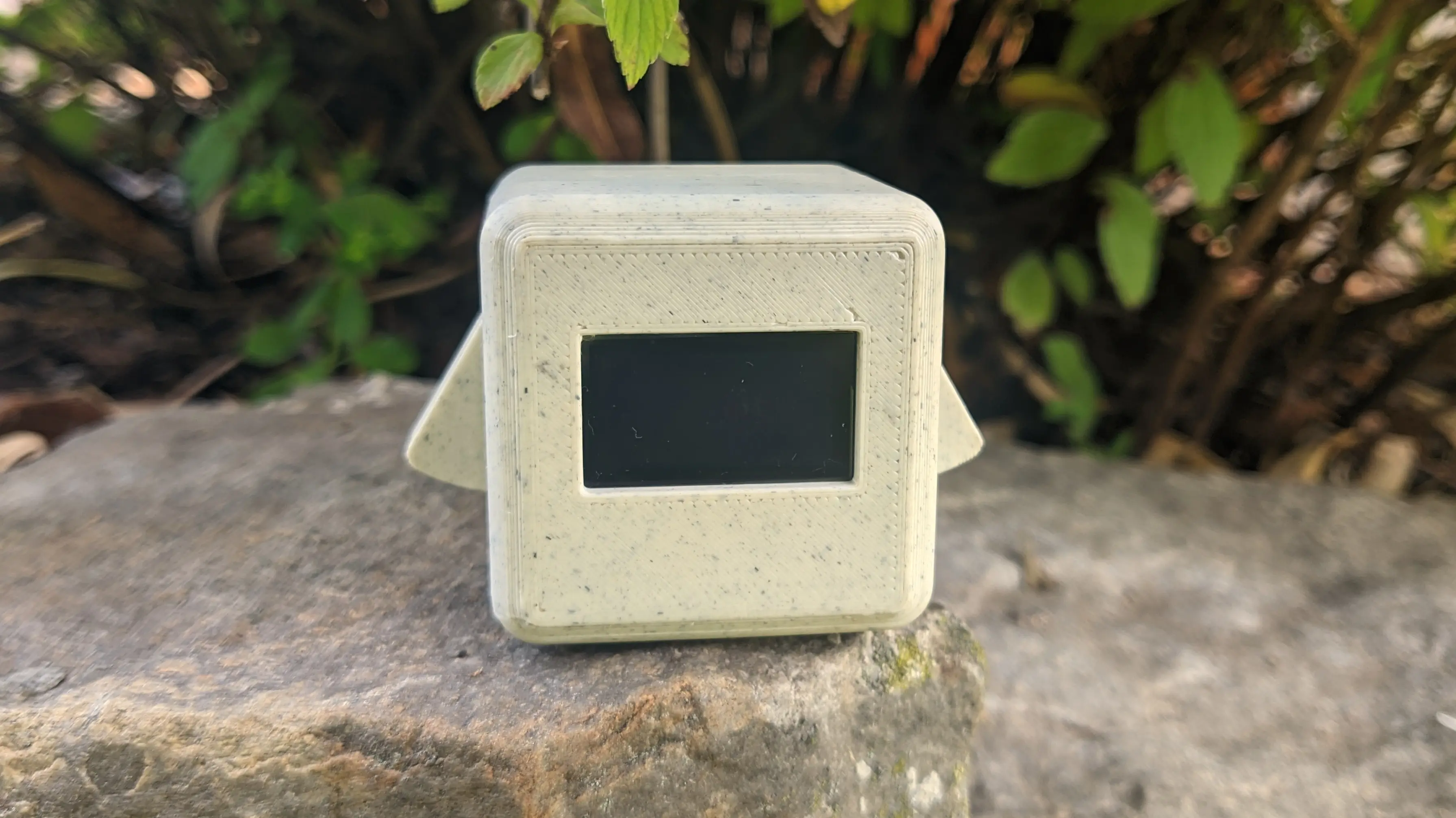
The arms allow you to interact with the block:
squeeze them to wake the block and use them for navigation.
This is where the tagline comes from:
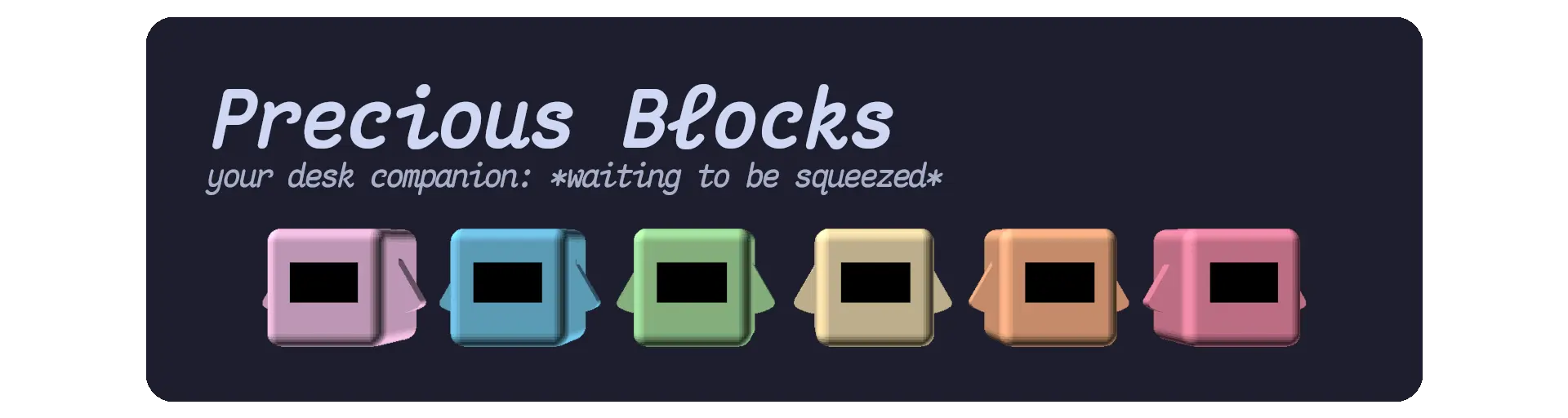
What can it do?
Precious Blocks keeps you company while you work, read, or just relax.
When you connect the block to a power source, it starts up in sleep mode.
This is perfect if you want to concentrate and just need a cute little companion to look at every so often.
(For the tech nerds: When the block is sleeping, it essentially enters deep-sleep mode, which only leaves the coprocessor running, reducing power consumption.)
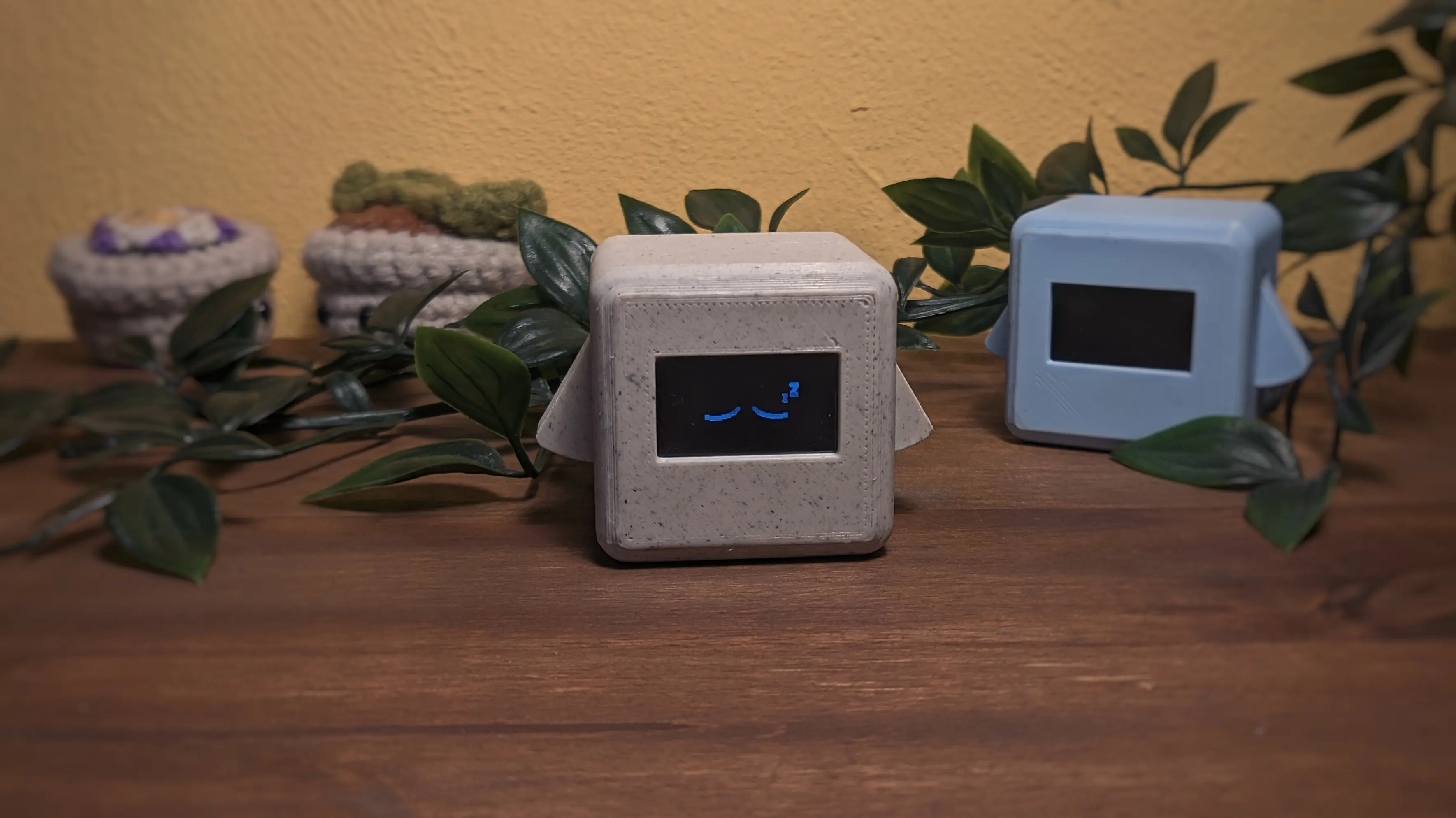
Every couple of minutes, the block automatically wakes itself up to perform background tasks.
As of writing, this is only supported for the Messages app.
Once the scan is done, the block returns to sleep mode.
If you need a little break from working, you can wake the block by pressing and holding both arms at the same time until the menu appears.
As long as the block is awake, you can interact with it, i.e., by pressing or holding one or both arms.
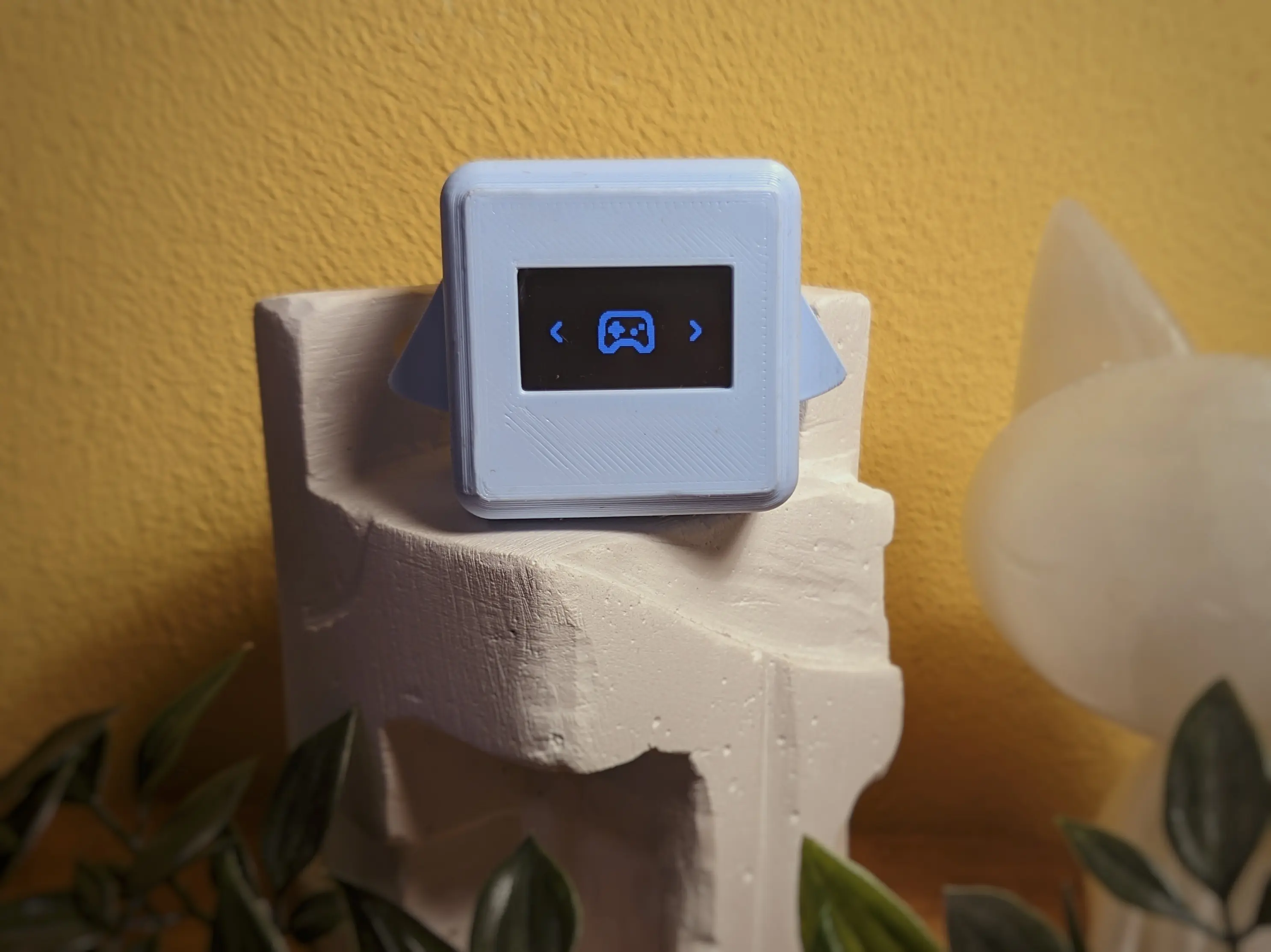
You can access applets from the main menu.
This includes the Settings app for configuring WiFi, and more.
But it also includes a Messages app, apps for weather and time and a Pong game,
with the plan to add more apps later.
Where do I get one?
Precious Blocks are not (currently) available for sale - although I might make you one if you ask really nicely (and we know each other).
However, everything you need to make one is available entirely open-source on Codeberg.
Hardware
The first step in making your own Precious Block is building the block itself.
As of writing, Precious Blocks are entirely made out of readily available parts.
No need to order custom circuit boards.
The case is entirely 3D printed, including the arms.
I designed it using OpenSCAD and decided to split the main body into two parts
to make printing without supports easier and to make it easier to access the internals.
This is also why the case is held shut by four magnets, which keep everything connected
unless you have to access the inside.
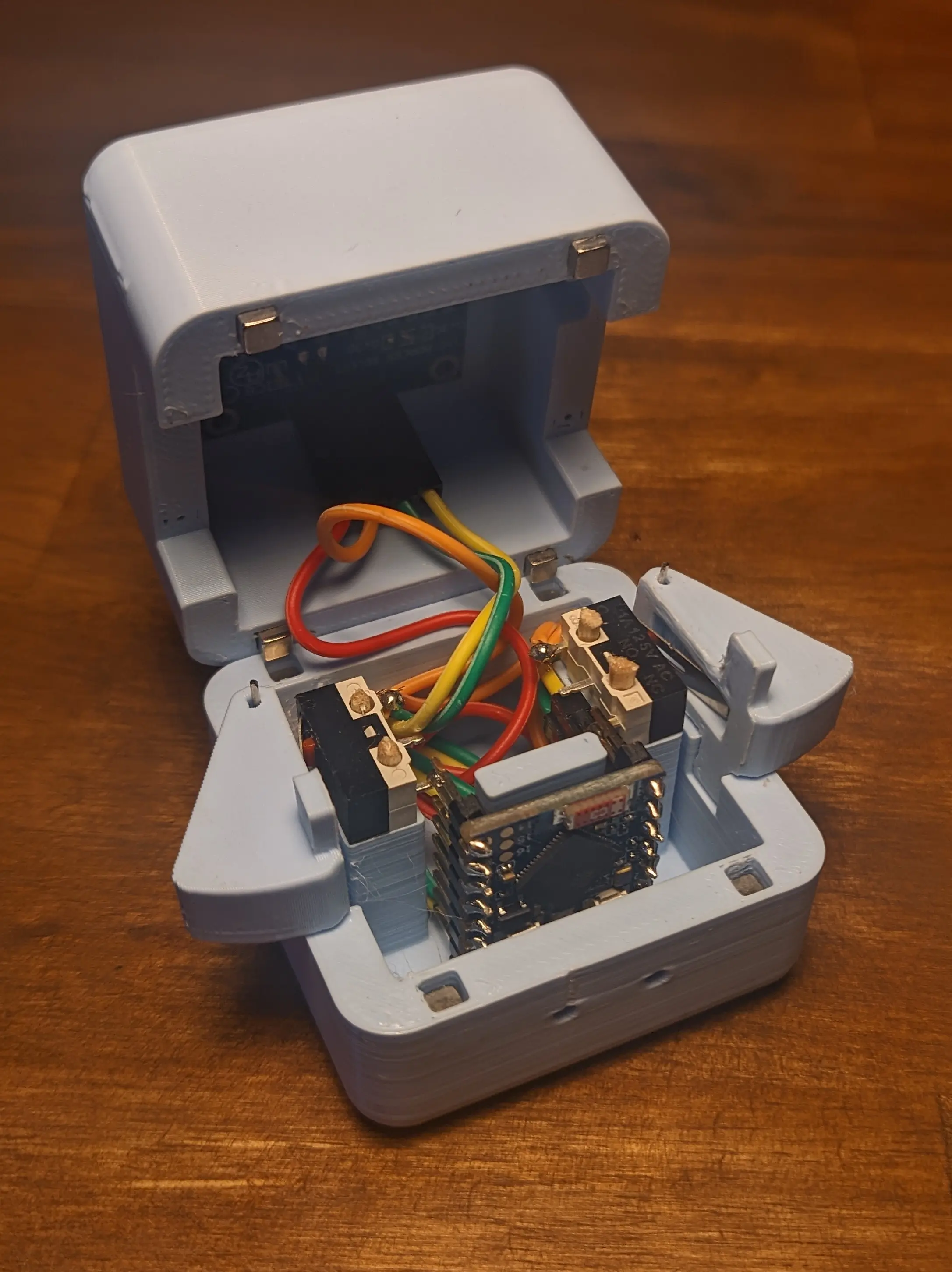
Inside, you’ll find 2 microswitches, an SSD106 OLED, and an ESP-S3 Zero.
All of which are readily available and easy to source.
In total, it’s about 15€ in parts just to make one block (assuming you pay per piece but buy multiple).
You can find more detailed hardware and assembly details in the hardware folder.
Firmware
The firmware brings the blocks to life.
The official firmware is written using esp-hal in Rust.
But you can flash everything you want onto the blocks, as long as it runs on an ESP32
For example, ESPHome, which would allow you to define custom actions and UIs using YAML.
You can find flashing instructions in the firmware folder.
Companion Server
Because the ESP itself cannot fulfill every task, there is also a companion server available for self-hosting, which the ESP connects to for certain operations.
You don’t necessarily need this, but you probably want to use it.
Depending on your needs, you could only deploy this locally, for your blocks to connect to,
or you could host it publicly for your friends to access as well.
One of the features provided by the companion server is messaging.
It allows sending messages to other blocks that share the same companion server.
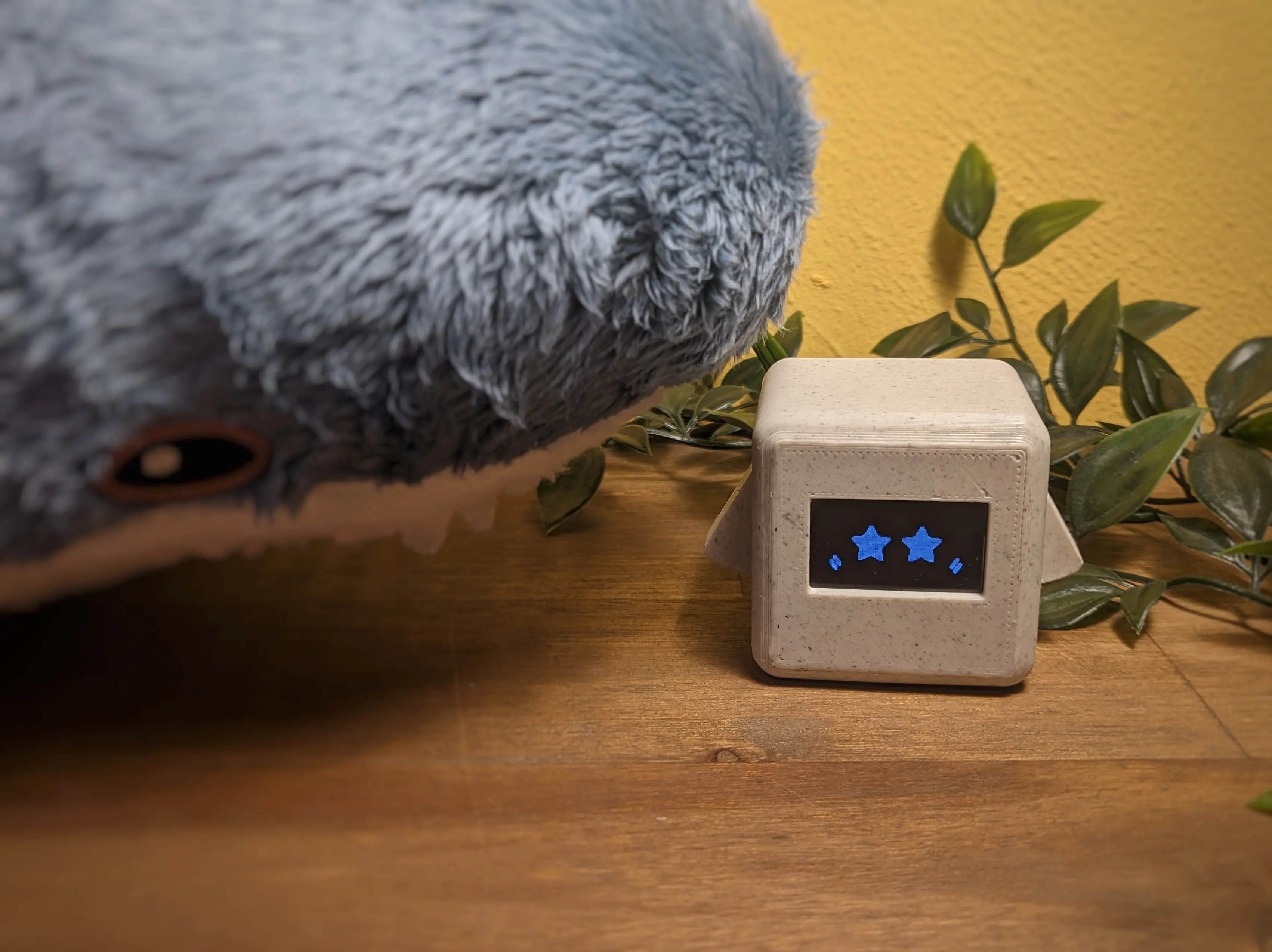
You wouldn’t want to miss that, would you? - especially when your block looks like this because it received a message:
Future
As you might have noticed, there aren’t that many apps yet.
Which is obviously something I want to work on.
I’ll probably be taking a short break from the project, as I’ve spent quite a lot of time the past weeks on it
and really need to do something else.
But once I return, I have a couple of things I would love to do.
From a firmware side, I would love to improve the weather app.
I want it to be cuter, i.e., by having icons that fit the current weather situation.
I also want to rework the messaging app by switching to emoji-based communication, similar to how Luz and Amity communicated in The Owl House.
(The emojis form letters when you read them sideways.)
Something I’d also love to have is more integration with other services, i.e., being able to fetch calendar events using the companion server or even emails.
There are also a lot of places where the firmware has to be stabilized so that it won’t randomly panic or hang.
Making it usable without having unplugging the power, to reset the block.
This is especially necessary if I ever work on a second hardware iteration, which has a battery included
and doesn’t need to be connected to the wall at all times.
Lastly, I’d quite like to add more offline games so you can use the block without internet access.
But for now, I also really enjoy just having it sitting next to me while I work, looking at me with those sleepy eyes.