It's Canvas (Outtakes): Ink Transfer
December 27, 2025Sometimes stuff doesn’t work as planned, which is why I want to take you behind the scenes with me. In this It’s Canvas Bonus episode, we’ll take a look at the process I went through when testing a new transfer technique to transfer ink onto canvas, which sadly didn’t work.
As I’ve mentioned, this is part of the It’s Canvas series,
where I show off different methods you can use to transfer images onto canvas.
If you are looking for a technique that actually works, check out the other episodes from seasons one and two.
I would especially recommend the episode where we printed on canvas directly.
Inspiration
I started testing this technique almost directly after finishing season 1,
as I was hoping to eliminate the plastic sheets we wrapped around the canvas.
Back then, printing on canvas directly with my printer still seemed impossible,
as I wasn’t aware of the A4 ready made canvas sheets and was under the assumption that it required special ink (i.e., sublimation ink).
Originally, I wanted to use this technique to print on wood, after being inspired by the xTools M1 Ultra.
The device is basically a combination of a plotter and a laser cutter,
but they also sell a print-head attachment, which allows you to print on all sorts of materials.
This all comes at a significant cost, which got me wondering if I could print on wood.
It wasn’t until later in the testing process that it occurred to me to try this on canvas.
The idea
Because I wasn’t too keen on ripping open my printer and remounting the print heads (please don’t do that), I decided to go for a slightly different approach.
If you think about how an inkjet printer works, it transfers the ink as droplets onto the page,
which then absorbs it, and that is how you end up with the color on the page.
Instead of printing on paper that absorbs the ink, we can print on a sheet that is coated with some sort of non-absorbent layer.
Something like you might find on the back of sticker sheets or the transfer sheets we used with the Tattoo paper or Waterslide paper.
To transfer the ink from the glossy sheet to the target material,
we can simply press them together and hope that the target material absorbs the ink droplets.
This does require a fairly even surface. You also have to be quick so the ink doesn’t dry.
First demo
As always, I start with a stripped-down version of the technique,
which in this case ment: printing a small test strip on paper.
Basically, this is exactly the same stuff we did when testing the canvas sheets in the Direct Print episode.
Because the transfer sheet will be pressed with the print facing down, we have to flip the image beforehand.
To prevent too much ink from accumulating on the transfer sheet,
I’ve decided to use Plain Paper print settings. I also experimented with changing the image opacity to a value between 80% and 100%.
If too much ink would accumulate it would form larger drops, leading to a blurry or smeared image.
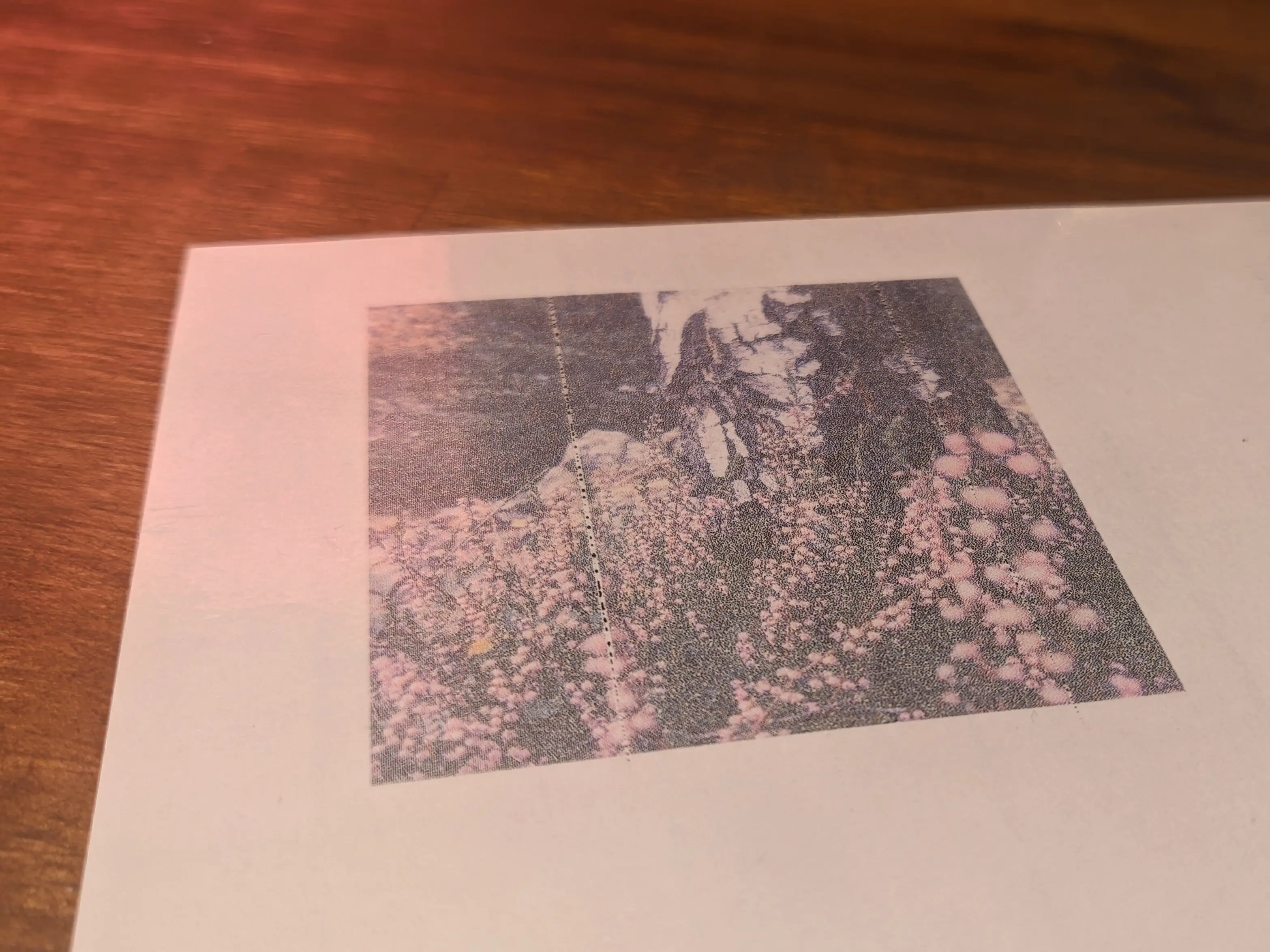
When transferring the ink to the paper, you will want to keep both materials as steady as possible
and press them firmly together, i.e. by sliding a finger over it.
If all goes well, you will end up with a pretty decent result.
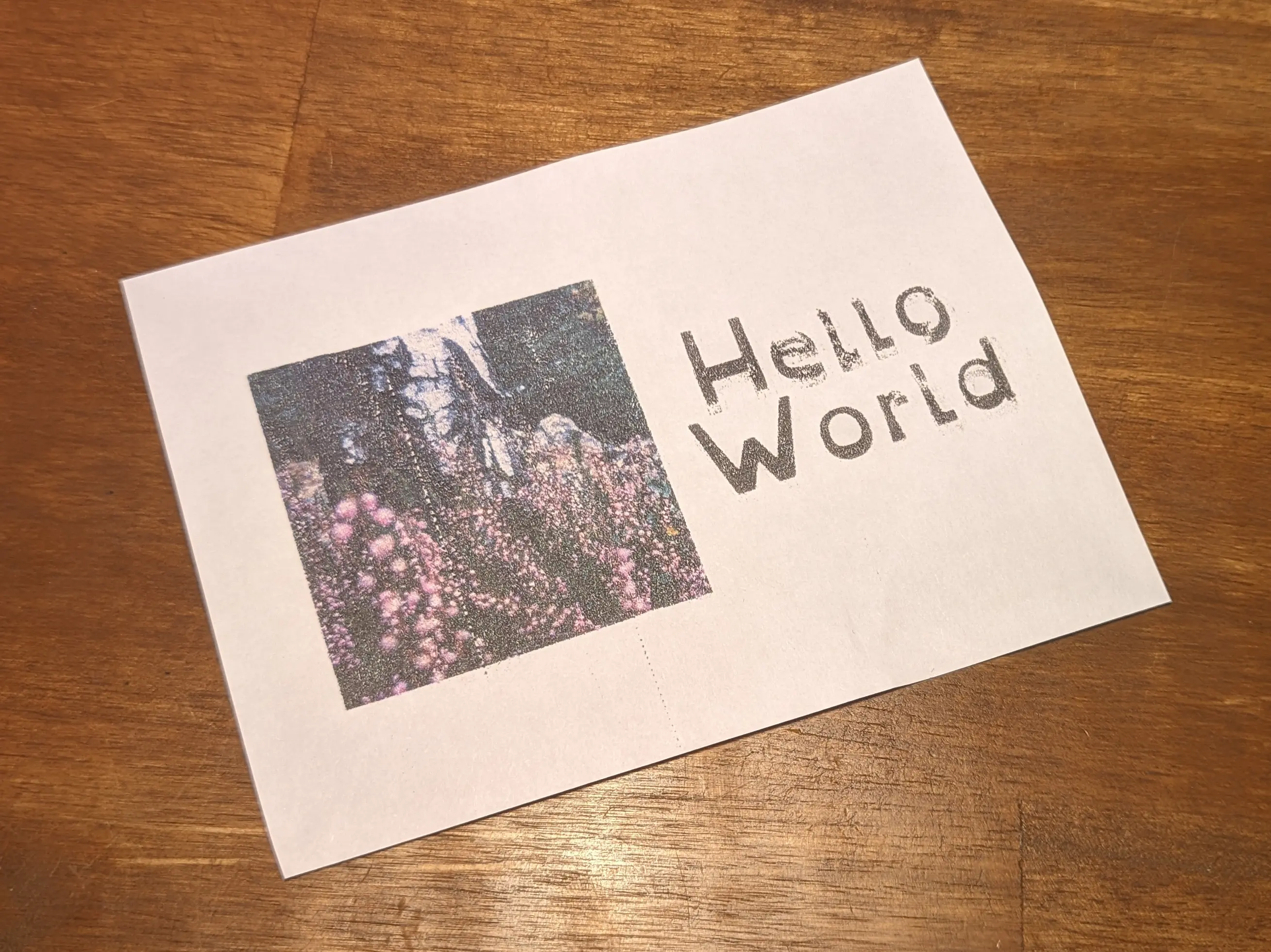
Real deal
My hope was that this would roughly translate to transferring ink onto canvas.
Obviously the canvas texture is not nearly as flat as paper, but the idea was to use foam sheets to allow the materials to press together more evenly
by allowing the transfer sheet to bend slightly.
I also tried pressing against the canvas from the back to push out low spots.
You would expect the image to be slightly blurry, as the canvas might move more in the process and might not absorb the ink as well.
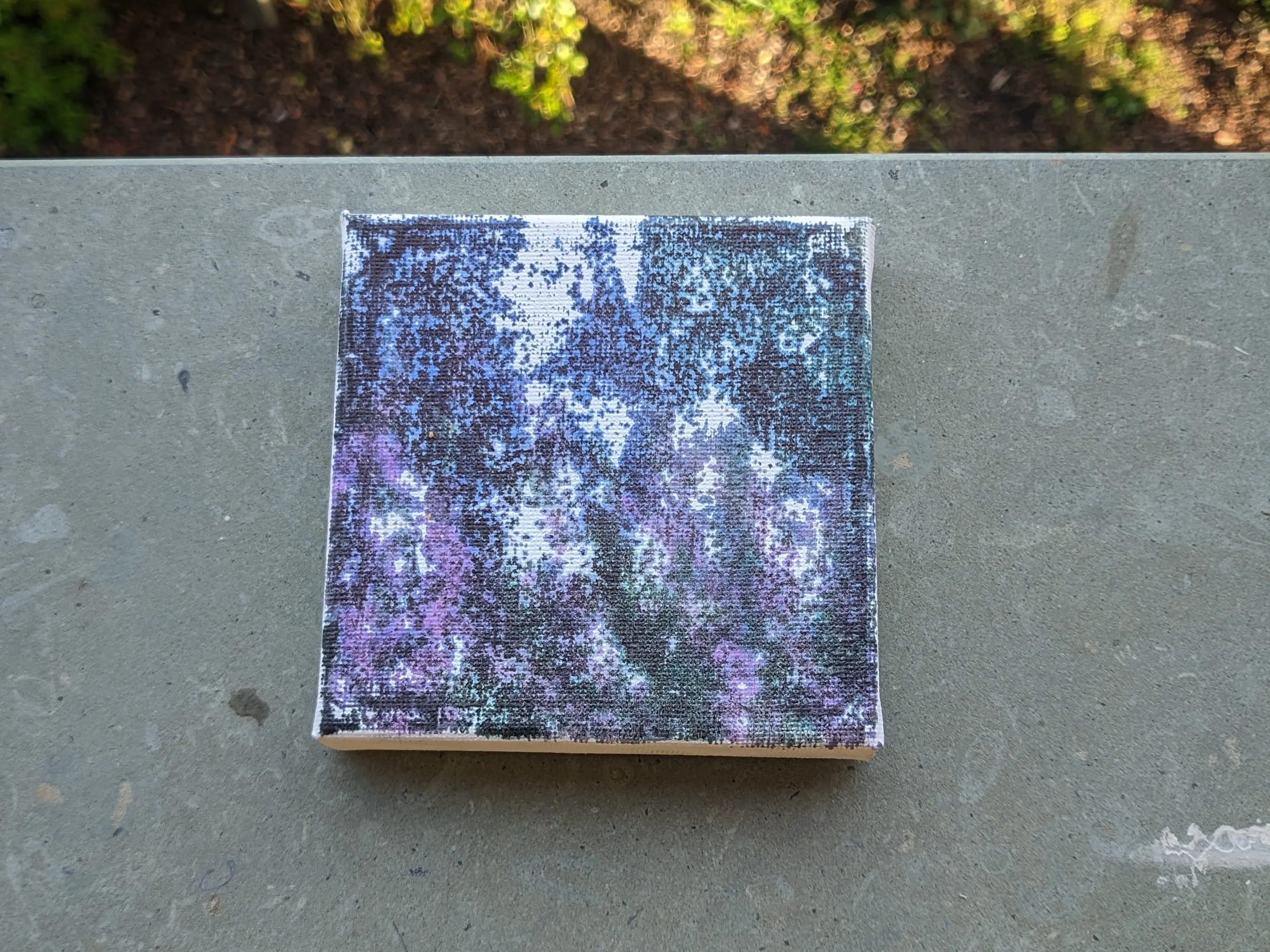
As you can see,
only the high spots of the canvas actually absorbed the fabric.
You can also see that the image is blurry, as the canvas top layer spreads the ink out more along the surface
instead of absorbing it properly.
Because the ink doesn’t reach the low spots, more ink stays behind on the transfer sheet, leading to the high spots absorbing more ink than they are supposed to.
There are probably some really amazing use cases for this effect, but given that we are interested in a perfect replication, it just doesn’t work. So you are reading about it as an outtake.
Closing thoughts
To circle back to the beginning of this post, not every technique I test actually works out the way I would like it to.
But this doesn’t mean that they are bad entirely; they might just be better suited for other things.
I already showed the results on paper earlier, but before the end of this post,
let’s take a look at some other materials.
Like I briefly mentioned earlier, I originally came up with this to transfer ink onto wood, which arguably works pretty well.
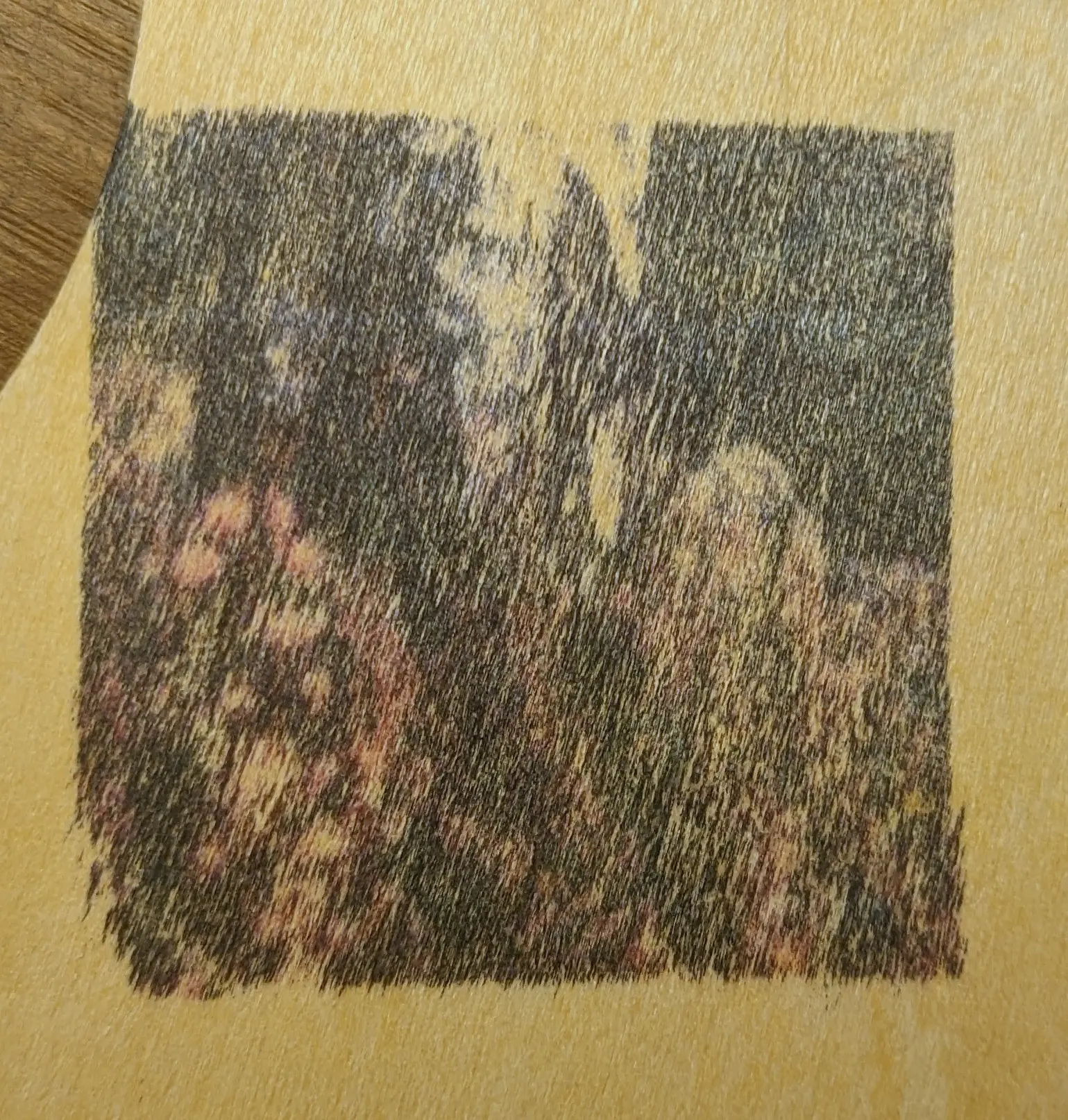
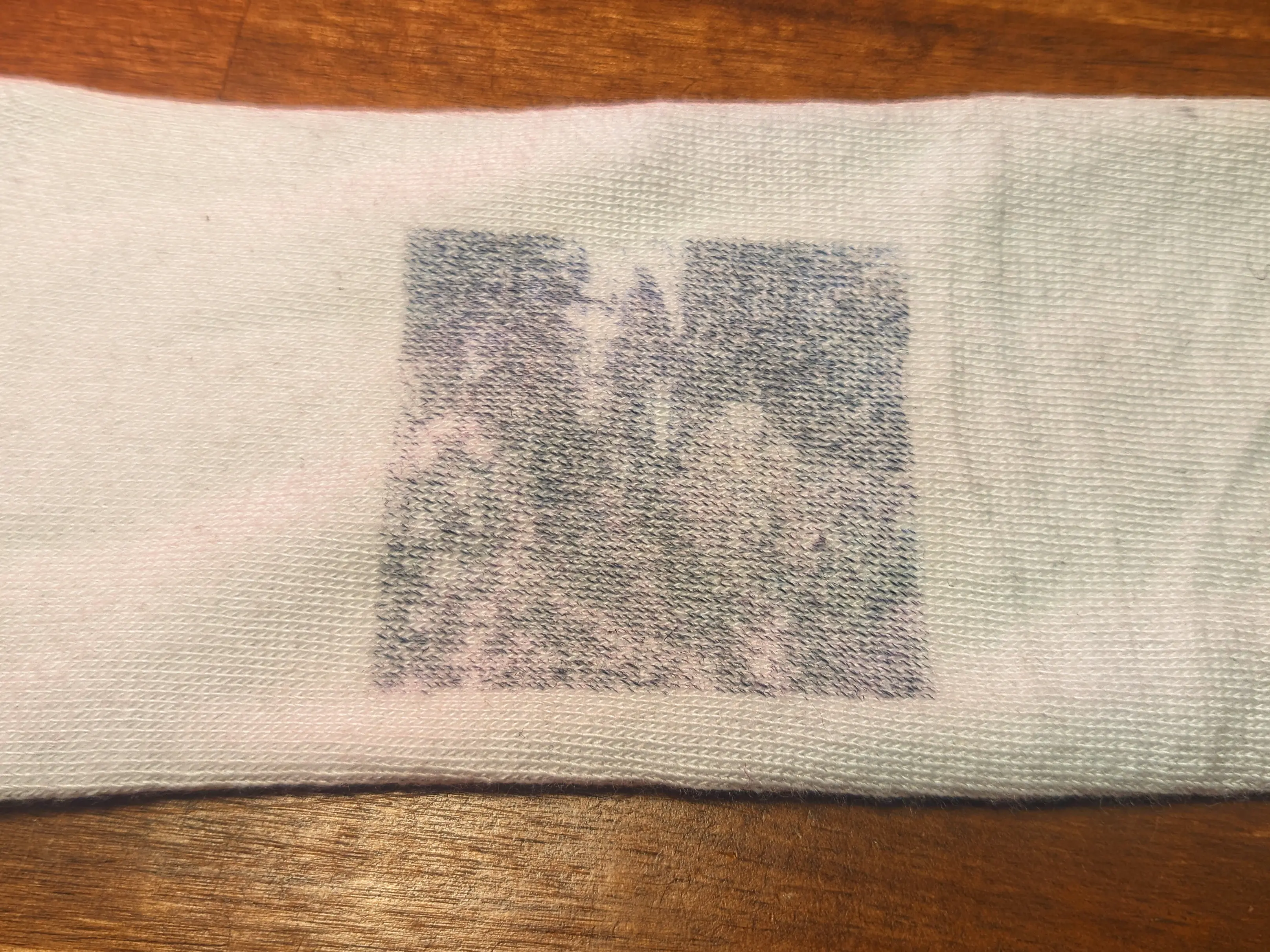
You can also use it on stretched fabric.
Just make sure to not get them wet, as it would wash out or smear the ink.
Sometimes, you just have to keep trying.
You might stumble upon something great in the process - who knows?