It's Canvas (S2): Heat Transfer
December 4, 2025Hi, welcome back to It’s Canvas.
In the previous episode of this series, we learned that we can print on canvas directly using an inkjet printer.
However, we also found that finding compatible canvas sheets can be complicated, and incompatible print mediums might even cause damage to your printer,
which not everyone might be willing to risk.
While we already explored a couple of methods to wrap an existing canvas in season 1 of It’s Canvas,
not all of them properly preserved the canvas texture.
They also involved using water in some way or form, making it harder to wrap flat cardboard-based canvas panels.
If you want to check them out either way, you can find all previews episodes in the series overview.
Today, we are going to use Heat Transfer Sheets, which, as the name suggests, require heat.
They are typically advertised for transferring designs onto T-shirts,
and other pieces of fabric.
You print on one side of the transfer sheet, which is then pressed onto the piece of fabric
and melted into it using a hot iron, making it stick to the item of clothing.
While I would never use it on a piece of clothing, as the ink would probably come off when washing it, I don’t mind it on canvas.
You wouldn’t wash a canvas - would you?
Materials
- Canvas
- Heat-Transfer Paper (Transparent)
- wax baking sheet
- Inkjet Printer
- Iron
- Staple gun & Staples
Unwrapping the Canvas
The transfer sheets are intended to be applied to streched, flat fabric.
So unless you have access to A4 canvas sheets, like we used in the last episode,
you’ll have to unwrap a store-bought canvas.
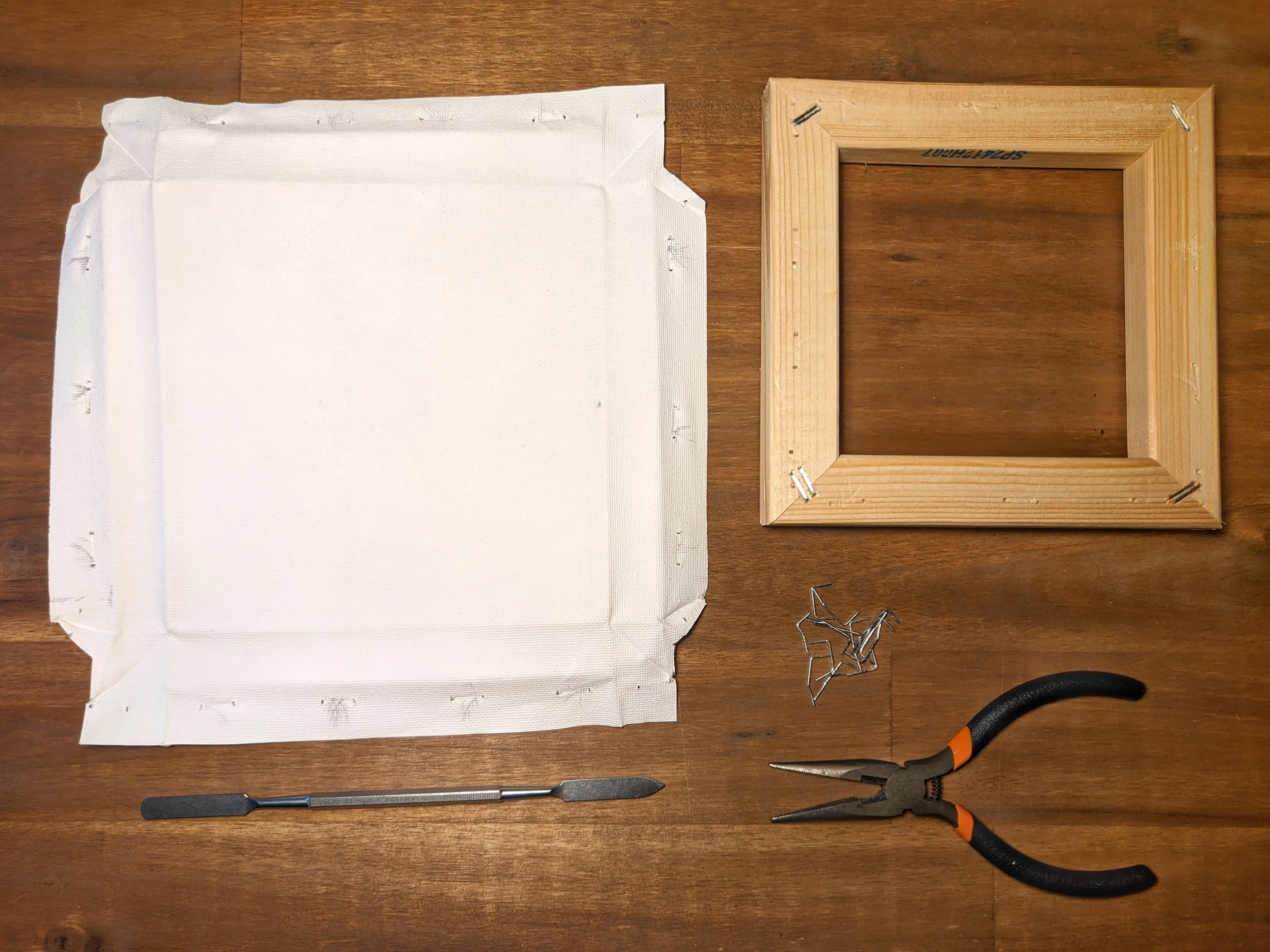
Most of the cheap ones have fairly soft wood, making it easy to remove the staples using a metal wedge tool
and a pair of pliers.
For this project, you’ll want to keep both the canvas frame and the canvas itself. Feel free to disregard the staples.
Printing
The maximum print size is dictated by multiple factors:
the size of the canvas frame, the size of the canvas sheet,
and the size of the heat transfer sheets.
My store-bought transfer sheets are A4, for which I tend to buy 15x15 cm canvas frames (or smaller) as I know that they will fit around the canvas.
The printing instructions might vary for your heat transfer paper,
but the one I bought recommends leaving about a 5 mm border around the print area.
Assuming that your canvas unwraps to 22x22 cm, this means that your image can not be larger than 21x21.
The exact size depends on the canvas you are working with,
especially the frame thickness and how much fabric spans across the back.
Ideally, you would want your print area to cover the front and the sides,
reaching slightly onto the back.
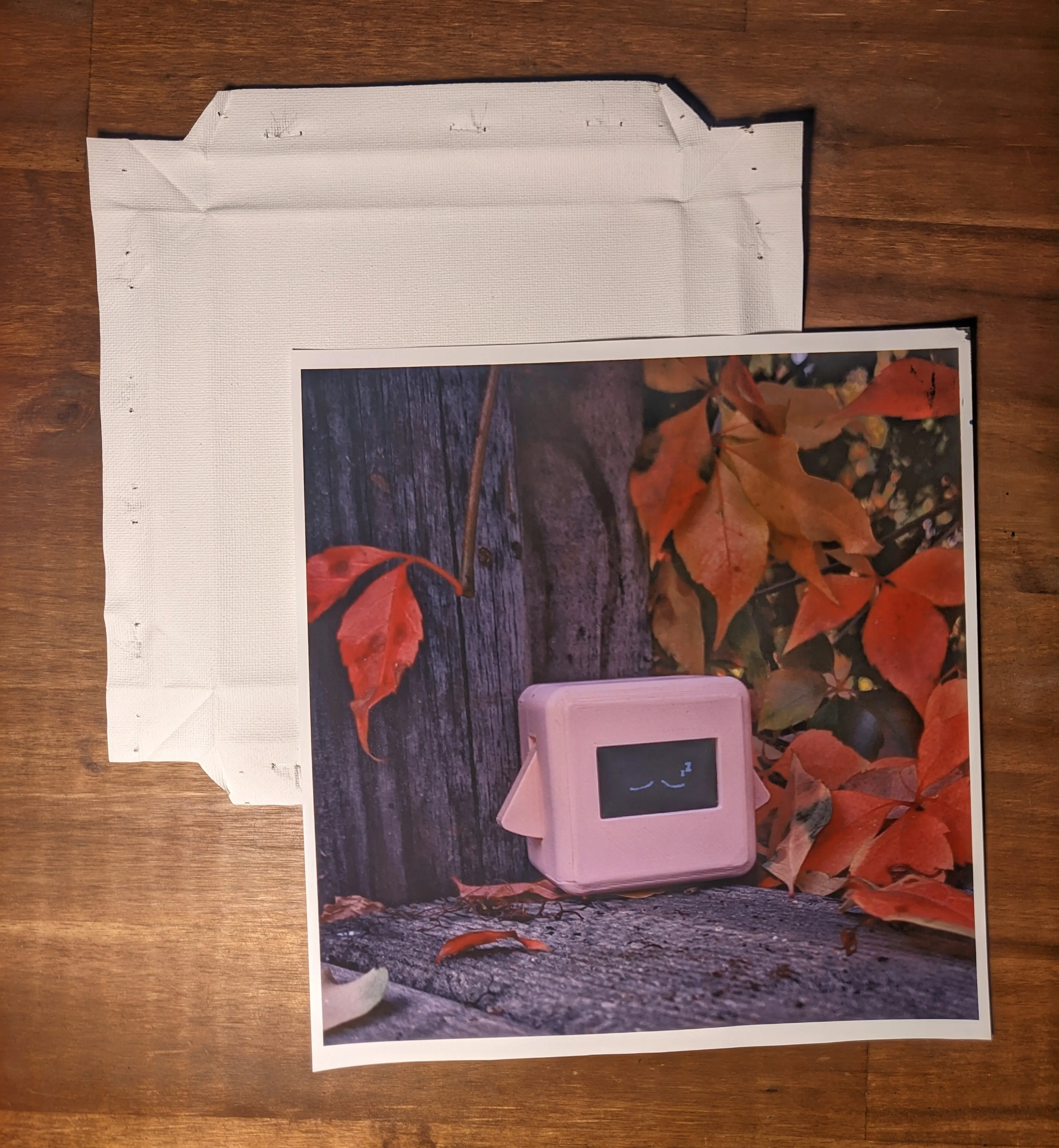
The transfer sheets I used recommend setting the printer to Photo-Quality Inkjet and to print mirrored,
which you probably have to do as well.
Once printed, you should leave it to dry for a couple of minutes.
Transferring
Before you transfer the design onto your canvas, you should cut the printed sheet to size, leaving roughly 5 to 10 mm margin around the image.
Now move over to your ironing board, and heat up the iron to the temperature specified for your heat transfer paper,
in my case about 220°C.
Place a sheet of wax paper on your ironing board to protect it from the transfer paper,
and then place your sheet of canvas on top.
Next, the transfer sheet can be lowered with the printed side facing down
and covered with a second wax sheet to protect the iron.
Heat up the top sheet by slowly moving over it with the iron for around 20-30 seconds.
Remove the iron and carefully (the material is probably really hot) try to peel off the backing of the transfer sheet.
If you notice that it doesn’t stick properly, try heating it up for longer with the iron.
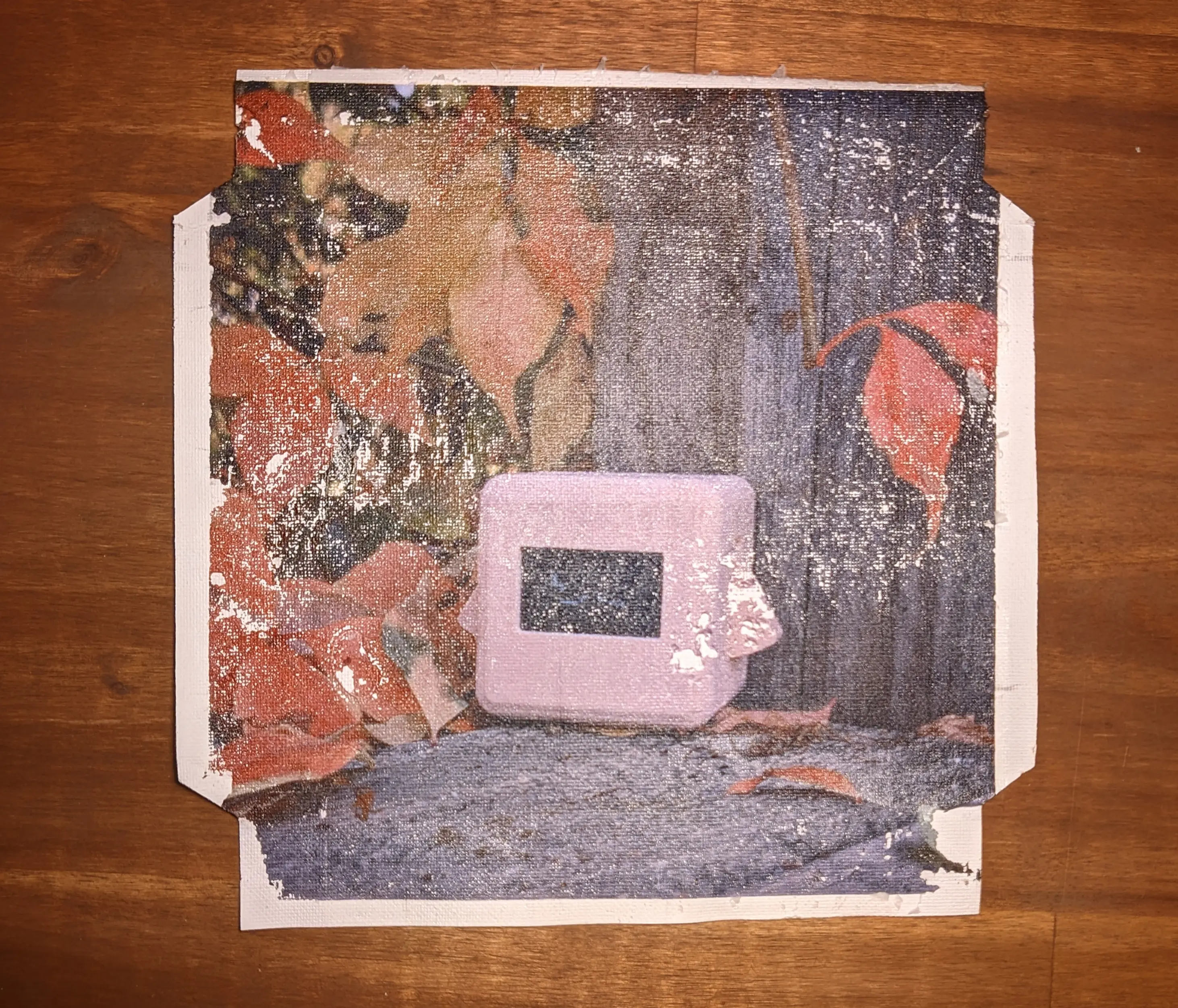
Leave the canvas sheet to cool for a little bit before handling it.
Wrapping
Now that you’ve transferred your design onto the canvas, you can rewrap it around the canvas frame.
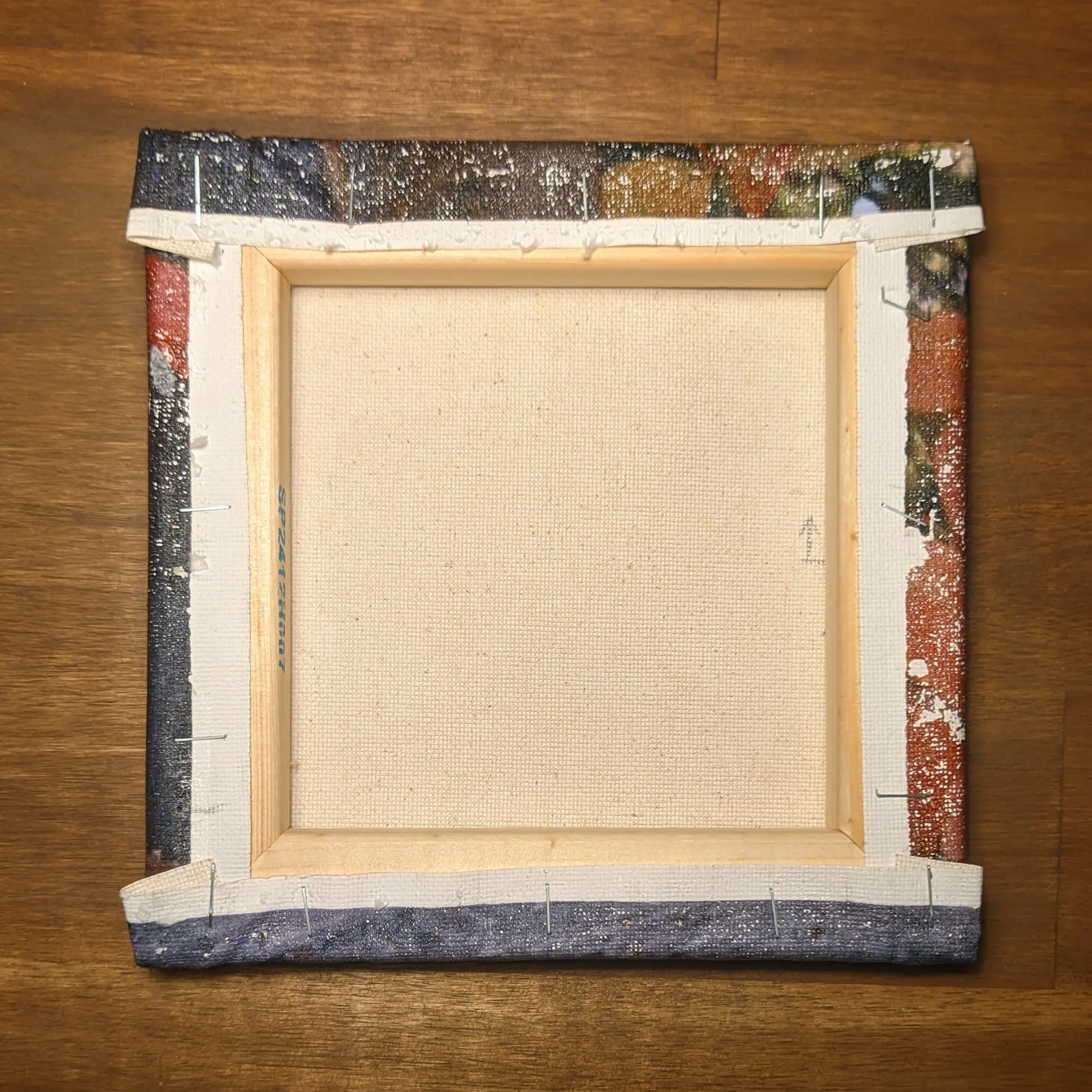
To do so, place the canvas, image-side facing down, on a piece of cardboard for protection. And center the frame on the back, trying to line up the original fold lines.
Start by wrapping one side and stapling it in place.
Next, stretch the opposite side in place, being careful to apply even pressure, and staple it in place as well.
Lastly, do the same on the other two sides, carefully folding the overlapping sections inwards.
(Tip: You can cut the canvas at a slight angle to reduce the amount of folded material.)
You can find a more detailed guide in the previous direct print post.
Final Results
I’m not going to ignore the elephant in the room
and just address it directly: there are significant portions of the image missing on the canvas.
What I’ve found with this technique is that it can create amazing results, but achieving a perfect transfer is hard.
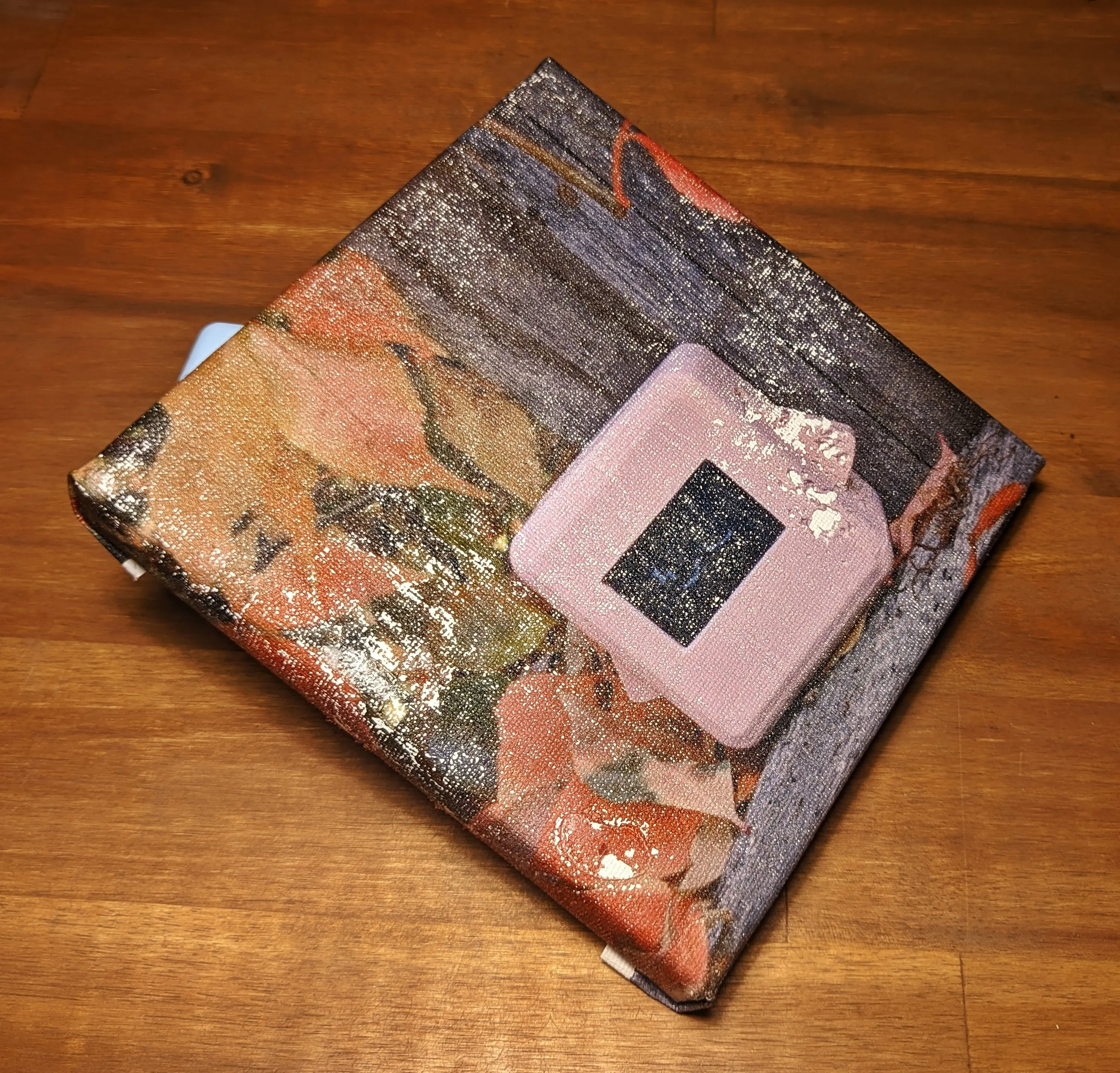
I’ve thought about repeating the entire process multiple times until I get a perfect step-by-step guide,
but I think that these posts should also give you realistic expectations.
And in this case, you should know that you might have problems getting the transfer to stick to your canvas.
That is not to say that the method doesn’t work.
For example, the first piece I made using this technique turned out amazing.
The colors are stunning, really deep blacks, amazing color accuracy, contrast, and, most importantly, resolution.
Better than any of the other techniques I’ve tried.
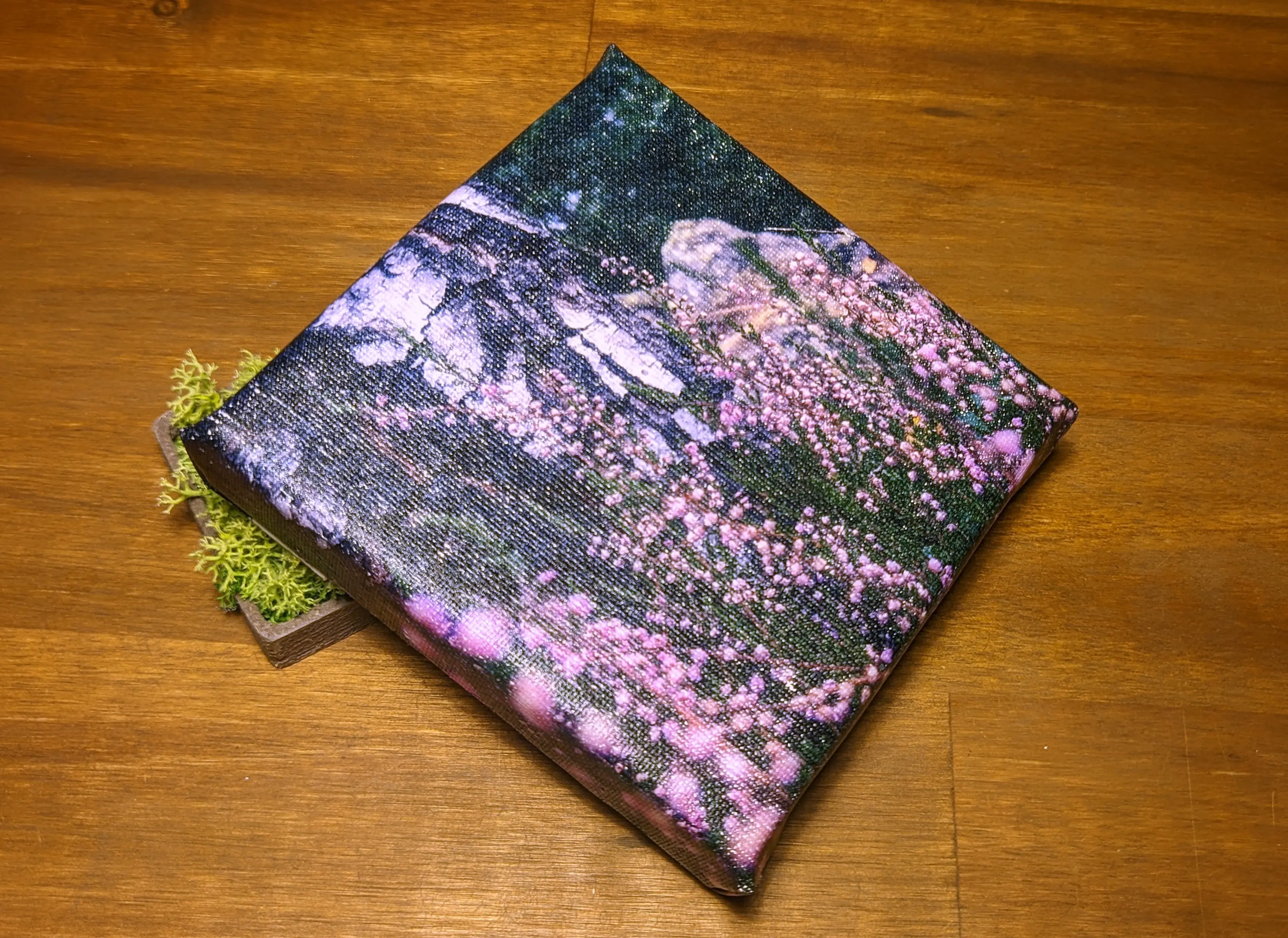
I believe that this canvas shows that the technique can be worth the effort.
Even if it means having to try multiple times to get it just right.
Peeling off the back at just the right time, angle, and speed.
It might even be better than the Direct Print in some aspects, most importantly, resolution.