It's Canvas: Using Mod Podge
February 4, 2025Hey - you’ve made it to part two of It’s Canvas, the multipart series, where I
explore different methods you can use to transfer pictures onto canvas.
You can view all parts of this series in the series overview.
If this is the first part you are reading, I’d suggest starting
at the beginning, where I explain how you can prepare the image for
printing.
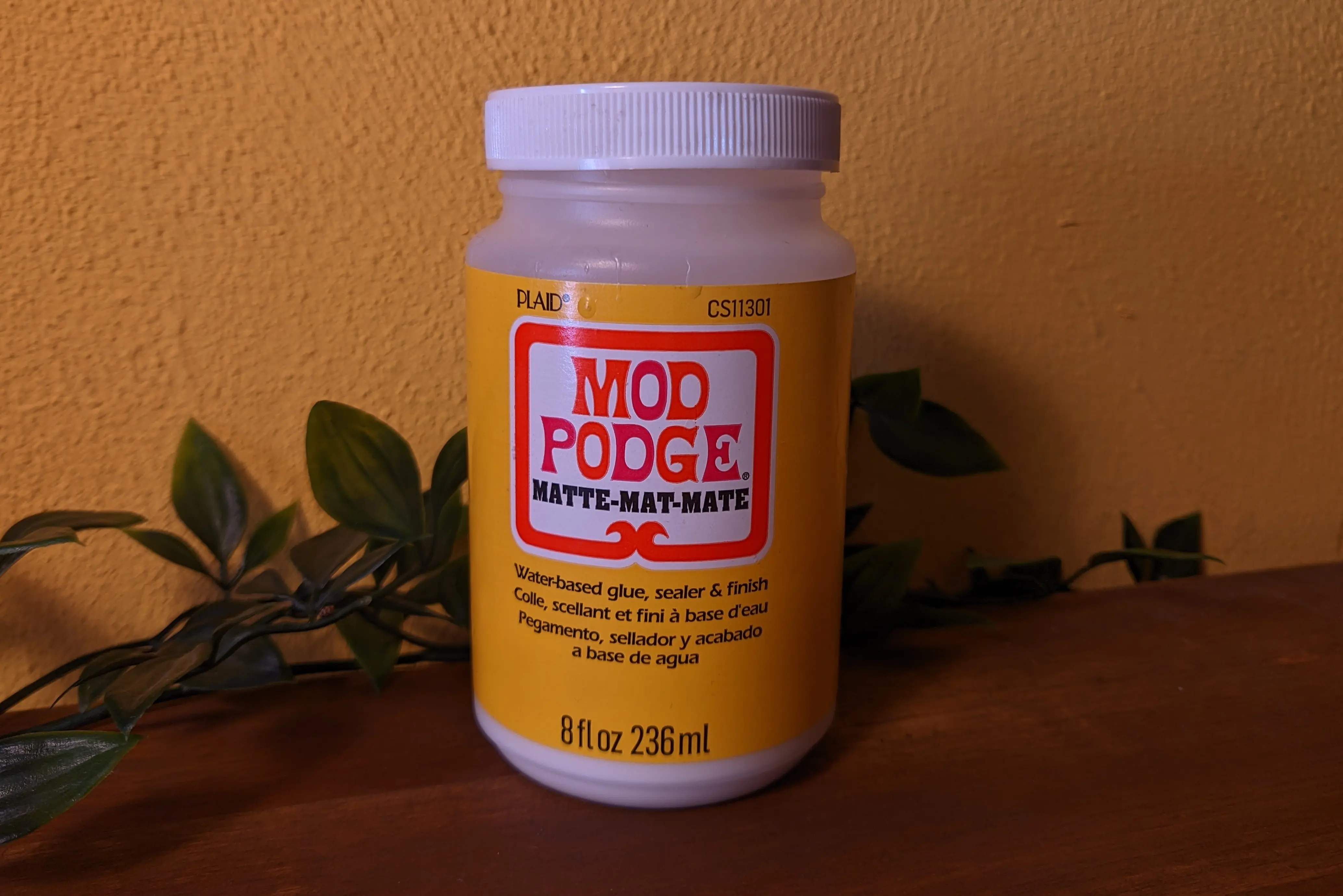
In this part, we’ll be using Mod Podge, a glue/finish, which will bind the image
and canvas together.
From what I understand, the image printed by a laser printer sits on top of the
page (which is why it has this glow to it).
By adding glue to the image and canvas, we essentially make the color pigment
stick to the canvas.
This allows the image to remain on the canvas, once that paper has been removed.
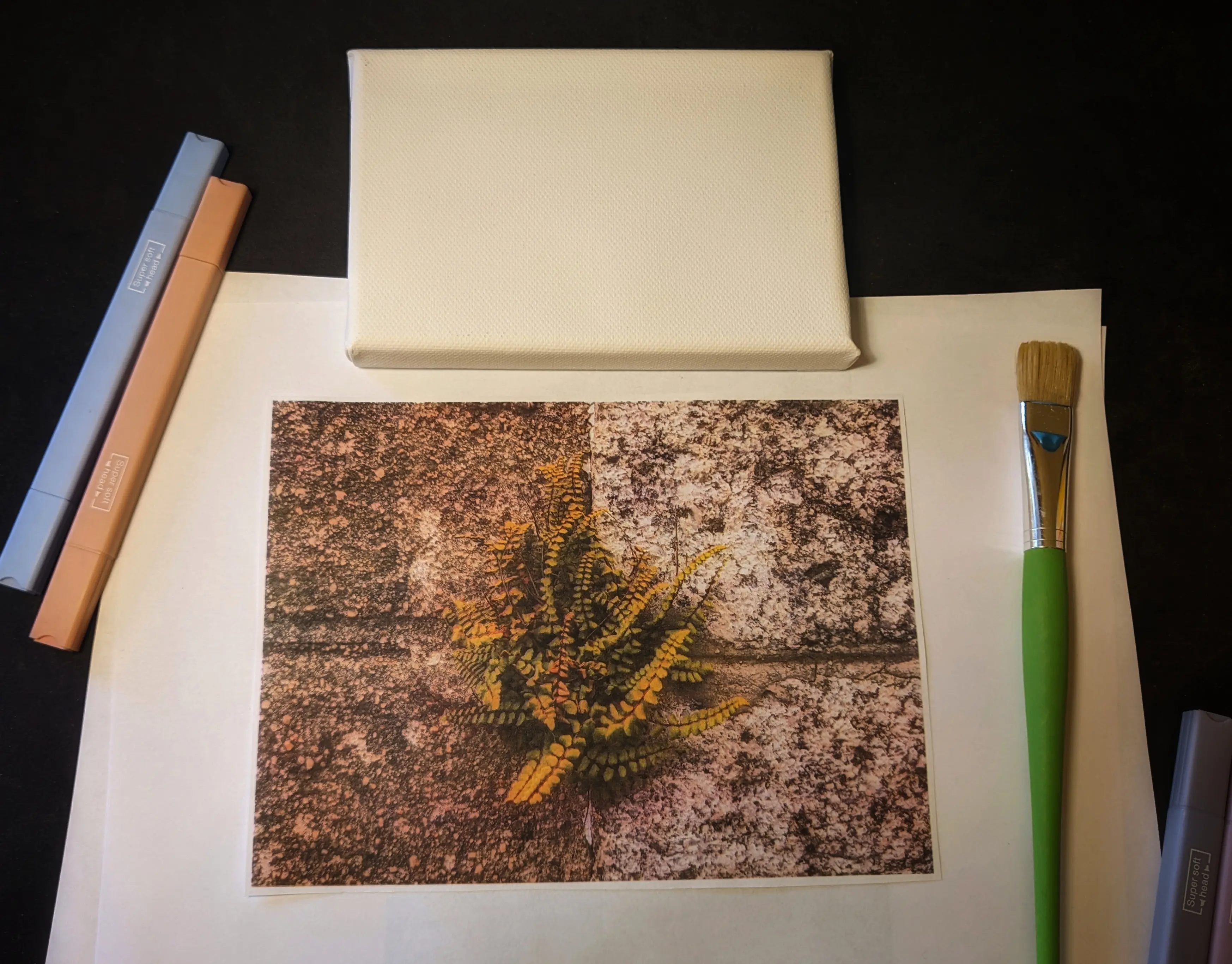
Requirements
- Mod Podge (I use Matte-Mat-Mate)
- A laser printer
- A4 plain paper
- A framed canvas (you can buy them at most arts and crafts stores)
- A picture to print out
- A clean brush (to brush on the Mod Podge without smearing color over the canvas)
How To
Step 1: Printing out the image
Before you can print out the image, make sure to follow the
getting ready to print guide from part one.
Because the image is glued to the canvas image side up, the photo is
essentially flipped.
To prevent this, you want to print the image flipped horizontally.
You can either print using mirror printing or flip
the image in GIMP by selecting Image > Transform > Flip horizontally from
the top bar.
Once you’ve done that, load the A4 plain paper into your printer, print out
the image, and then cut out the image along the edge.
Step 2: Time to Glue
As Mod Podge is essentially a type of glue, you don’t want to get it on your
desk. Simply cover your desk with a plastic mat, old cardboard sheets, or old
newspaper.
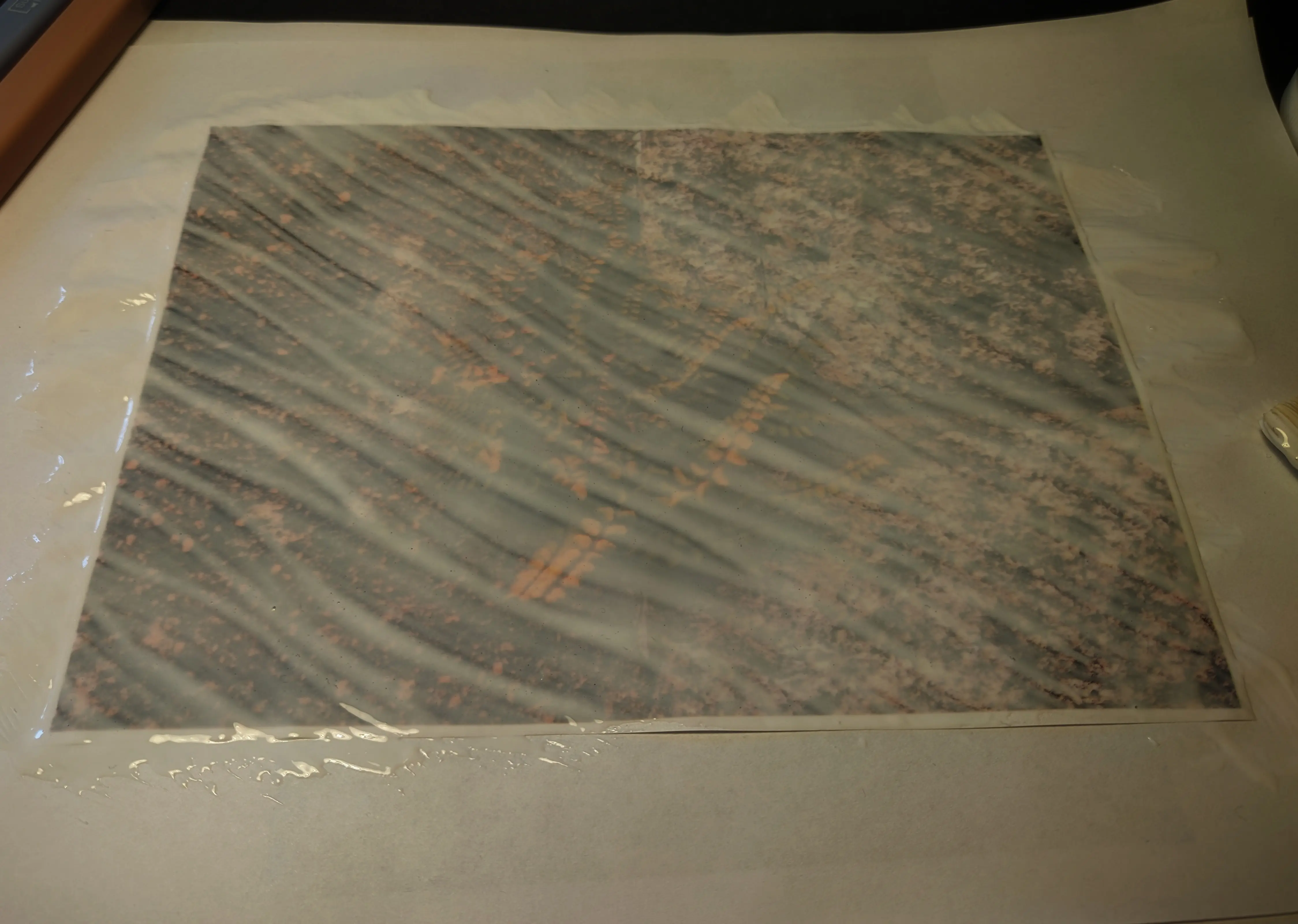
Place the printed-out image on the sheet with the image side facing up and add
one or two coats of Mod Podge until you get a somewhat see-through, milk-like
color. I often brush on one coat along the width and another along the height,
making sure it is distributed as evenly as possible. Just make sure not to add
too much glue, as it might cause weird bumps in the end.
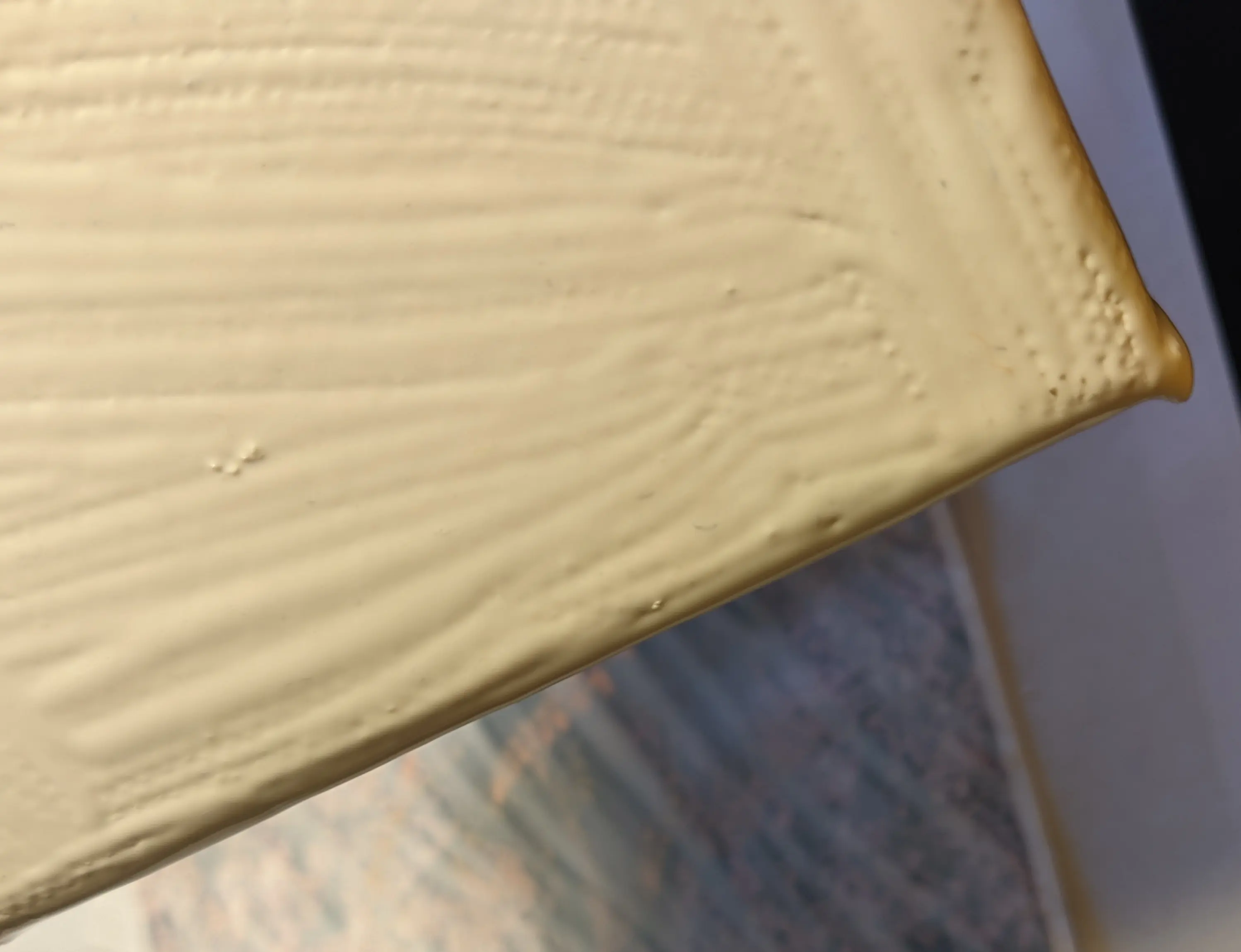
You’ll also want to apply a single coat to your canvas, just to smoothen the
uneven canvas texture. You can use one hand to hold the canvas frame from the
inside by applying pressure while brushing on the coat with the other hand.
Depending on your canvas fabric, you might be able to skip this step.
However, I found that it results in better surface adhesion, probably as it
ensures that all the tiny gaps are filled.
Now flip the canvas with the front side facing the image and place it down on the printed paper. Make sure not to trap any air between the two, as it will prevent the pigment from sticking to the canvas.
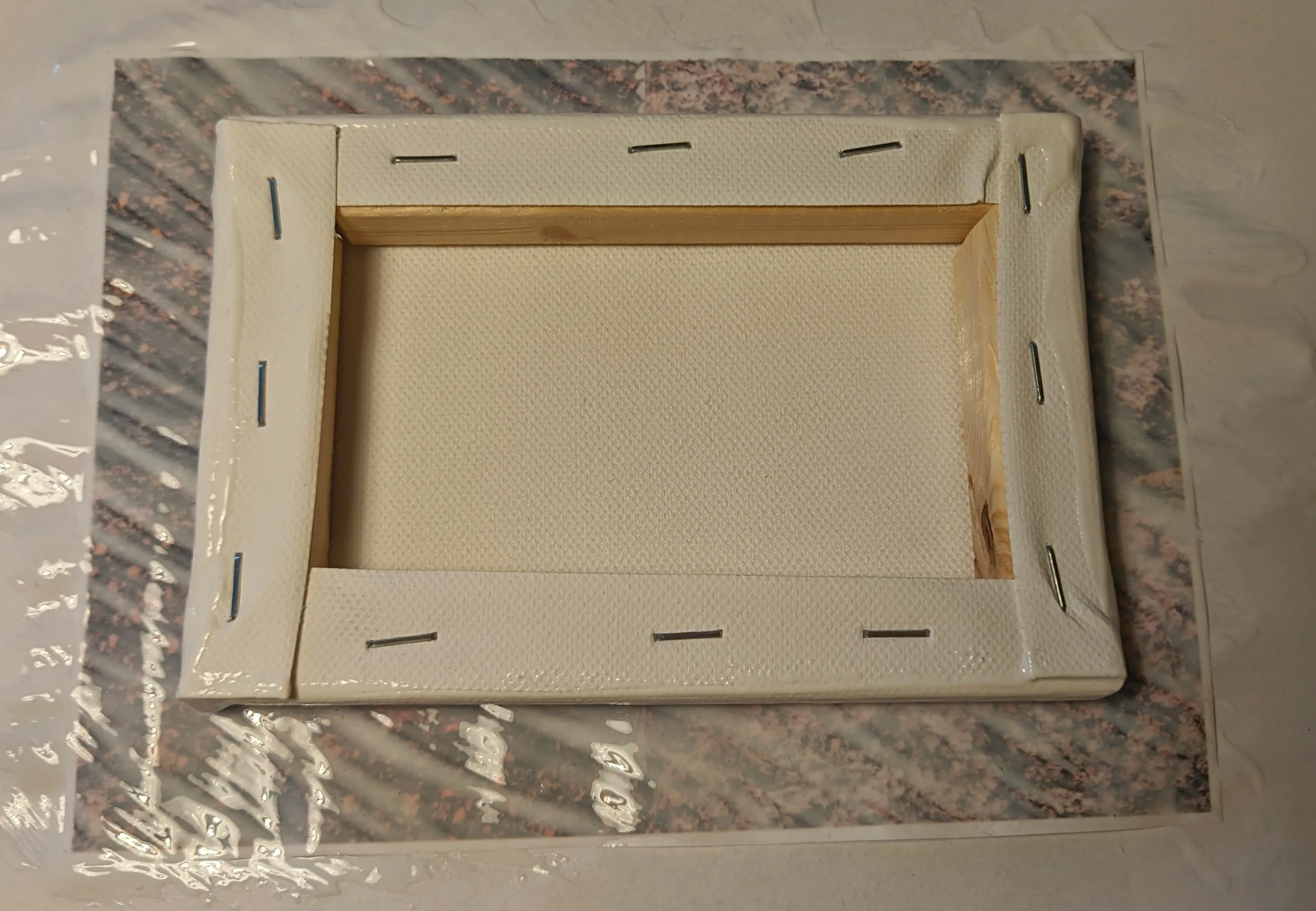
Next we’ll be gluing the sides to the canvas. As you already covered the entire canvas and paper in glue, you can simply lift off the bottom side and slowly bend it around the edge to make sure it follows the slight curve of the canvas.
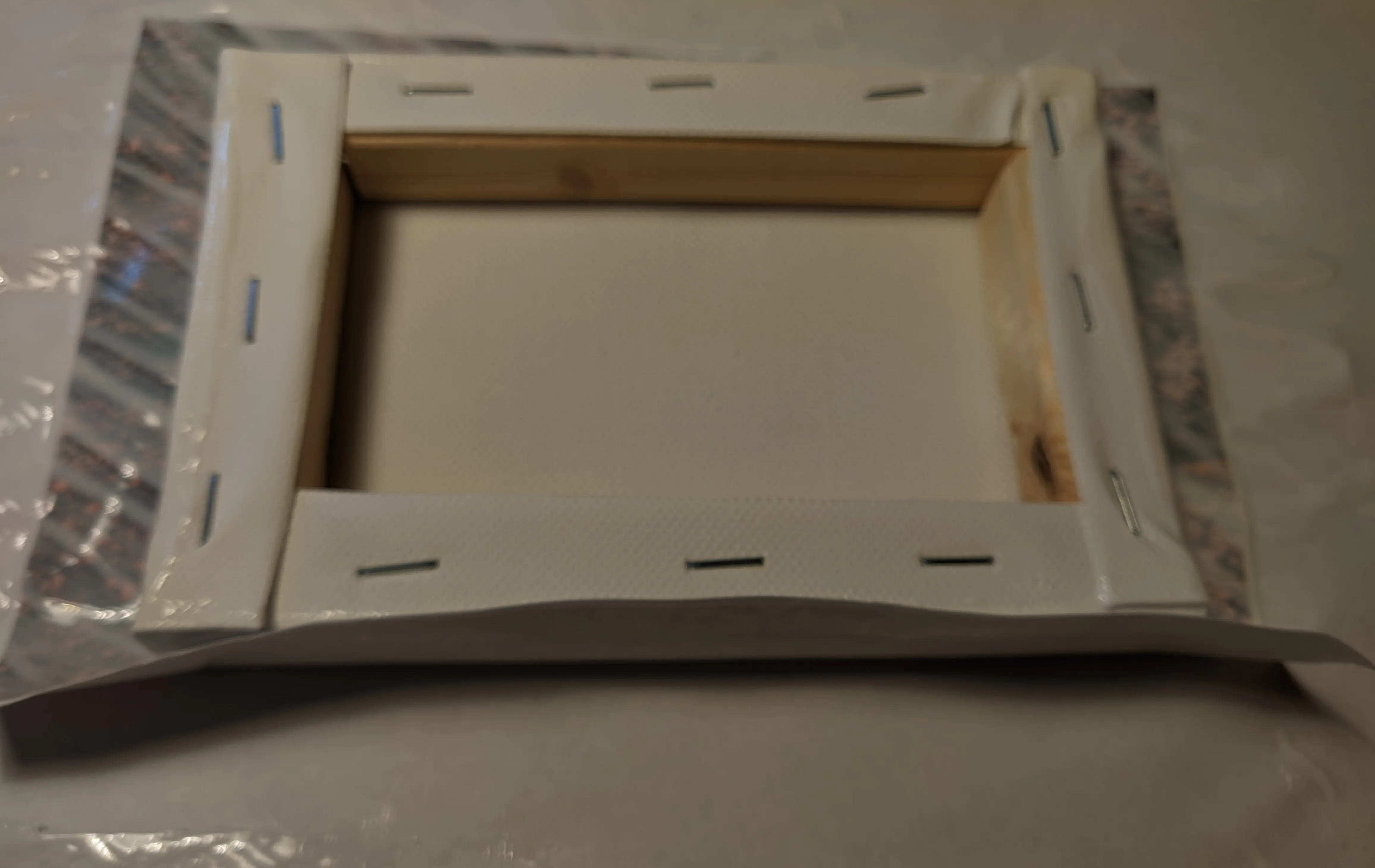
Afterwards, fold over the opposite side and then do the sides.
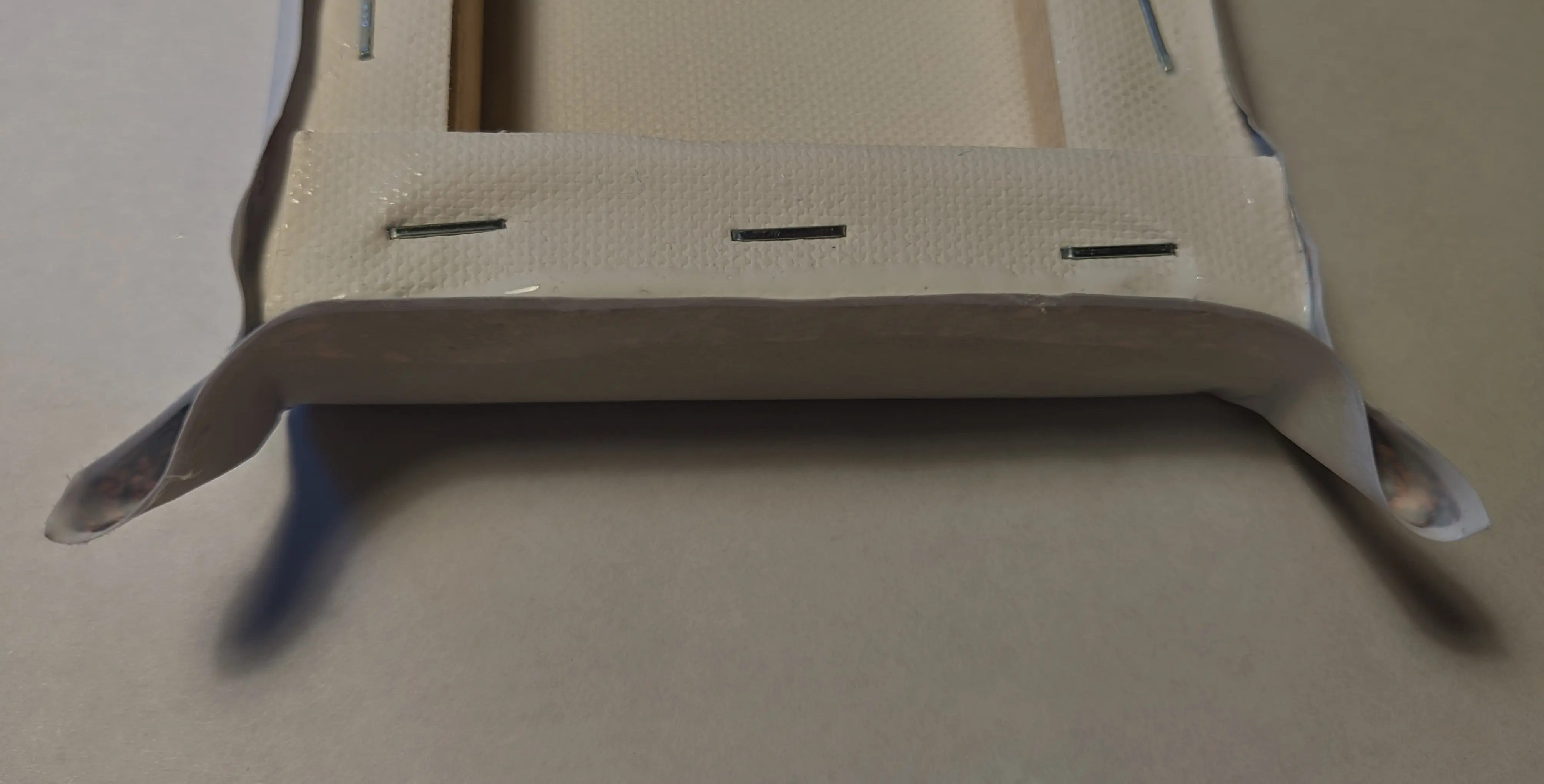
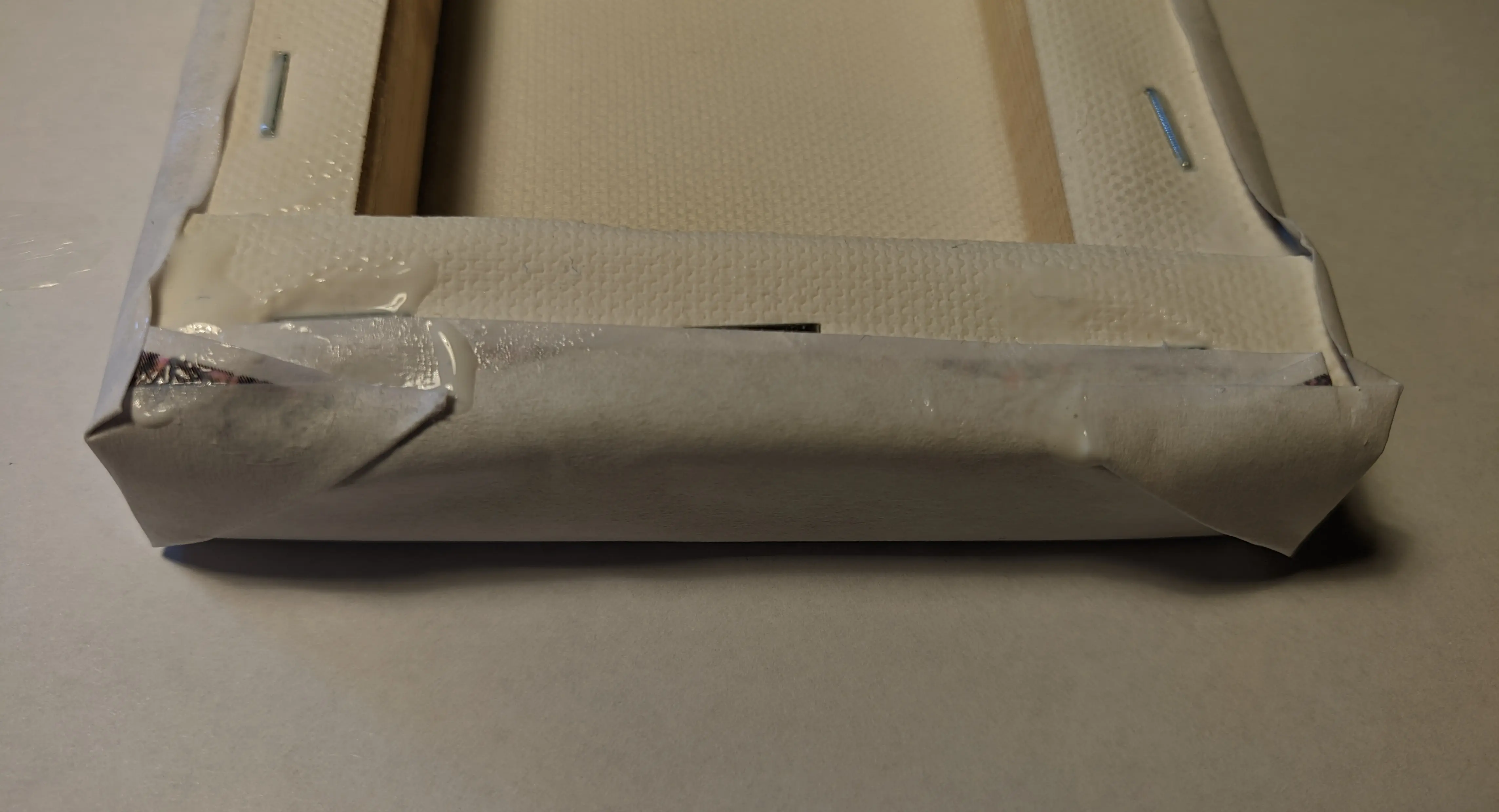
You will find that this will result in flaps at the edges. Simply squeeze them
together and fold them around to the sides of the canvas. This will ensure that
the image makes proper contact with the canvas, even on the edges, and you can
simply remove the access material later (foreshadowing).
Step 3: Drying
With all sides folded around, simply run your finger along the back to attach the paper to the back of the canvas.
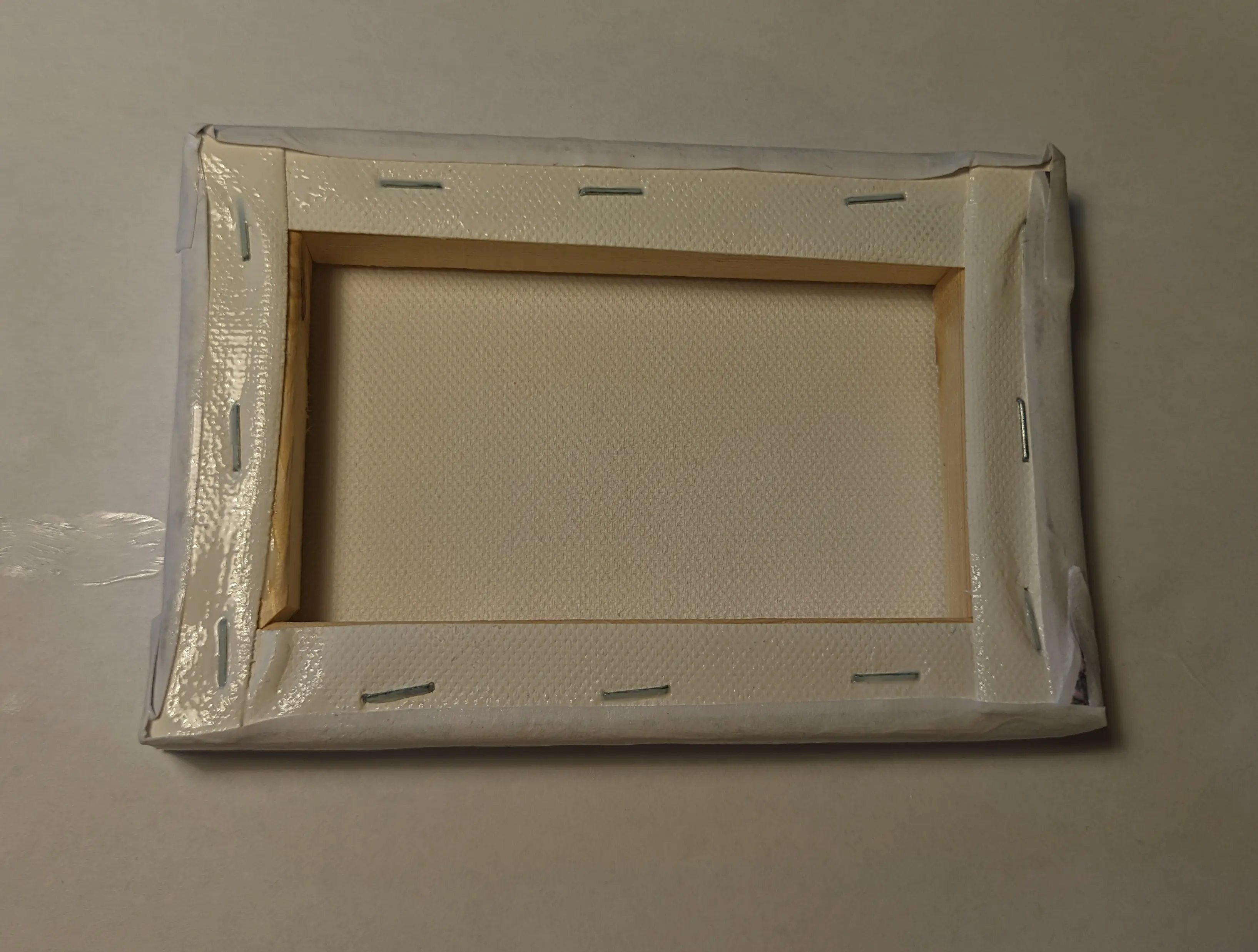
Then flip the canvas with the front facing up and leave it to dry for at least
24 hours.
Making sure the glue is dried is important to ensure good results, as otherwise
the glue might come off later.
Step 4: Revealing the image
It’s the next day (at least for me), and my glue had about 26 hours to harden.
I’ve also moved my setup over to my window sill, as I don’t want to work with
water on my desk. To protect the window sill, I’ve placed a plastic cutting mat
underneath the canvas.
Next to my work area, I also set up a water jug where I can dip my fingers.
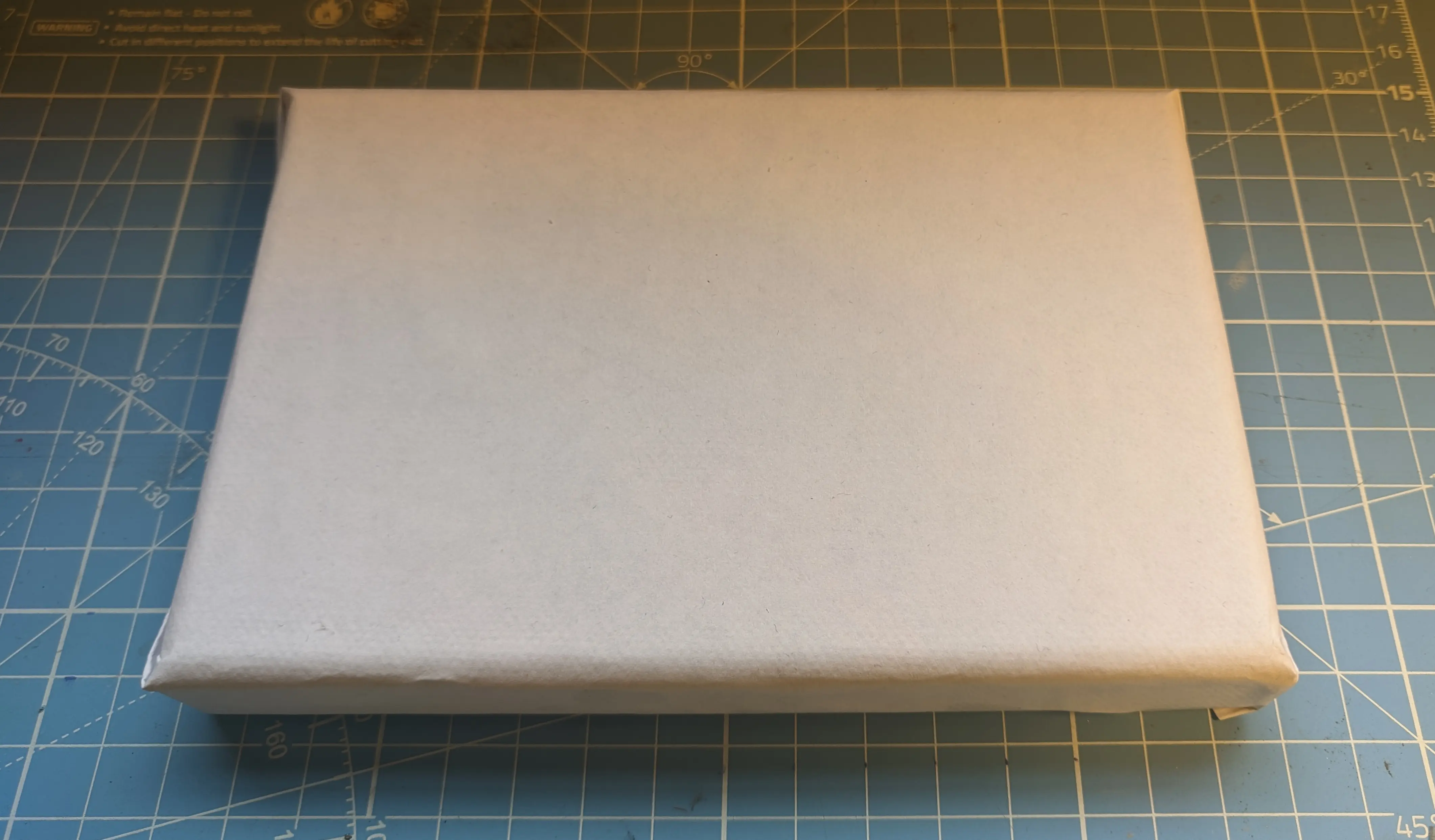
As you’ve probably guessed by now, we’ll be using water to remove the paper from
the canvas.
We start off by wetting the paper on the canvas and making sure all parts are
damp. This should also make the paper slightly see through, partially revealing
the image beneath.
Note that some areas might take a little longer to absorb water, so leave them
for half a minute or add a little more water to fully saturate them.
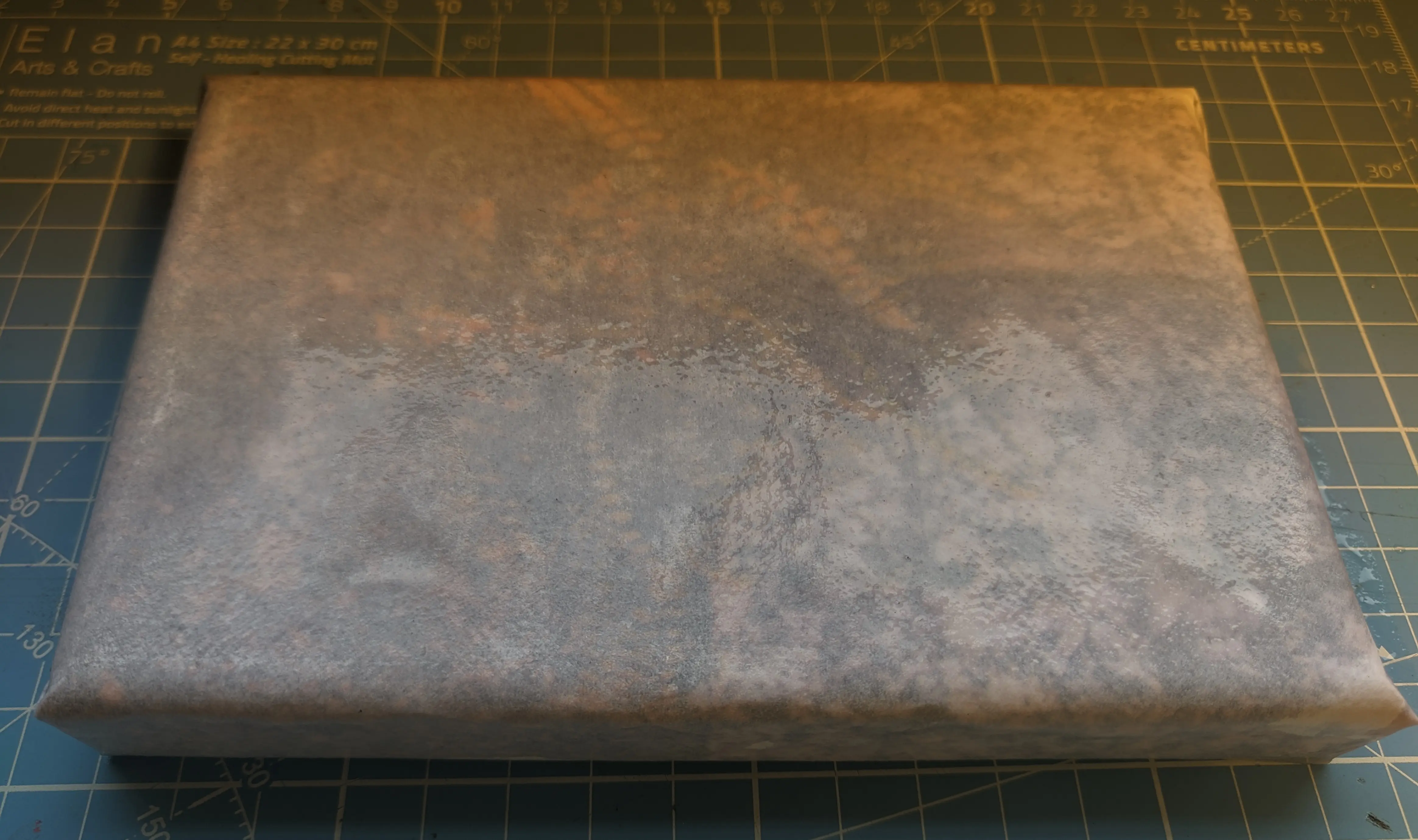
Soaking the paper also allows you to slowly and carefully tear off the paper flaps, without ripping off the color pigment. (Just makes sure not to rip too close to the canvas.)
To remove the paper covering the image itself, you can softly rub circles on the paper. Don’t press too hard, as it might break off the color pigment from the canvas. But if you’ve done everything correctly, the paper should slowly start coming off in small rolls.
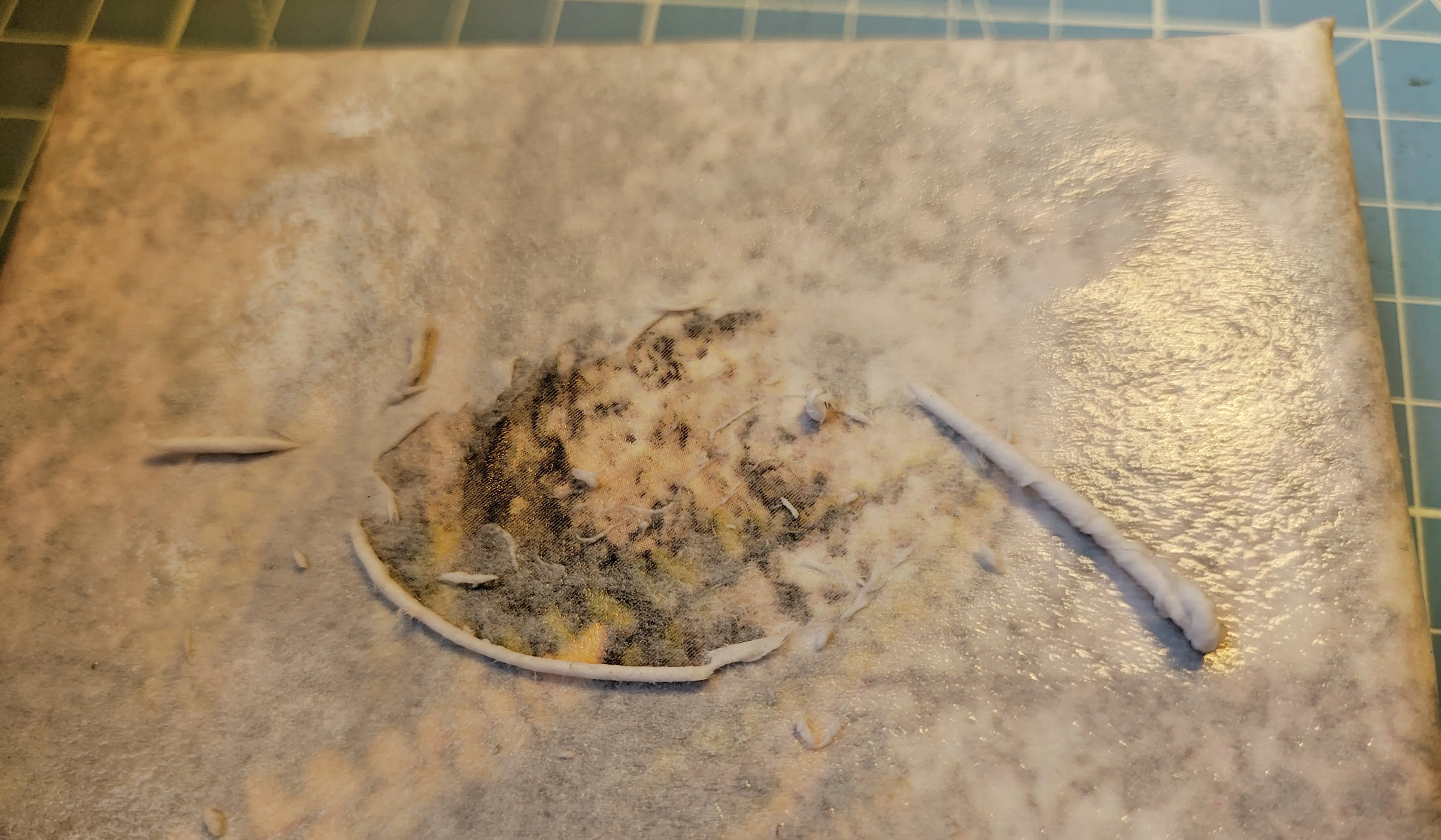
Now that you got the rolls started, you can simply roll your finger over them to
remove more material. And if that doesn’t get you anywhere, continue gently
rubbing over the paper with your finger. You can either do circles or straight
lines. I find that, especially at the beginning, circles are more effective at
removing the first layer of paper; however, the linear motion is easier to
control.
If you feel comfortable, you can try applying more pressure. This can be
especially useful in parts where the paper just won’t come off.
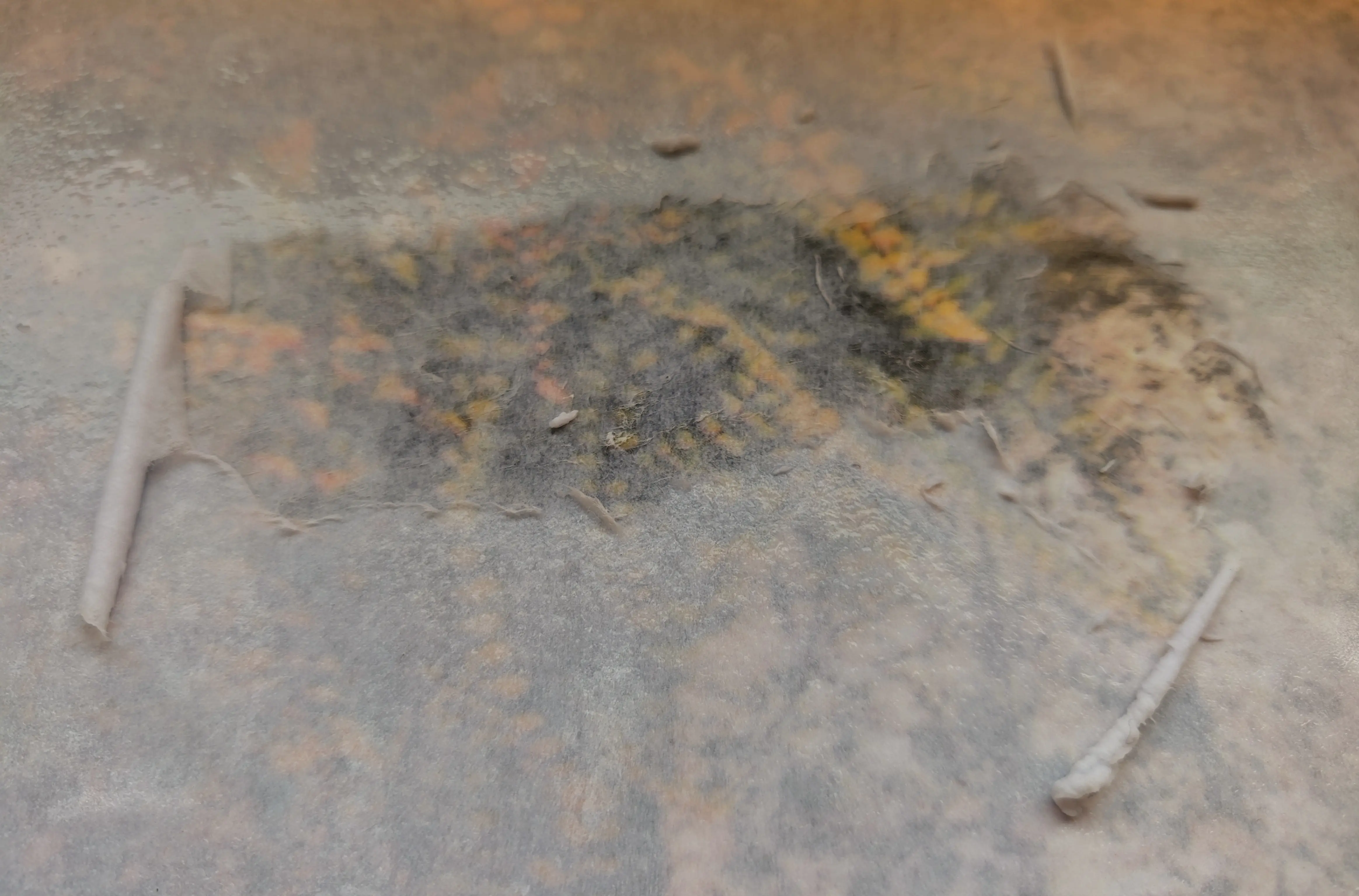
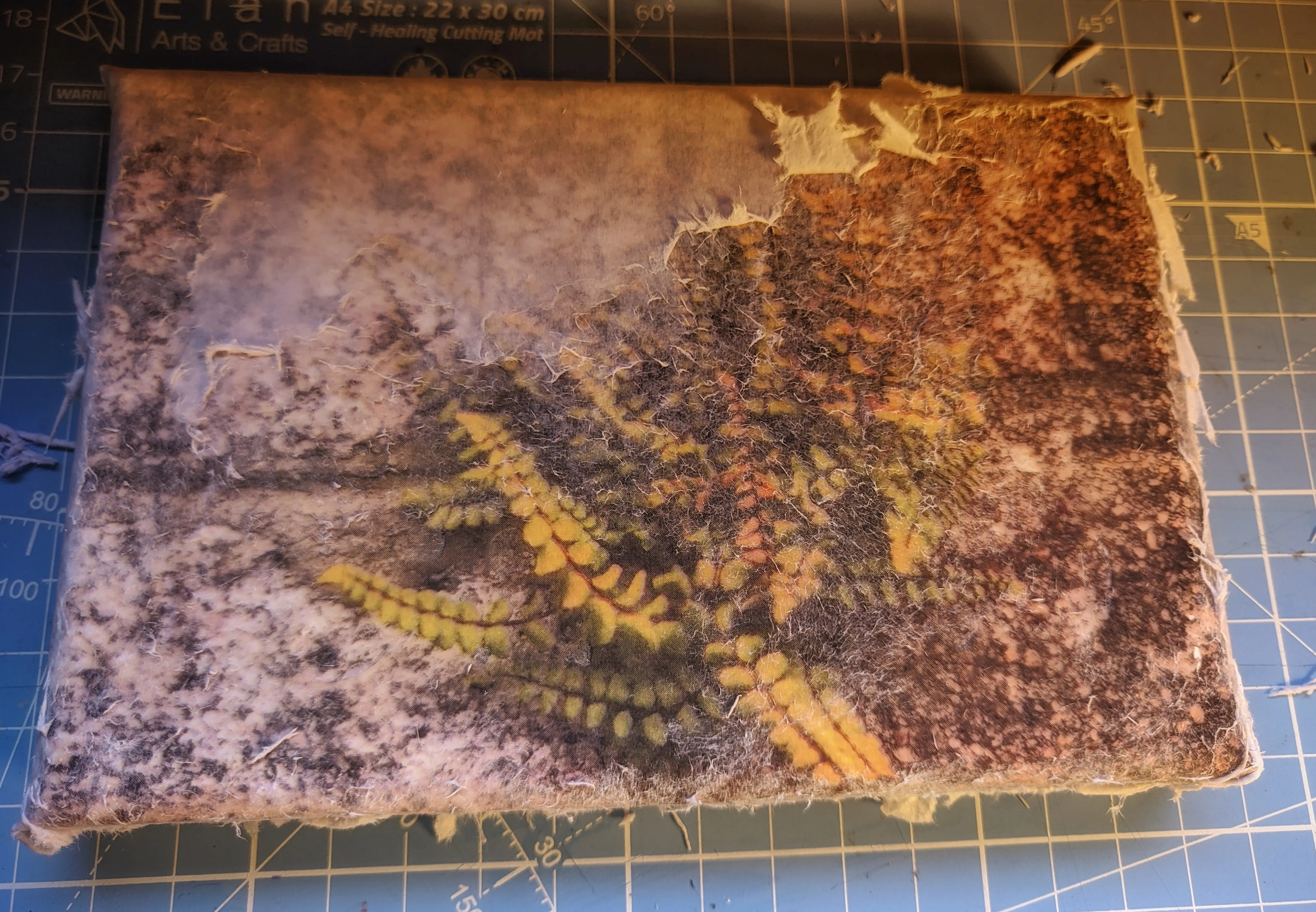
This time I got fairly lucky, and most of the paper just came straight off, without needing to press dangerously hard.
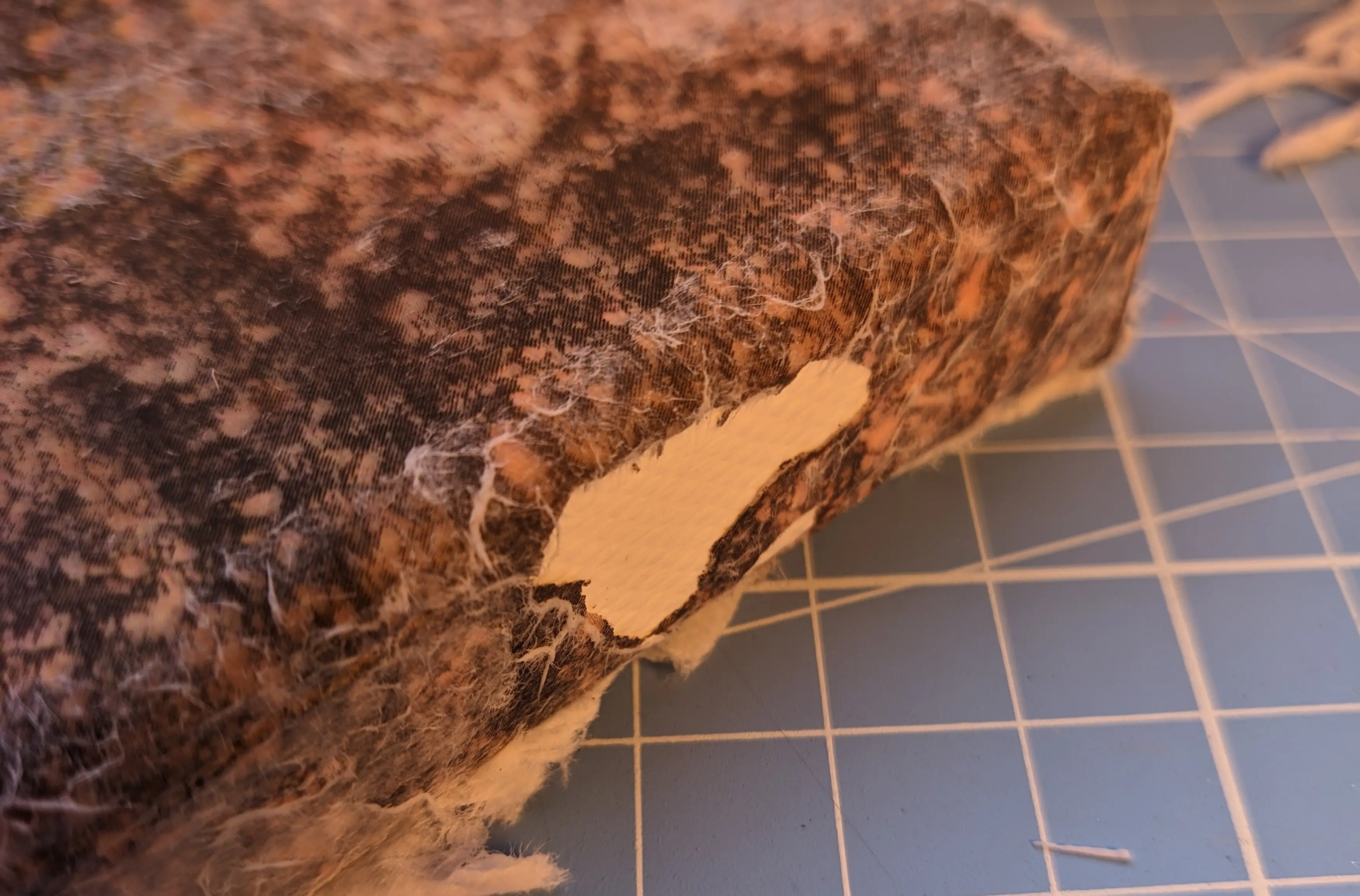
Unfortunately, I missed that the glue on the sides wasn’t properly cured,
causing me to rip off a chunk of it.
Let that be a reminder to wait for the glue to dry.
I normally do at least two passes to remove the paper, as removing too much on
the first pass might cause damage to the printed photo. It also allows the glue
to harden more, as it is no longer beneath a thick layer of paper.
You probably want to do one pass and then leave everything to dry, the dry paper
will turn white again, making it easier to spot the sections that you’ve
previously missed or that need more work.
It is not always possible to remove every single bit of remaining paper, as you
always run the risk of removing the color pigment or glue. Some small white dots
should be considered artistic and part of the process.
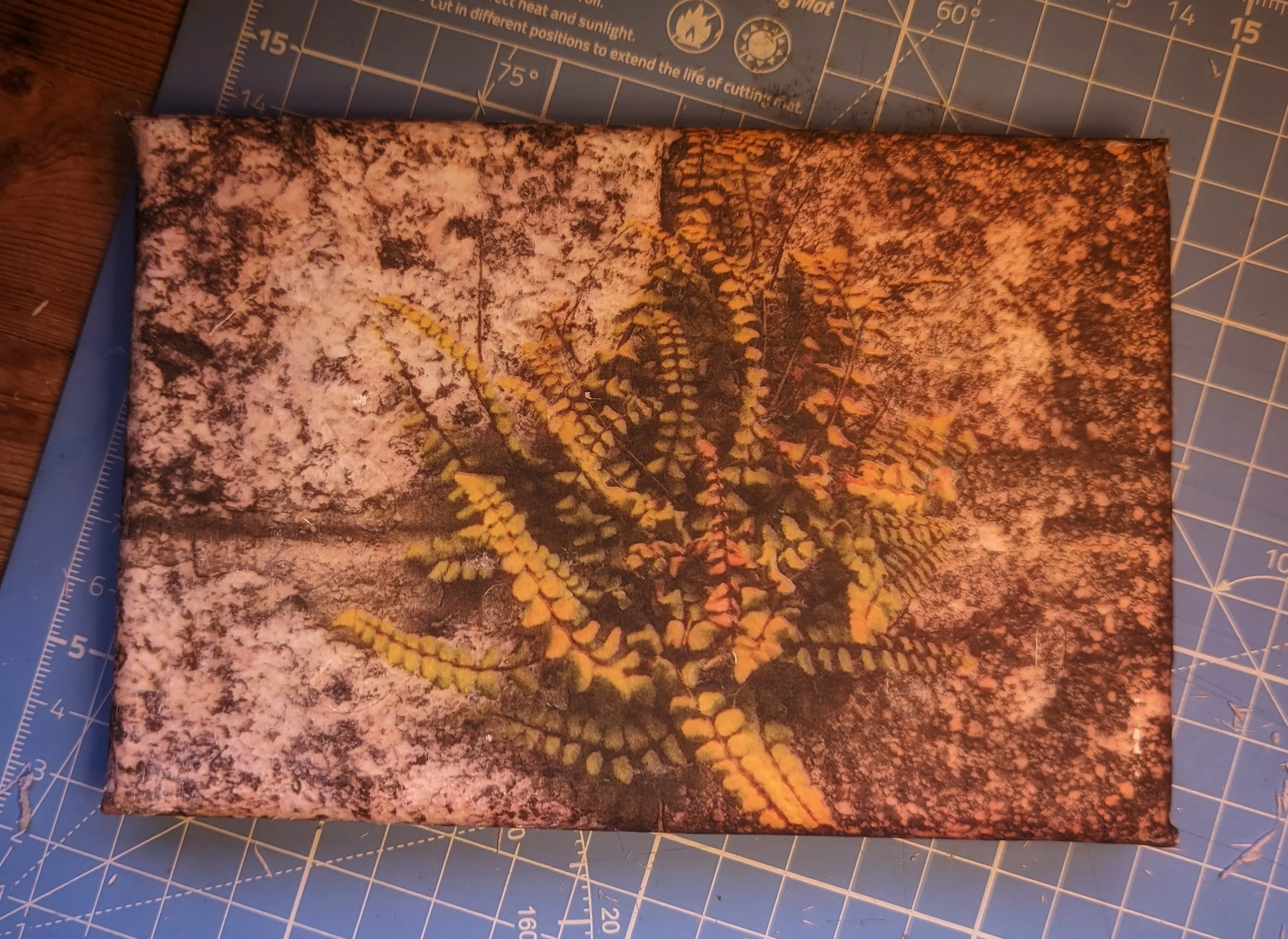
Once you are happy with the result, leave the canvas to dry again and get rid of
all the paper bits.
Closing thoughts
That’s it, I hope you enjoyed the process. In case you are more of a visual learner, you can find many videos covering the process online.
You’ll probably find that the finished canvas has a matte finish to it, because
of the thin paper film that remains. If you prefer a glossy finish or want
to add some protection to the photo, I’d recommend applying a top coat.
I’ll share some of my experience with different top coats in the final part of
this series.
For those of you wondering: This can also be used to transfer images onto other
types of material, like wood.
I would recommend painting a white top coat on the material beforehand, to
improve color accuracy. You will also want to sand it, to ensure the
glue sticks to it and doesn’t get loose.
As I’ve mentioned in part 1, this is only the first of three techniques that
I’ll cover in this series - so stay tuned for the upcoming parts.
Until then, have fun and keep decorating.