It's Canvas: Using Tattoo Paper
March 14, 2025Hiii - I’m back with part four of It’s Canvas, the multipart series,
where we explore different techniques you can use to transfer photos onto canvas.
As explained in the last part,
I decided to swap parts three and four for reasons that will become apparent soon.
If you are new to this series, I’d recommend starting at the beginning.
You can also find a list of all parts in the series overview.
This week, we’ll be using printable temporary tattoo paper.
As the name suggests, it is intendet to be used to print custom tattoos,
that can be temporarily applied to skin.
The Tattoo Paper set I bought comes with two types of paper.
The Decal Paper, which appears to be normal Waterslide Paper
(*hints at the last episode*).
And the Adhesive Sheet, which contains yet another thin plastic film.
From what I can tell, the two plastic films connect together to trap the ink
printed on top of the Decal paper. By peeling off the protective layer from the
adhesive sheet, you reveal the thin plastic layer, which sticks to your skin.
You then remove the paper backing by soaking it, like you would with normal
Waterslide Paper.
With this basic understanding of how the process works normally, let’s apply it to our canvas.
Requirements
- Inkjet Printer
- A4 printable Tattoo Paper (The type with two different sheets)
- A framed canvas (you can buy them at most arts and crafts stores)
- A picture to print out
- Water
Step 1: Printing out the image
To start off, load the Decal paper into your printer,
and make sure the empty side is facing the right way.
You should also ensure that your printer is able to print on thicker material.
I’m not responsible for any damage done to your printer.
If you are unsure as to how to properly size the image, you can follow the
Getting ready to print guide from part one.
Remember to flip the image in GIMP by selecting
Image > Transform > Flip horizontally from the top bar or enabling mirror printing.
After printing out the image, leave it to dry for about 10 to 30 minutes. Please don’t touch it to test if it is dry, as it might smear the ink, ruining the photo.
Step 2: Applying the adhesive sheet
Applying the adhesive sheet is very similar to how you would apply a screen protector.
Start by peeling off a tiny part of the corner section,
make sure to only remove the protective paper sheet and leave the plastic film connected
to the plastic backing.
Align the corner with the printed sheet.
You want the sides of the plastic film to be parallel to the printed paper,
as any offset will get worse as you move on.
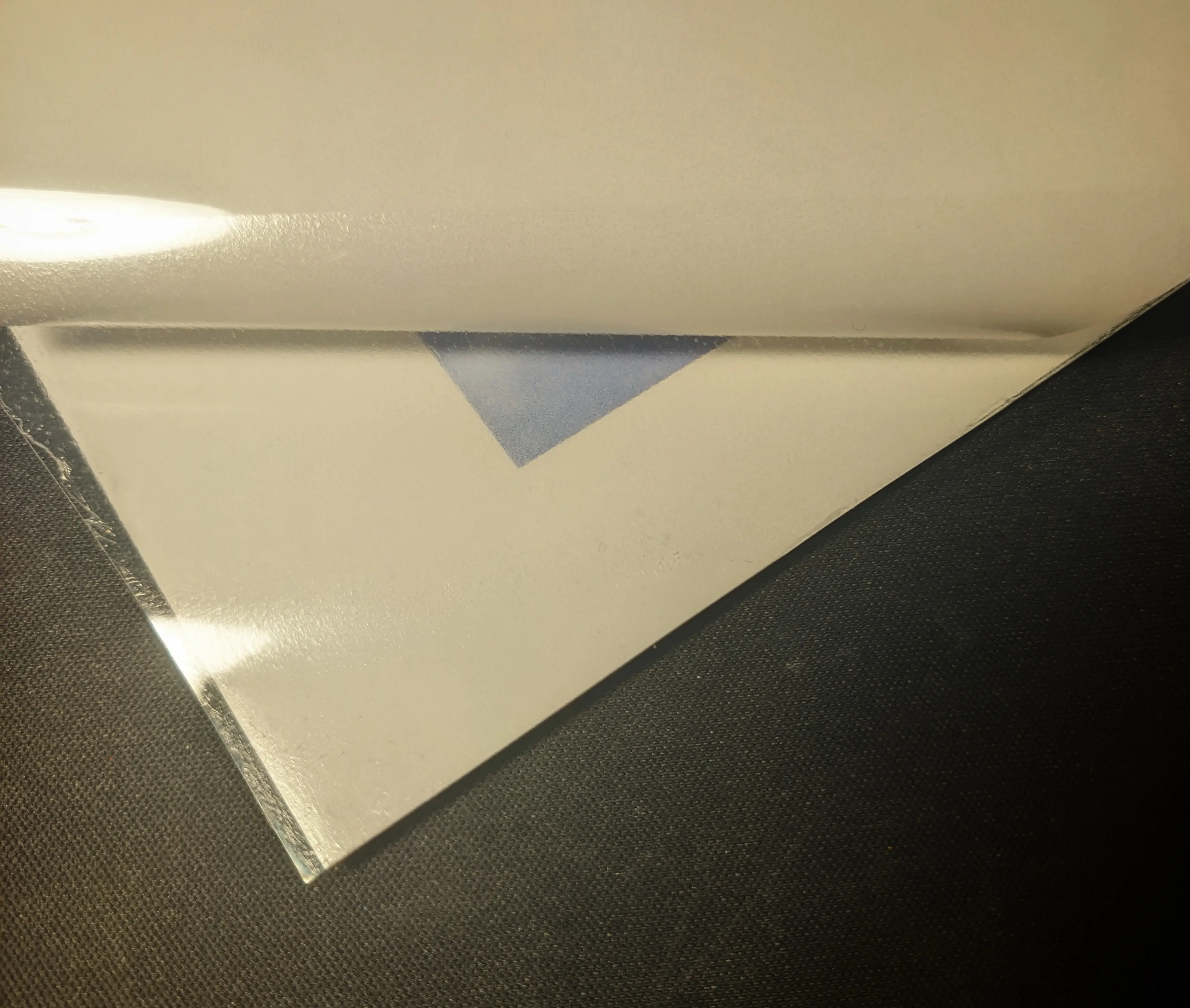
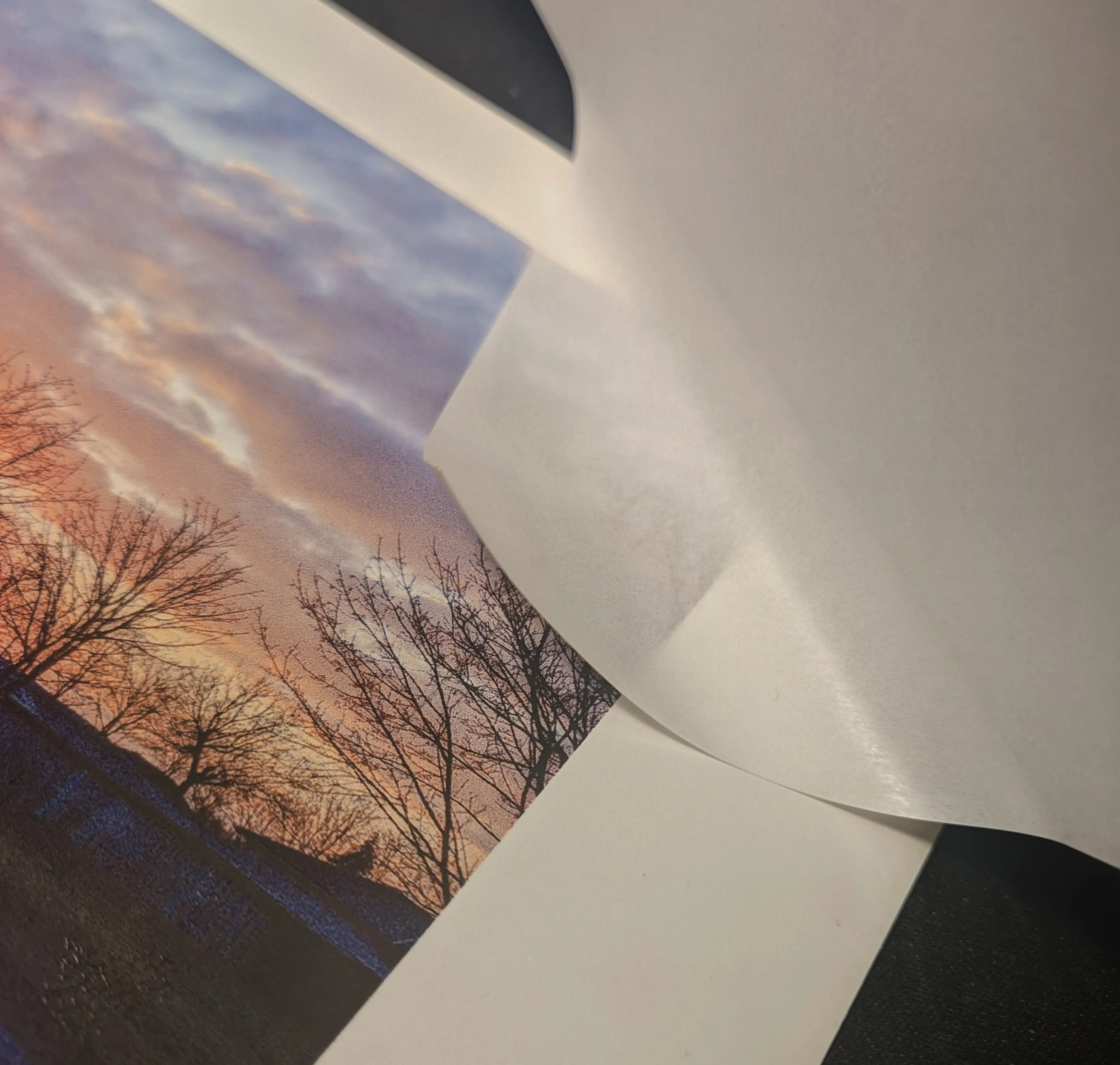
After aligning the corner, slowly start removing more and more of the protective paper sheet while constantly rubbing circles using a plastic card to adhere the sheet to the paper below.
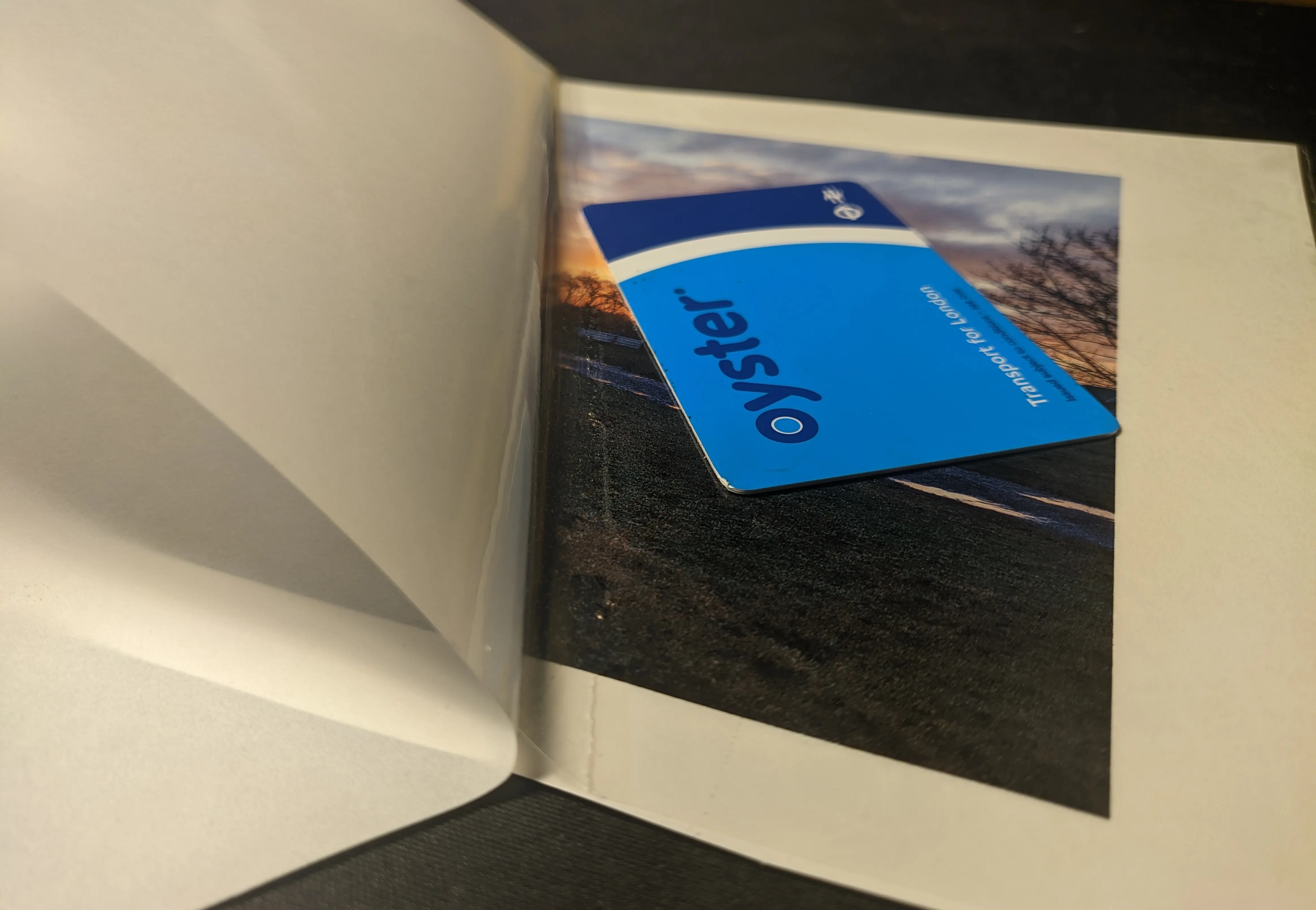
Once you have peeled off the entire protective sheet, rub over the entire piece to ensure everything is properly attached.
Lastly, cut out the image, leaving a 5 to 10 millimeter margin around it. This makes it easier to stick the film down onto the canvs and ensures that both plastic films stick to one another and won’t come apart.
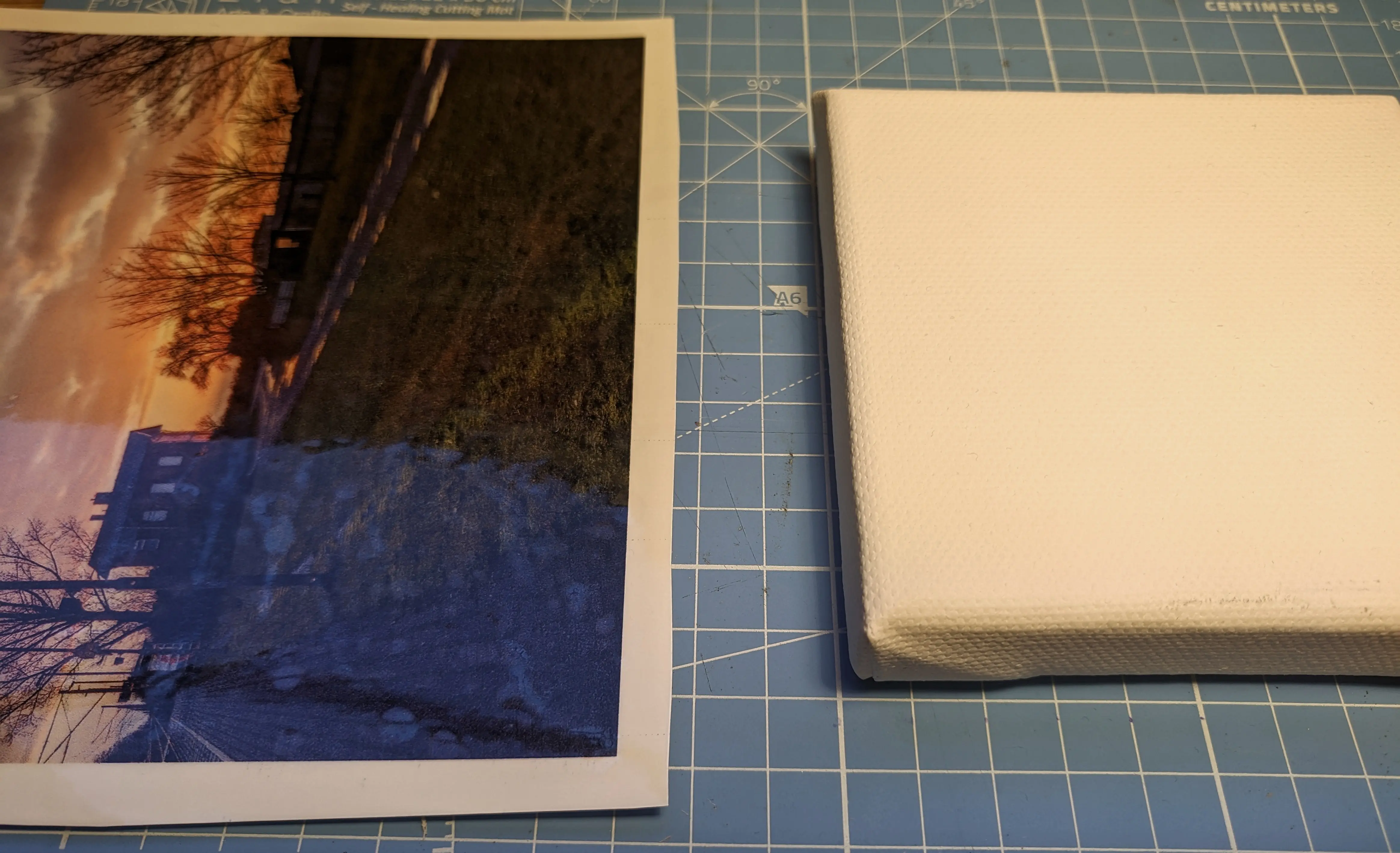
Step 3: Wrapping the canvas
At this point, you should be left with a single sheet, made up of the plastic protective sheet, one thin plastic film, the ink layer and the plastic film plus paper backing from the waterslide paper.
To begin application, carefully remove the plastic protective sheet,
without ripping off the layers below.
This should reveal a somewhat sticky plastic film.
(Don’t touch it, as it will stick to your fingers, ruining your work)
Place the sheet on a flat surface, with the sticky layer facing up.
Take the canvas and lower it with the front facing down (towards the sheet)
onto the middle of the sheet.
Make sure the canvas is properly aligned before placing it down,
as you only have one attempt.
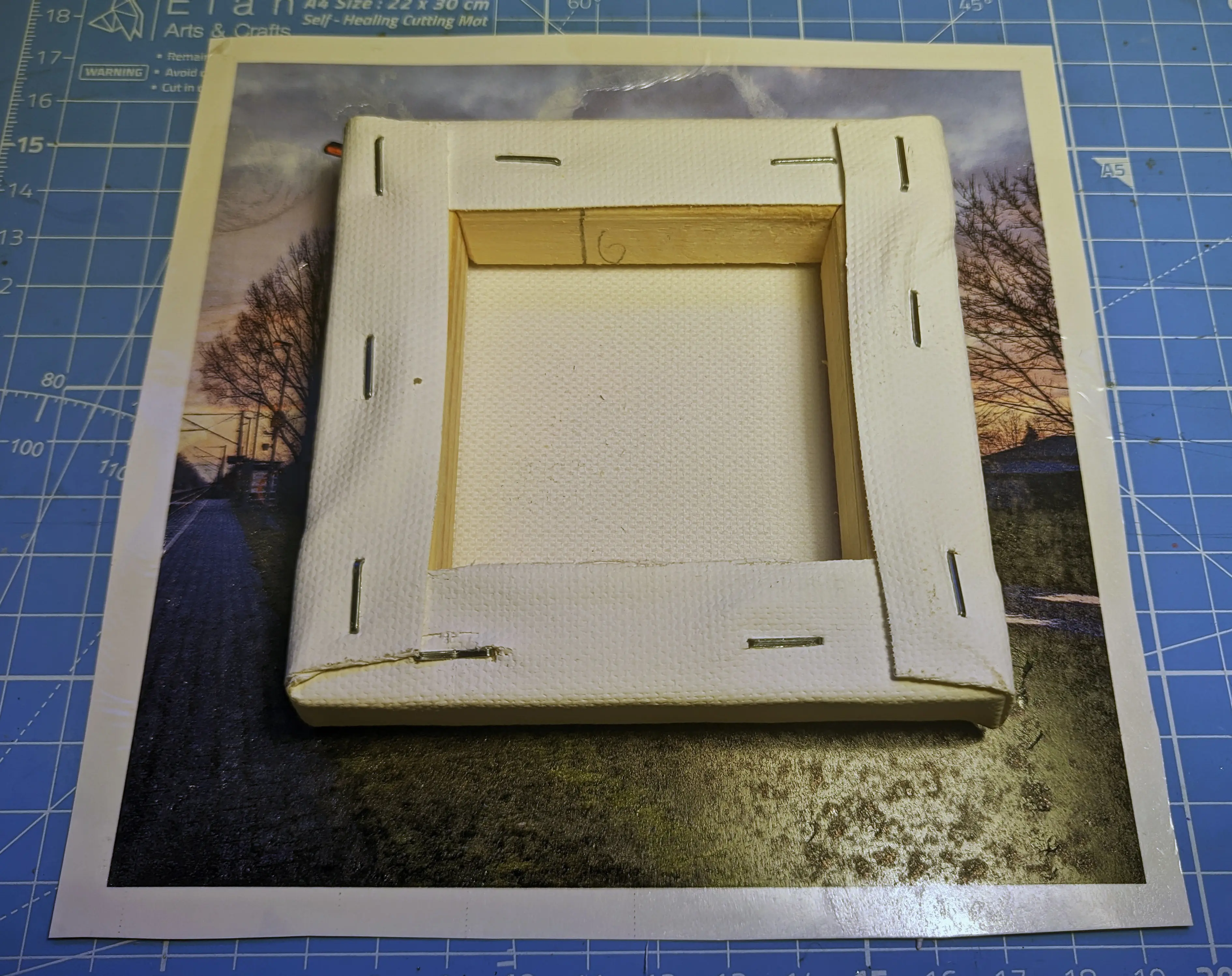
Because the plastic film is sticky, it sticks to the canvas,
allowing you to pick them up with one hand.
Use the other hand to wet the paper backing.
Once soaked, the sheet should become more flexible,
making it possible for you to fold the edges around the canvas.
Similar to the other techniques, you want to fold the excess material into flaps on the corners.
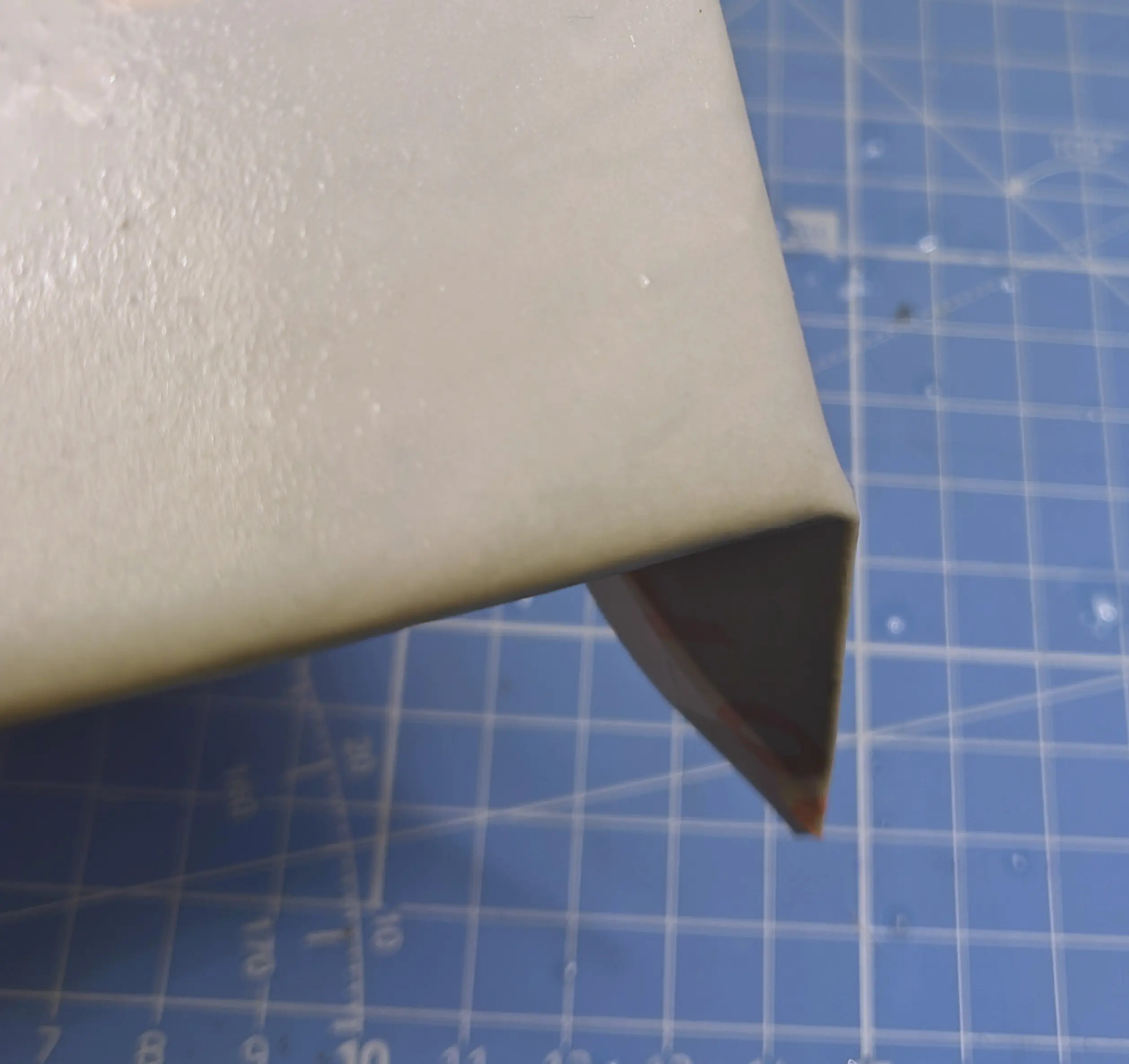
After you wrap the entire sheet around the canvas,
carefully run your finger over the edge of the paper backing to make sure the film underneath
is properly attached to the canvas.
Now you can start carefully removing the paper backing.
I found that it starts to come off where you formed the flaps earlier,
so I would recommend starting there and then slowly removing more and more.
You might have to add more water if the paper seems to be stuck.
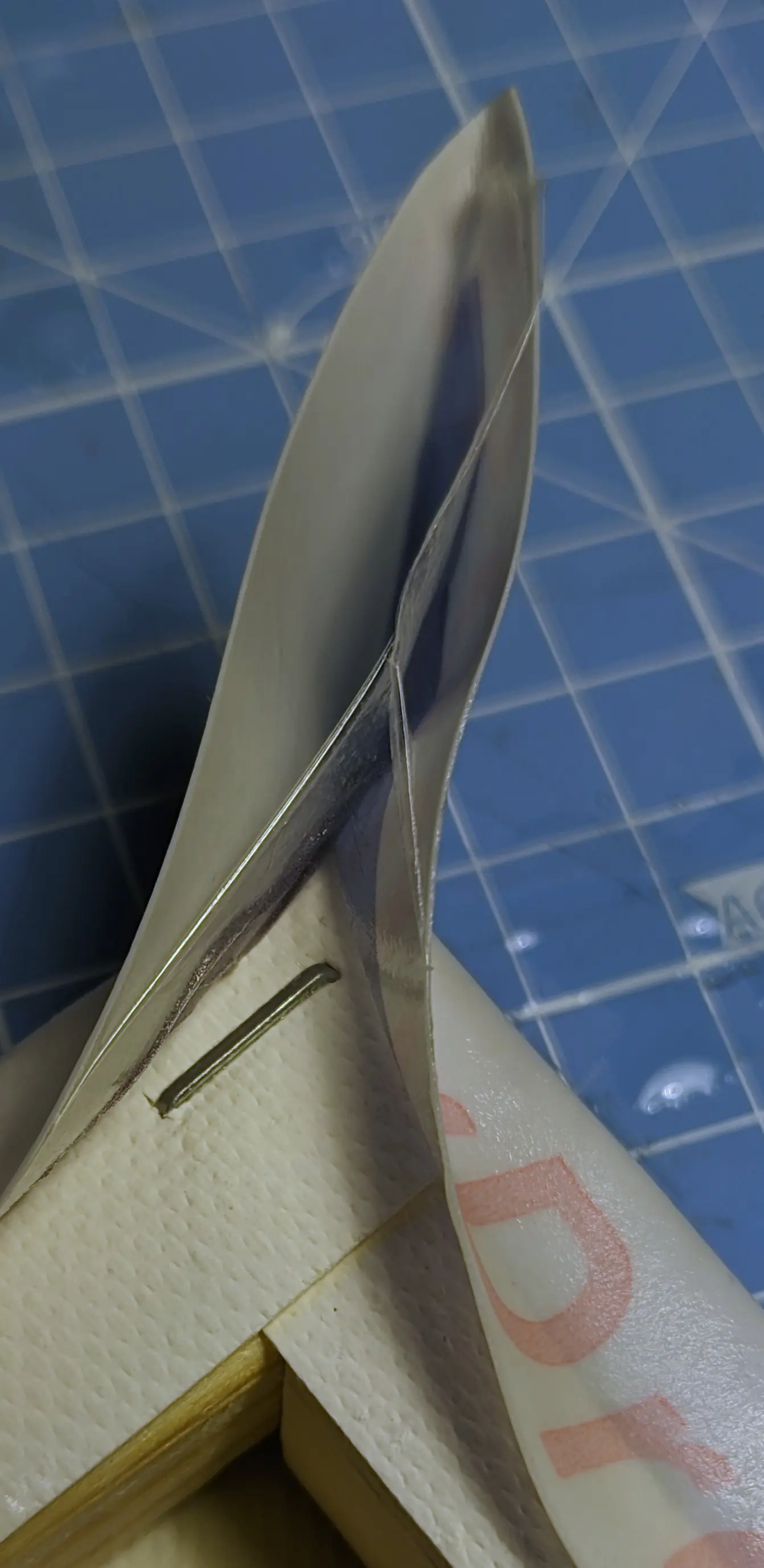
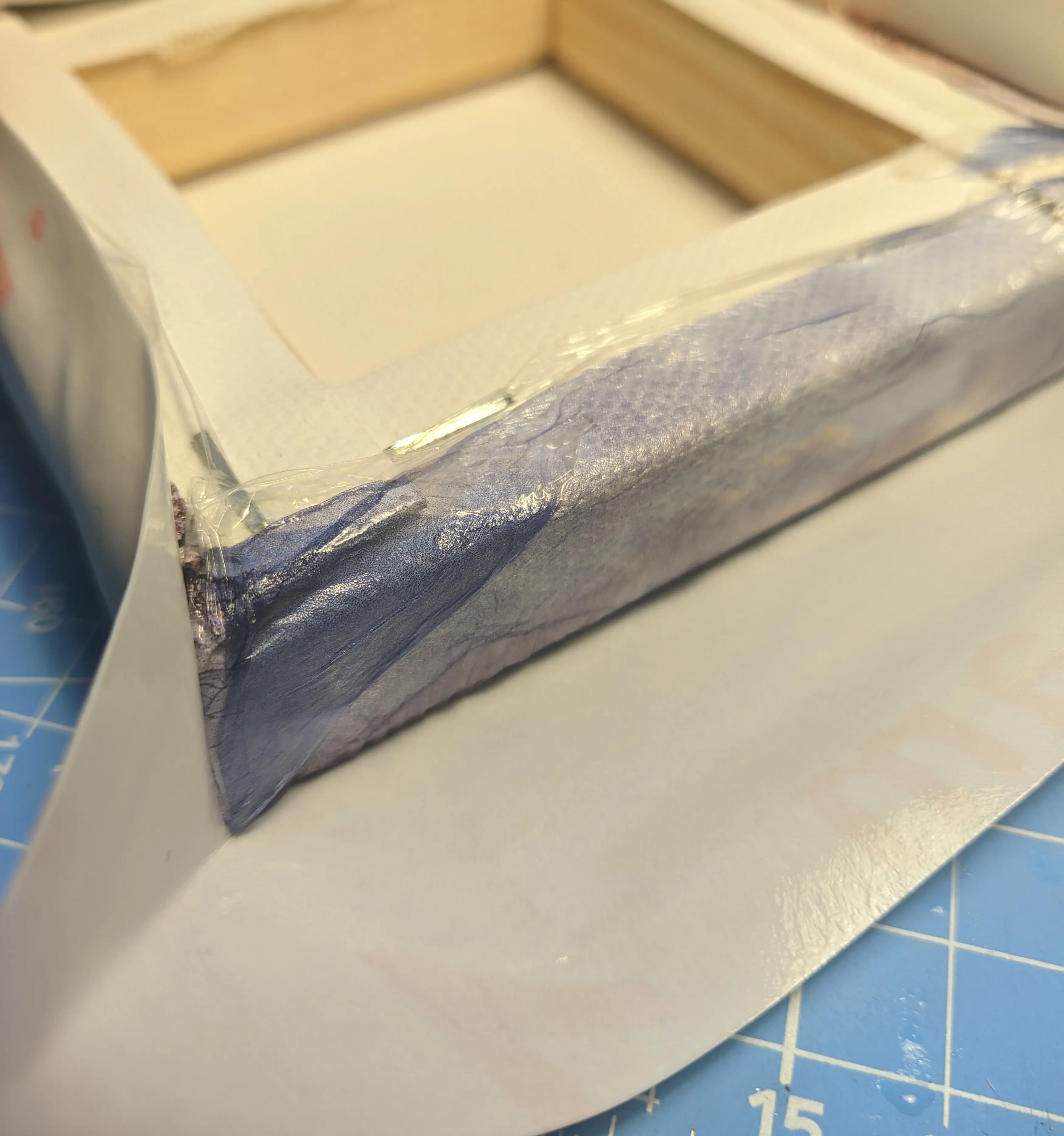
Once the paper backing is removed, you can use a wet finger to flatten out the plastic film.
(Using dry fingers would probably break or distort the plastic film, as they would get stuck)
You can also use this chance to flatten the flaps,
either wrapping them at an angle or trying to bundle them up into a straight line.
All that is left to do now is wait for the canvas to dry.
Closing thoughs
With your canvas nice and dry, you can finally hang it on a wall.
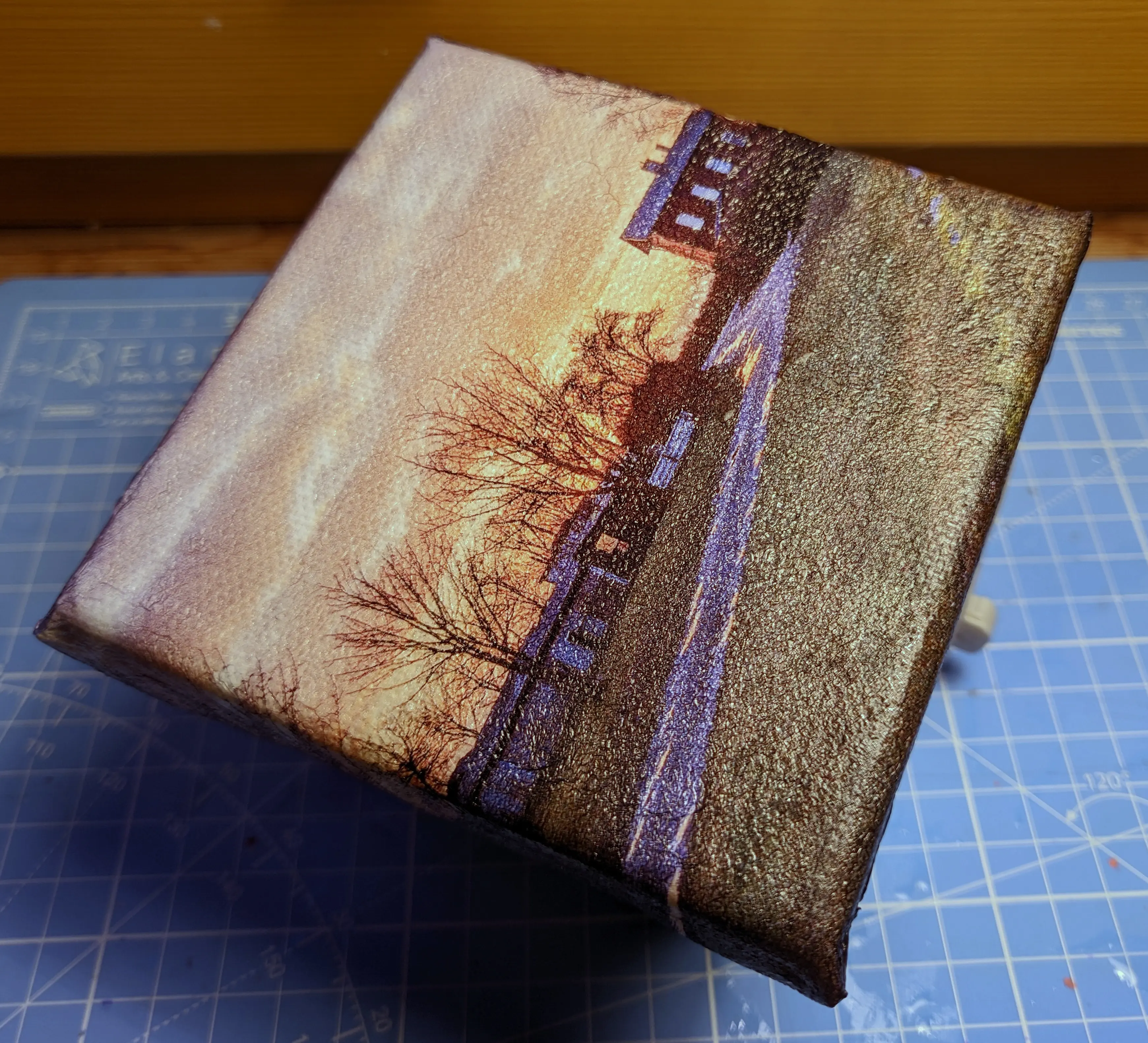
As you can see in the photo above, this technique also preserves the canvas pattern,
maybe even more so than the last technique, especially because it has no air pockets.
Something that might be a little bit more noticeable is that there are swirls,
where I stretched the plastic film too far.
You might also notice that the plastic film on the front might be a little sticky.
It will become less sticky over time as it dries.
However, I would still recommend applying a top coat, especially if you want to give the canvas away,
as it adds another layer of protection.
I’ll go into this a little deeper in the final part.
Hopefully, the last part won’t take as long to publish, but until then: Have fun decorating, and if somebody asks, it’s canvas.